
Text-driven sound generation
Describe a sound in text and let 2G generate audio that can be edited and played as a sample.

2G is a sampler instrument for Windows and macOS that turns text descriptions into sounds, edits samples, and plays them from a keyboard in an early-2000s mobile-phone style.
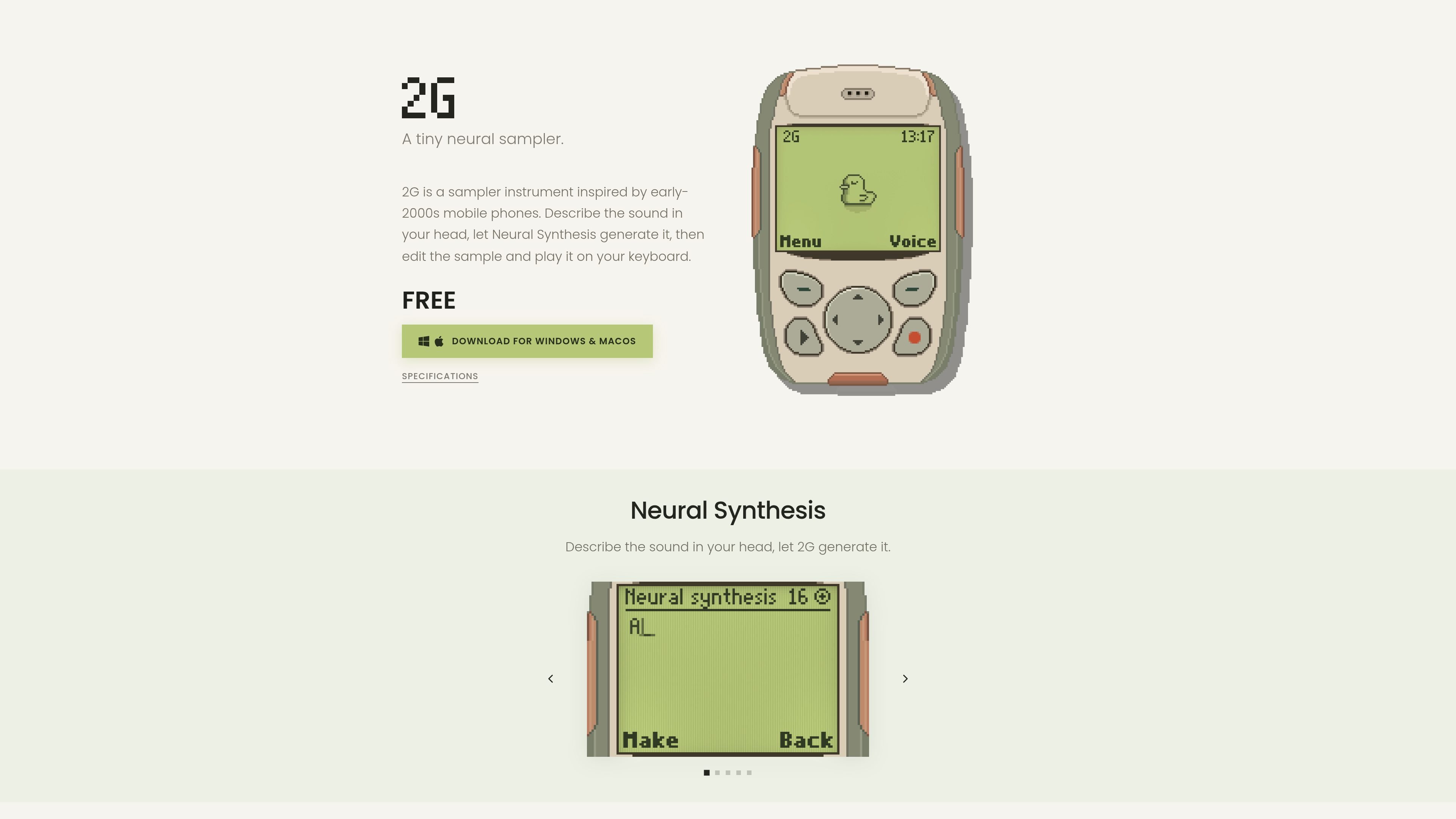
2G is a small sampler instrument from Scrap Brain Audio, inspired by early-2000s mobile phones. Its central workflow combines text-based Neural Synthesis with sample editing: describe a sound, generate it, adjust the result, and play it from a keyboard. It also accepts imported audio for users who want to work without generating new material.
The instrument is designed around a deliberately constrained handheld-phone character. Its 16 kHz mono mode, narrow-band speaker model, and four-voice shared physical model affect how sounds respond during playback, while loop and root-note analysis help turn short source files into playable sustained samples.
Describe a sound in text and let 2G generate audio that can be edited and played as a sample.
Analyzes timbre, volume, and vibrato to find suitable loop regions, smooths transitions with crossfade, and presents up to three candidates when available.
Measures pitch consistency across the sample, corrects detected fine-tuning differences during playback, and marks samples without a prominent pitch as unpitched.
Trim the sample and shape its response with Attack, Release, Brightness, Detune, Noise, Quality, and Formant controls.
Models the narrow frequency range, resonances, diaphragm excursion, and heat-related compression of a small mobile-device speaker. A switch can bypass the 16 kHz mono processing.
Includes VST3 and standalone versions on Windows, plus AU, VST3, and standalone versions on macOS.
Describe a one-shot or short musical sound in text, generate a starting point, then trim and shape it for a playable keyboard part.
Bring in a short WAV, AIFF, FLAC, or MP3 file, use root-note and loop analysis to prepare it, and play it without relying on the generation service.
Use the small-speaker simulation and 16 kHz mono mode to audition parts with a deliberately narrow, phone-like playback character.
Work entirely with saved generated sounds or local samples after generation, including offline editing and playback when internet access is unavailable.
2G can generate audio from text descriptions using Neural Synthesis. The generated result can then be edited and played as a sample inside the instrument.
Yes. You can import, edit, and play your own audio without generating anything. These operations do not use credits or require a Studio subscription.
2G imports WAV, AIFF, FLAC, and MP3 files up to 20 MB and 10 seconds in duration. The original source file remains untouched.
An internet connection is needed for Neural Synthesis and credit verification. Local samples can be played and edited offline.
Generated sounds are royalty-free for personal and commercial music, but they must not be repackaged or resold as standalone samples or libraries.

LALAL.AI is an AI audio processing platform for stem separation, voice cleanup, and voice transformation, with browser upload, preview, and download.

Kits AI is an AI music production platform for voice cloning, vocal generation, and vocal processing. Free plan, paid tiers, and Windows app.

ElevenMusic is a web-based music platform to discover tracks, remix music, and create original songs with prompt-led mood tags and account-based saving.

TME Studio is an online music creation assistant from Tencent Music Entertainment, supporting music separation, MIR computation, lyric writing, and smart scores.

Beatoven.ai is an AI music generator for original background music and sound effects for content projects, with API access for prompt-based audio generation.

CAMB.AI Streams dubs live audio in real time for YouTube, Twitch, X and other platforms, using existing live workflows and no post-production.