
Multiple starting inputs
Build a video from an idea, script, webpage, PDF, or uploaded assets, then let Visla shape the initial storyboard from that input.

Visla AI Director Mode is a storyboard-first workflow for creating consistent AI videos from scripts, webpages, PDFs, and other assets. It helps teams plan scenes, review visuals, and generate on-brand business videos with less rework.
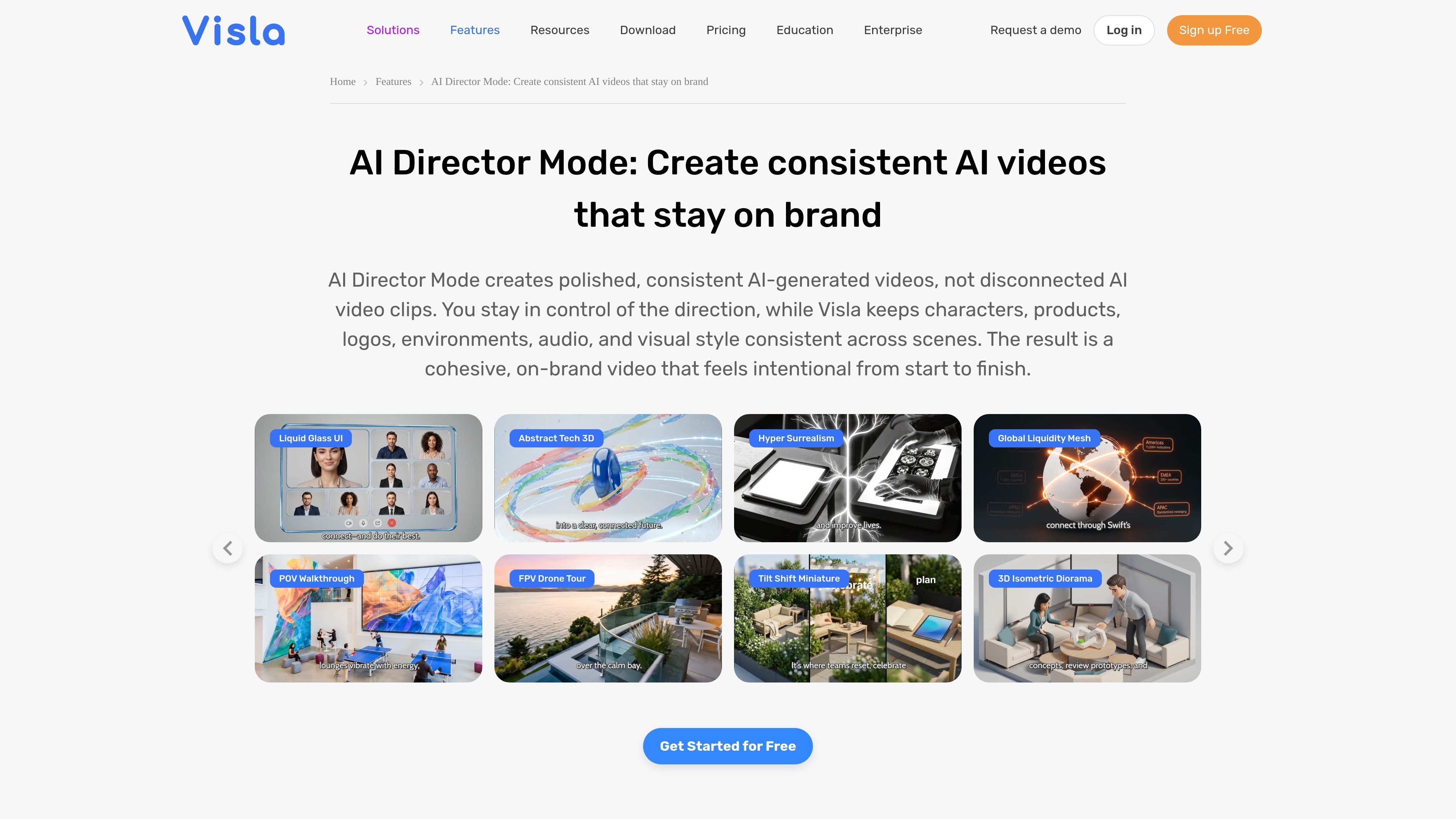
Visla AI Director Mode is a workflow for creating AI-generated videos around a storyboard instead of isolated clips. It starts from an idea, script, webpage, PDF, or uploaded assets, then helps plan the scenes, visuals, and narrative before video generation begins.
The product is built to keep key elements such as characters, products, logos, environments, audio, and visual style consistent across scenes. That makes it suited to on-brand business videos where teams want more control over the final result before they spend credits on clip generation.
Build a video from an idea, script, webpage, PDF, or uploaded assets, then let Visla shape the initial storyboard from that input.
Review suggested characters, products, logos, environments, and visual style before generation, with the option to edit, remove, or add elements.
See an AI-generated image and an editable prompt for each scene, then refine the direction before generating video clips.
Keep characters, products, logos, environments, audio, and visual style consistent from one scene to the next so the finished video feels cohesive.
Edit, export, and share the finished video for marketing, sales outreach, training, internal communications, and similar business uses.
Turn campaign briefs, landing pages, product images, and brand assets into cohesive launch or promotion videos without rebuilding the message from scratch.
Create outreach videos from a prospect pain point, follow-up message, or campaign idea, with the option to add a presenter or custom voiceover.
Convert SOPs, PDFs, and process documents into training videos that keep visuals and environments familiar across lessons.
Transform announcements, leadership notes, and internal documents into clearer updates with consistent branding and a defined call to action.
Use product notes, help docs, screenshots, and feature descriptions to explain changes and what they mean for users.
AI Director Mode is Visla’s workflow for creating consistent AI-generated videos. You can start from an idea, script, webpage, PDF, or uploaded assets, then review the storyboard and generate approved scenes.
It is designed to plan the full video first rather than generate disconnected clips. That means you can refine the story and visuals at the scene level before creating the final video.
The page says you can start with an idea, script, webpage, PDF, or uploaded assets, and it also mentions brand materials as input for shaping the story and scenes.
Yes. The product is described as keeping characters, products, logos, environments, visual style, and audio consistent across scenes, and it supports brand colors and logos.
The product page says a polished 2-minute AI Director Mode video can often be created in one business day or less, depending on scene complexity and editing needs.

艺映AI is a free AI video creation tool for generating video from text, images, or existing footage. It is positioned for short-form social content, promotional clips, and stylized AI video projects.

Coursebox AI Training Video Generator creates training videos from scripts, slides, or avatar-based setups. It is aimed at course authors and teams that want to produce training content without filming equipment or manual editing.

VIDEOAI.ME is an AI video generator for making spokesperson-style videos, ads, explainers, and social content from a script. It is aimed at founders, marketers, agencies, and creators who want to produce videos without filming.

Official HeyGen API documentation for building AI avatar videos, translations, lipsync, and interactive video-agent sessions. It supports direct API use plus MCP and CLI-style workflows for developers and AI agents.

TapNow is a web-based AI visual creation platform for businesses, creators, and teams with image and video generation, editing, planning, and collaboration tools.

讯飞绘镜 (iFlytek Huijing) is an AI video creation platform that transforms creative ideas into scripts, storyboard images, and dynamic videos quickly and efficiently.