
Cross-platform access
Claude is available on the web, iOS, Android, and desktop, so users can move between devices while continuing the same assistant workflow.

Claude is Anthropic’s AI assistant for problem solving, available on web, iOS, Android, and desktop. It supports writing, coding, research, and team workflows with free and paid plans.
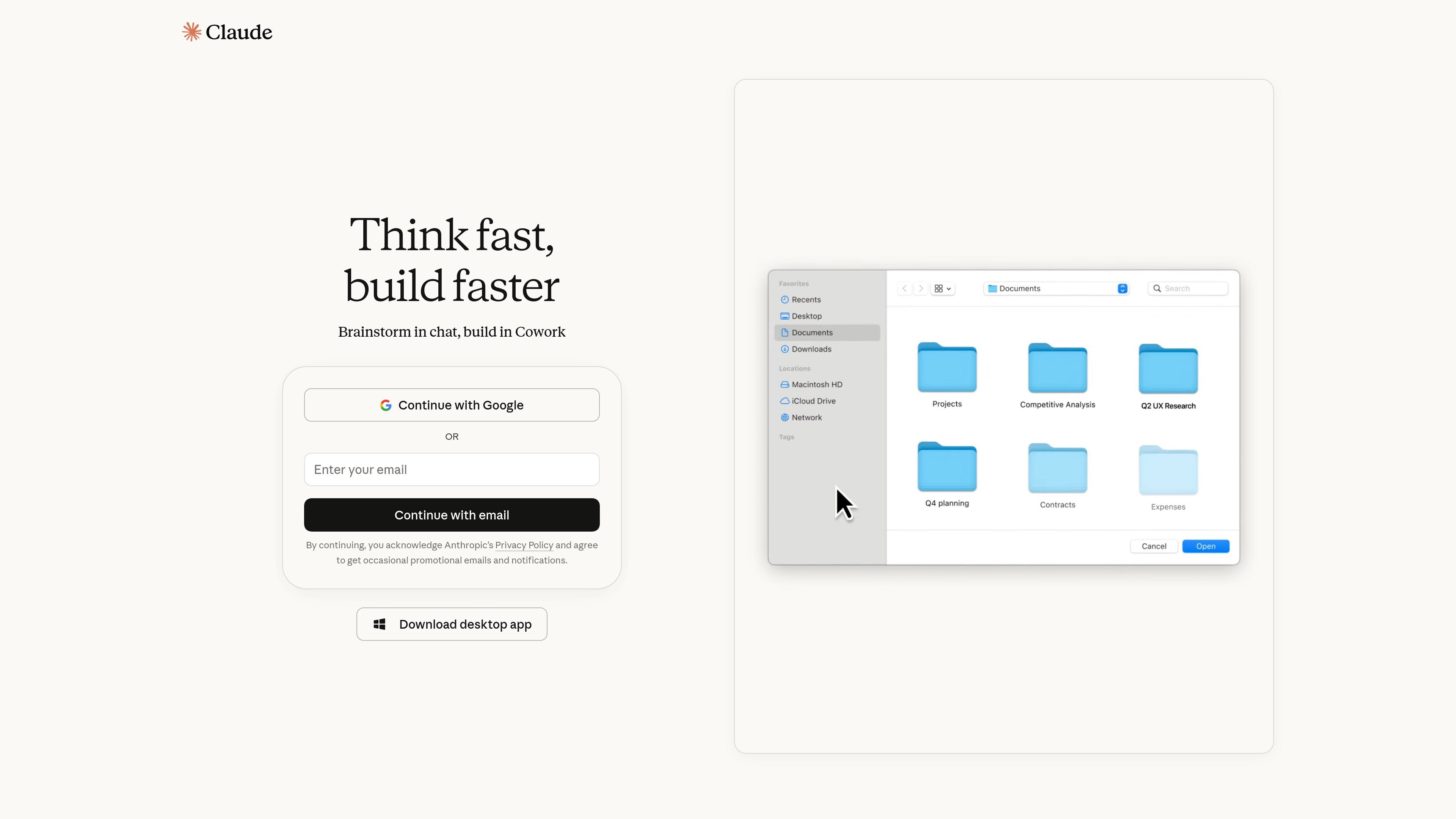
Claude is Anthropic’s AI assistant for problem solvers. The product page positions it as a chat-based tool for brainstorming, writing, coding, and tackling complex work across web, desktop, and mobile apps.
The pricing page shows Claude is offered in Free, Pro, Max, Team, Enterprise, and API offerings. Higher tiers add more usage, research, code execution, collaboration and design workflows, connectors, and organization-level controls for teams that need shared access and administration.
Claude is available on the web, iOS, Android, and desktop, so users can move between devices while continuing the same assistant workflow.
The product supports chatting, brainstorming, writing, editing, creating content, and generating code, making it useful for both general and technical work.
Claude can search the web, use memory across conversations, create files, and execute code, which extends it beyond simple chat responses.
Paid tiers add Claude Code, Claude Cowork, and Claude Design, indicating specialized workflows for coding, collaboration, and design tasks.
Claude can connect to Slack and Google Workspace services, and the pricing page also mentions connectors with remote MCP and options for Microsoft 365 and Outlook on higher tiers.
Team and Enterprise plans add administration controls such as SSO, domain capture, SCIM, audit logs, usage analytics, and custom data retention controls.
Use Claude to draft copy, rewrite text, and organize ideas when you need a writing assistant that can work from a simple chat interface.
Use Claude for coding tasks, file creation, code execution, and other technical problem-solving work when you want help moving from idea to implementation.
Use Claude for researching a topic, searching the web, and combining information from multiple sources into a usable response.
Use Team or Enterprise plans when you need shared access, admin controls, SSO, and organization-wide settings for a group.
Use Claude with connectors such as Slack, Google Workspace, Microsoft 365, or Outlook when your work depends on existing workspace content and communication tools.
Claude offers a free tier, paid individual plans, Team and Enterprise plans, plus API pricing for developers. The pricing page also shows access to Claude on the web, iOS, Android, and desktop, with more advanced capabilities appearing in higher tiers.
The pricing page shows Claude can be used for chat on web, iOS, Android, and desktop. Paid plans add capabilities such as more usage, Research, Claude Code, Claude Cowork, Claude Design, and connectors for services like Slack and Google Workspace.
Yes. The pricing page lists Team and Enterprise options, along with features for administration, access control, billing, and organization-wide deployment.
The source highlights limitations through usage limits on plans and notes that prices and plans are subject to change. Some features and higher usage levels are only available on paid tiers.

Redline is a budgeting tool for Claude Code that paces sessions by time, tokens, cost, or plan percentage, helping them end with a usable result.

Claude Overlay is a Windows desktop overlay for Claude Code that reads your screen, so you can ask questions, inspect content, and request edits without leaving the app. Uses your existing Claude subscription via Claude CLI.

Macuse is a macOS app that lets AI assistants control native Mac apps through MCP and use Computer Use for any app, with on-device automation.

ByteAsk is a terminal-first AI coding agent for C and C++ that edits repos and verifies changes with compilers, debuggers, sanitizers, and tests.

Goldfish is an AI memory app for macOS that helps you reply, write, summarize, and continue with context already on your Mac. It stores memory locally and writes in your tone.

MeetStream is a meeting bot API for Zoom, Google Meet, Microsoft Teams, and Webex. Record, stream, and analyze meetings with usage-based pricing and $5 free credit.