
One-shot code search
Atelier provides one-shot code search over a tree-sitter symbol graph, returning the likely files, symbols, and exact ranges in a single call instead of forcing repeated grep-and-read loops.

Atelier Runtime is a local-first runtime for coding agents, helping Claude Code-style workflows find code faster and keep context under control. Free, Pro and Enterprise options available.
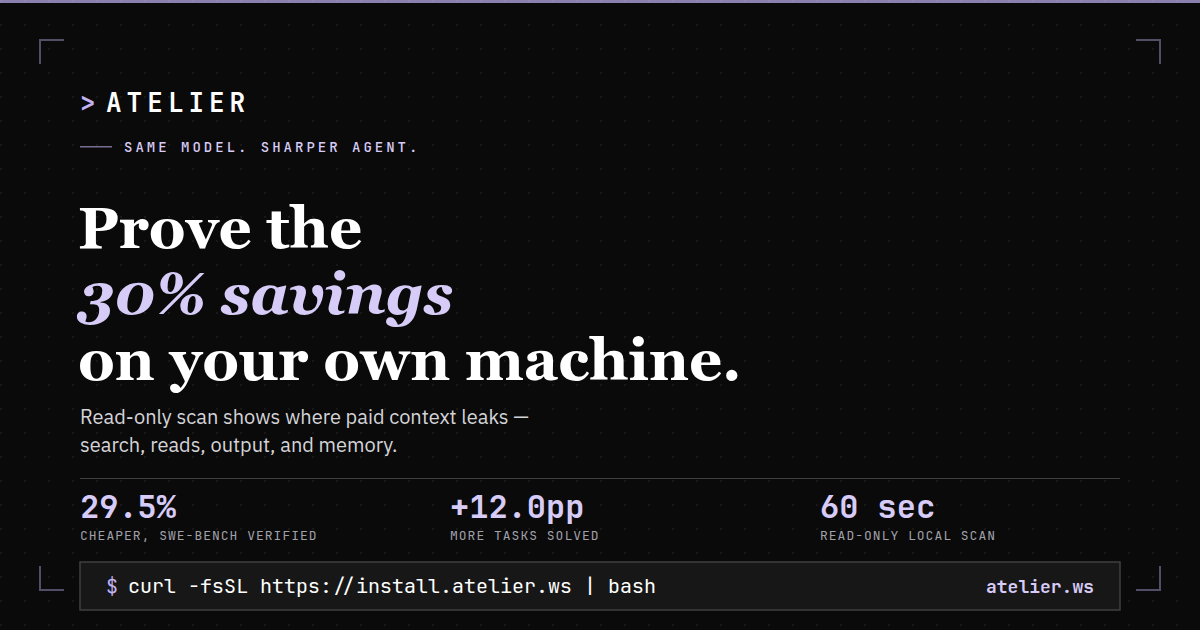
Atelier Runtime is a local developer runtime for Claude Code and other agent hosts that changes how the agent searches, reads, edits, and keeps context. Its main job is to make code exploration more direct by returning the right files and exact ranges in one turn, rather than sending the model through repeated search-and-read steps.
The site positions Atelier as an open-core, local-first tool that runs on the user’s machine alongside Claude Code, Codex, Cursor, and other MCP-compatible hosts. The pricing page says the Free plan includes the grounded loop for code search, read, bash, and verified edits, while Pro adds large-repo indexing, cross-session memory, savings controls, and model routing.
Atelier provides one-shot code search over a tree-sitter symbol graph, returning the likely files, symbols, and exact ranges in a single call instead of forcing repeated grep-and-read loops.
Read calls can return outlines or exact line ranges rather than full-file dumps, so the agent can keep only the relevant source in view.
Edit operations are verified and can handle cross-file changes in one call, rather than requiring per-file patch-and-create guesses.
Bash output is structured and capped, with overflow sent to a recoverable spill store so noisy logs do not consume the context window.
Session memory and carry-forward context preserve useful project facts across turns, reducing repeated rediscovery during longer sessions.
The pricing page says Pro adds large-repo indexing, model routing, and cross-session memory for larger codebases and repeated work.
Use Atelier when an agent needs to locate the relevant symbols and file ranges quickly instead of scanning broad file contents and retrying search queries.
Use it during bug fixing or test debugging when the goal is to keep the agent focused on the failing logic, related callers, and a compact explanation of the cause.
Use the verified edit flow when a change spans multiple files and you want the runtime to validate the edit instead of guessing at a patch sequence.
Use the structured bash path when build or test logs are noisy and you want summarized output that does not overwhelm the context window.
Use Pro or Enterprise features when you are working in larger repositories, across multiple worktrees, or with shared team context and governance needs.
Yes. The Free plan is described as the full local runtime, with the grounded loop for code search, read, bash, and verified edits. The pricing page says there is no usage cap and no crippled trial.
Only for sign-in and periodic plan checks. The pricing page says the plan is cached locally for six hours, so normal operation does not require constant cloud access.
Atelier tracks tokens, tool calls, context carry, and cost per run, then lets you apply policies to reduce waste. The pricing page also says it shows a full breakdown of what each session cost and saved.
The pricing page lists Claude Code, Codex, Copilot, Cursor, opencode, Hermes Agent, LangChain, the OpenAI SDK, Gemini ADK, and any MCP-compatible host.
Yes. The pricing page says you can cancel any subscription anytime, and access continues through the current paid period before Pro features fall back to Free.

ByteAsk is a terminal-first AI coding agent for C and C++ that edits repos and verifies changes with compilers, debuggers, sanitizers, and tests.

Ghost is a terminal-based AI assistant for chatting, code generation, and CLI tasks. Includes free models, supports Linux, macOS, Windows, and is open source.

CreateOS Sandbox is an isolated compute environment for running code and agent workloads in Firecracker micro-VMs with private networking and SDK, CLI, or MCP control.

hob is an independent workspace for coding agents, with local control over sessions, terminals, history, routing, and follow-up work.

Manta AI is an autonomous web app testing tool that maps app behavior, catches regressions, and generates tests from a URL, no scripts or selectors needed.

SonOf connects to your repo and PM tool, audits your codebase, and turns approved work into shipped tickets with senior engineering review.