
Free models out of the box
Ghost comes pre-wired to free providers, so users can start chatting without entering a subscription, credit card, or API key.

Ghost is a terminal-based AI assistant for chatting, code generation, and CLI tasks. Includes free models, supports Linux, macOS, Windows, and is open source.
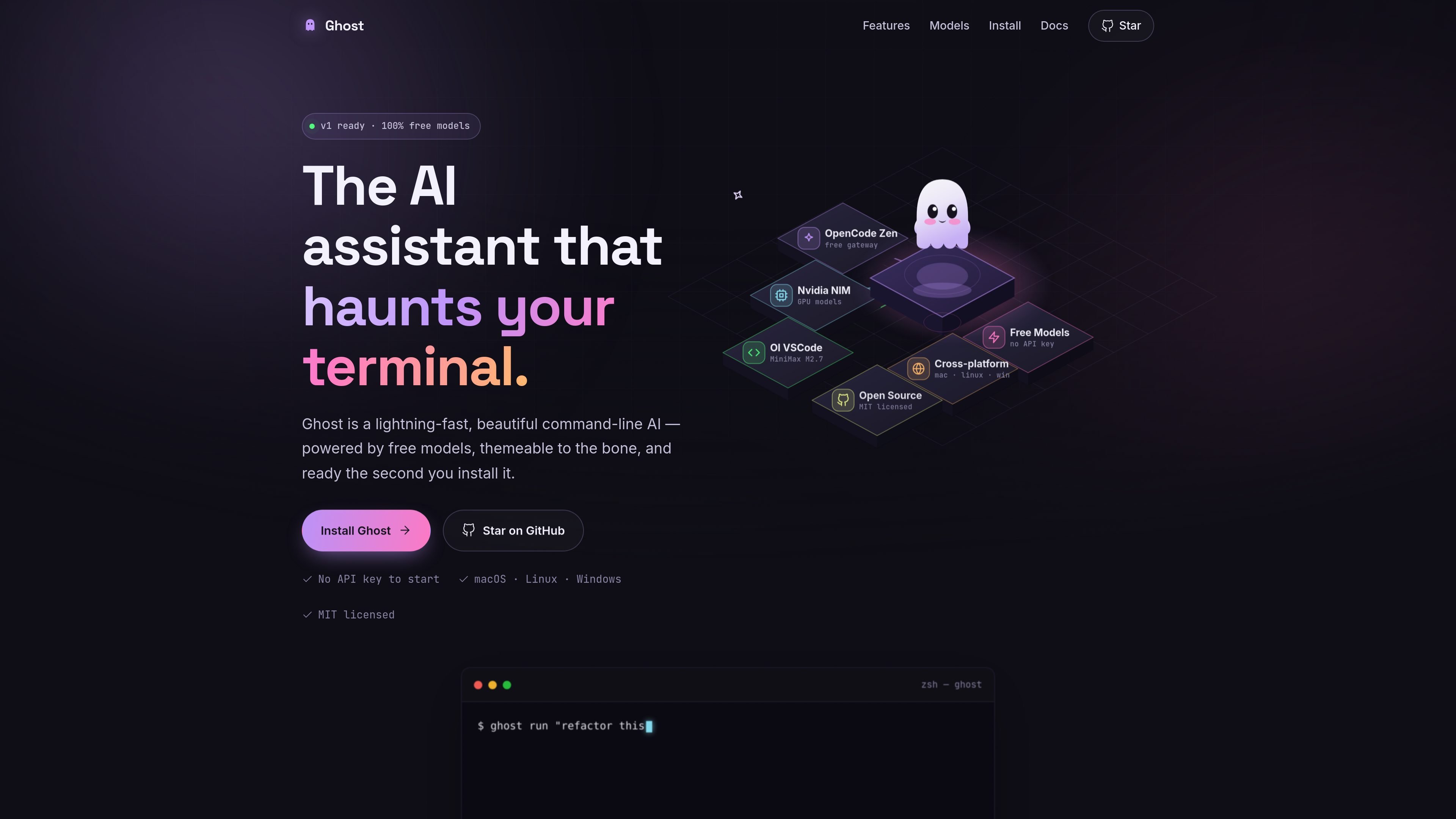
Ghost is a terminal-based AI assistant built to help users chat, generate code, and run tasks without leaving the command line. It ships pre-configured with free model providers, so it is usable immediately after installation and does not require an API key to begin.
The product is positioned as a fast, themeable command-line tool rather than a hosted service. It is distributed as a single binary, works on Linux, macOS, and Windows, and is open source under the MIT license.
Ghost comes pre-wired to free providers, so users can start chatting without entering a subscription, credit card, or API key.
The app is delivered as a single native Go binary, which keeps startup simple and avoids runtime dependencies.
Ghost uses a local cache for its provider and model list, with a built-in fallback list, so it can launch quickly after installation.
The interface is a terminal UI with theme support; Dracula ships by default and can be switched at any time.
Ghost supports Linux, macOS, and Windows on amd64 and arm64, making it usable across common developer machines.
Users can add their own keys to access providers such as Nvidia NIM, Gemini, Groq, Cerebras, Copilot, and OpenRouter through the Catwalk registry.
Open Ghost in a shell session to ask coding questions, draft snippets, or generate commands without switching to a browser-based chat app.
Use Ghost while editing or reviewing code to generate starting points and iterate on implementation directly from the command line.
Launch Ghost for operational work where command execution and session continuity matter, then resume a prior session as needed.
Switch to a free model immediately after install when you want to try the tool without setting up accounts or keys.
Connect your own provider keys when your preferred model is not one of the bundled free options and you want access to additional services.
Ghost is installed as a single binary. The docs describe three installation paths: a macOS/Linux one-liner that downloads the latest release, manual downloads from the Releases page for Windows, macOS, and Linux, or building from source with Go 1.26 or newer.
Yes. The introduction and installation docs say Ghost works on Linux, macOS, and Windows, and the homepage notes support for amd64 and arm64.
No. The homepage and docs both state that free providers are available immediately and that no API key is required to start chatting.
Ghost is a terminal-based AI assistant for chatting, generating code, and running tasks. The docs also mention command execution, session resume, provider selection, and theme switching.
The source does not show a pricing page with plans. The homepage instead presents Ghost as free, open source, and powered by free models.

ByteAsk is a terminal-first AI coding agent for C and C++ that edits repos and verifies changes with compilers, debuggers, sanitizers, and tests.

Vi3ecode is a maintained development environment for AI coding agents, keeping project context, terminal, Git, memory, flows and review connected.

Lucid Train is a local-first AI coding harness that turns repo code into architecture diagrams for coding agents. Desktop app and Rust CLI, local models or API keys.

CreateOS Sandbox is an isolated compute environment for running code and agent workloads in Firecracker micro-VMs with private networking and SDK, CLI, or MCP control.

hob is an independent workspace for coding agents, with local control over sessions, terminals, history, routing, and follow-up work.

Manta AI is an autonomous web app testing tool that maps app behavior, catches regressions, and generates tests from a URL, no scripts or selectors needed.