

Better i18n
Better i18n is AI-powered translation management with in-context review, glossary enforcement, and Git + global CDN sync for faster team localization.
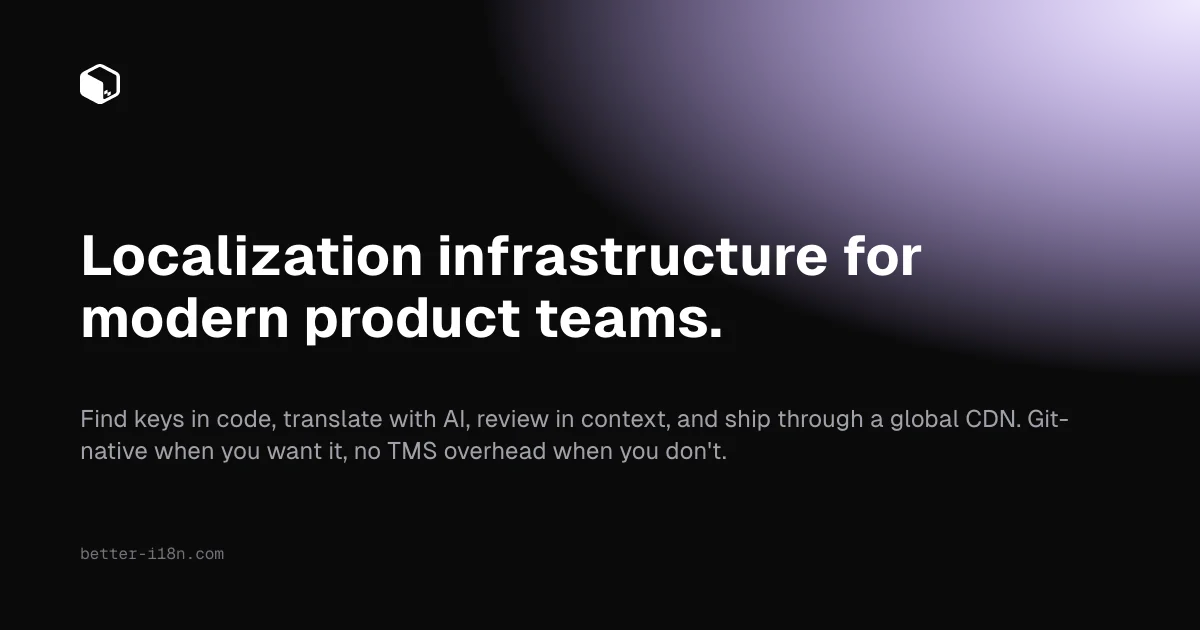
What is Better i18n?
Better i18n is an AI-powered localization management tool for product teams that need to translate apps in a Git-based workflow. It combines context-aware AI translation with a review dashboard and an automated process for shipping translated content to both a repository (as pull requests) and a global CDN.
The core purpose of Better i18n is to keep translation keys, glossary terms, and deployed language artifacts in sync with your codebase—without requiring manual export/import cycles. It supports starting localization directly from code keys, extracting terminology from your product URL, and integrating localization into CI/CD and common frontend frameworks.
Key Features
- AI translation in-context via chat: Translate keys using an AI chat workflow, with suggestions that consider project terminology and context rather than relying only on generic phrasing.
- Glossary support with matching/enforcement: Maintain a glossary and have the AI respect it, reducing the likelihood of inconsistent translations for brand or domain-specific terms.
- Git-backed sync and pull requests: Update translations back to your repository as clean pull requests, fitting into existing Git review flows for developers and translators.
- CDN artifacts publishing workflow: Ship translated artifacts to a global CDN, including an automated workflow that queues and prepares CDN artifacts for deployment.
- Context-aware review dashboard and activity log: Manage translation progress in one dashboard and review in context, with an activity log for sync and CDN setup steps.
- Type-safe i18n SDKs (TypeScript): Use SDKs with full TypeScript support and autocompletion for translation keys, aiming to catch missing keys at build time.
- CLI tools and CI/CD integration: Scan repositories for missing/unused/inconsistent keys, and integrate via terminal workflows and GitHub Actions for automated synchronization.
- Framework integrations: Designed for internationalization workflows across React, Next.js, Vue, Nuxt, Angular, and Svelte (plus additional references such as iOS/Swift, Flutter, and server SDK/content SDK mentions in the site content).
How to Use Better i18n
- Start with your codebase keys: Use the workflow to identify translation keys in your project and select which keys/languages need translation.
- Provide or build terminology: If you have a product URL, use the engine to extract a terminology tree and sync terms with your project glossary.
- Translate with AI and review: Use the AI chat to translate keys, then review translations in context using the dashboard (with glossary enforcement).
- Sync back to Git and/or publish to CDN: Push changes back to your repository as pull requests or publish updated translation artifacts to the global CDN through the automated workflow.
- Automate with CLI/CI: Use i18n Doctor–style reporting and repository scanning to find missing/unused/inconsistent keys, and wire synchronization into CI/CD (including GitHub Actions) for ongoing maintenance.
Use Cases
- Keeping translations aligned across releases: When you update UI strings or add new translation keys, Better i18n can generate updated translations and sync them via pull requests and CDN artifacts so multiple languages stay consistent.
- Glossary-driven translation for brand consistency: For teams that have domain-specific terminology (e.g., product names, feature labels, error messages), glossary matching helps ensure the AI uses preferred terms during translation.
- Workflow for translators who need context: Translators can review AI-assisted suggestions in the dashboard “in context,” reducing the chance of mismatches between how a string is used and how it’s translated.
- Preventing localization drift in active repositories: Use CLI/CI scanning and reports to detect missing, unused, or inconsistent translation keys as the codebase evolves.
- Optimizing delivery of localized content: Publish translation artifacts to a global CDN and use automated cache invalidation behavior (as described on the site) to make updated languages available without redeploy cycles.
FAQ
-
How does Better i18n handle terminology and glossary terms? The site describes glossary matching and glossary enforcement, where AI respects the glossary and avoids generic translations for terms where brand/domain accuracy matters.
-
Does Better i18n integrate with Git workflows? Yes. It supports two-way Git integration and can ship translation updates back to your repository as pull requests.
-
Can translations be published without redeploying the application? The site specifically mentions that CDN publish can make translations go live instantly without redeploys, using automated publishing of CDN artifacts.
-
Does Better i18n work with modern frontend frameworks? The page lists integration with React, Next.js, Vue, Nuxt, Angular, and Svelte.
-
Is there tooling to detect translation issues over time? Yes. The site mentions i18n Doctor reports for missing, unused, and inconsistent keys, and CLI/code scanning to catch localization drift.
Alternatives
- Crowd-sourced or TMS-style localization platforms: Traditional TMS tools focus on managing translations and workflows, typically with their own UI and export/import processes; Better i18n emphasizes a Git-native workflow and AI-assisted translation in context.
- Translation memory and workflow tools: Tools centered on translation memory and human processes may require more manual coordination to keep keys and deployed artifacts in sync; Better i18n’s Git/CDN automation targets synchronization.
- Custom i18n + internal scripts: Teams may build their own pipeline to extract keys, run translation jobs, and deploy artifacts. This can be flexible but usually requires more engineering to maintain consistent glossary handling and repository/CDN sync.
- CI-driven localization checks: Some solutions focus primarily on linting/validation of i18n key usage. These can complement Better i18n, but they don’t provide the AI translation and publishing workflow described on the Better i18n page.
Alternatives

Band
Band is an enterprise-grade shared interaction layer for real-time human + multi-agent collaboration, with built-in governance and context synchronization.

Biji
Biji is a versatile platform designed to enhance productivity through innovative tools and features.

Codex Plugins
Use Codex Plugins to bundle skills, app integrations, and MCP servers into reusable workflows—extending Codex access to tools like Gmail, Drive, and Slack.

Struere
Struere is an AI-native operational system that replaces spreadsheet workflows with structured software—dashboards, alerts, and automations.

OpenFlags
OpenFlags is an open source, self-hosted feature flag system with a control plane and typed SDKs for progressive delivery and safe rollouts.

BotBoard
Manage AI agents like a team with a shared backlog, structured context, and human review workflow to assign, track, and approve outputs.