
Lead research inside LinkedIn
Ask for context on a lead before writing. Blinked surfaces information about a profile so you can understand role, company, and possible angle without opening multiple tabs.

Blinked is a free Chrome extension for LinkedIn outreach to research leads, draft personalized messages, and manage follow-ups locally in your browser.
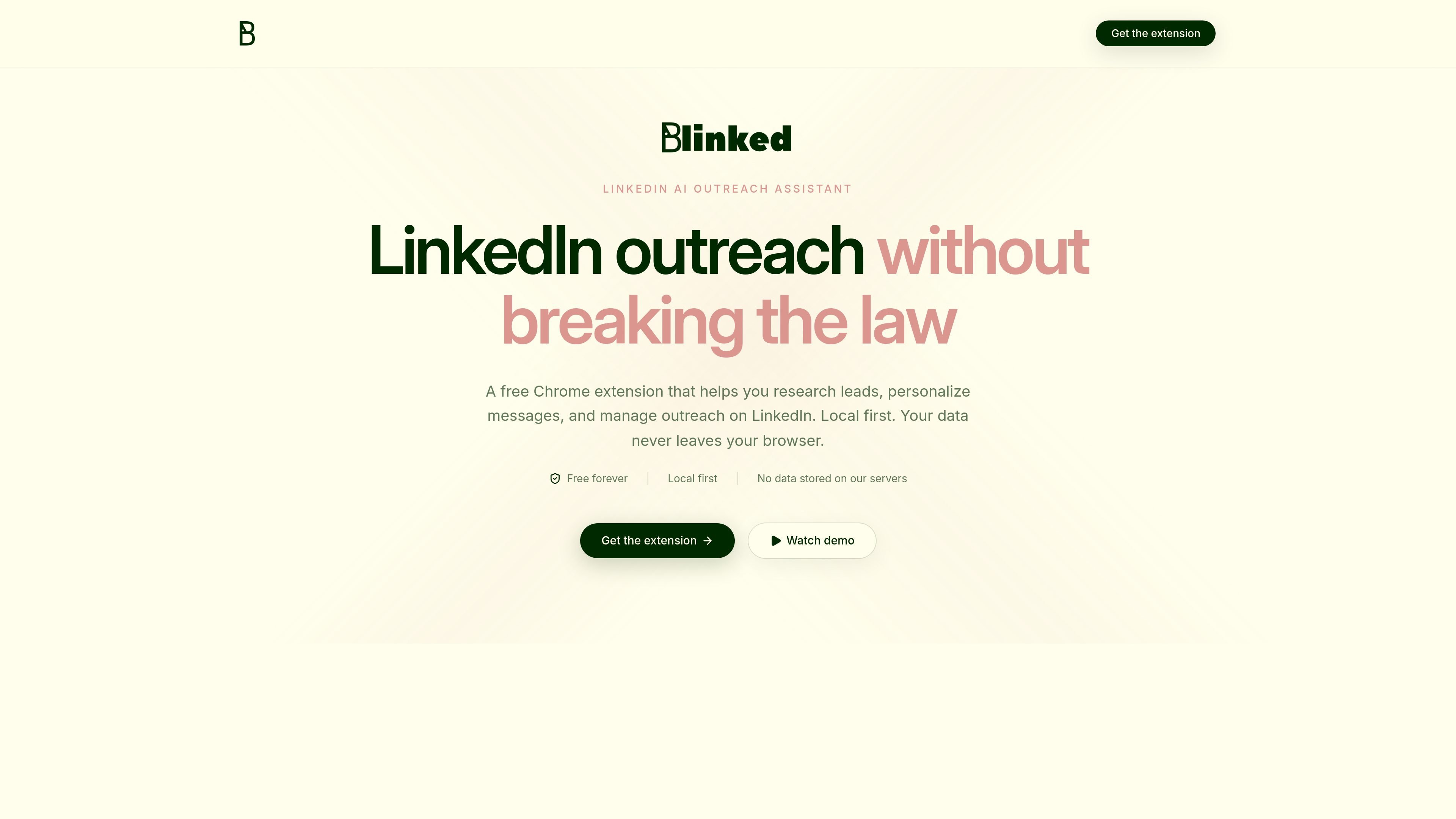
Blinked is a Chrome extension for LinkedIn outreach that helps users research leads, write personalized messages, and manage follow-up work while staying inside the LinkedIn workflow. The product is aimed at founders, sales teams, and anyone who does outreach by hand.
It is designed to be local first: the site says lists, notes, and settings live in your browser, and that outreach data is not stored on Blinked’s servers. The extension is also presented as free forever, with no subscription, no credit card, and no expiring trial.
Ask for context on a lead before writing. Blinked surfaces information about a profile so you can understand role, company, and possible angle without opening multiple tabs.
Generate outreach drafts that you can review and edit before sending. The product is positioned for manual outreach, not automatic sending without review.
Organize prospects into lists, keep track of lead status, and export lists when you need a backup or handoff.
Set up follow-up templates and sequences so you can keep track of later touches after the first message.
Score and prioritize leads to focus effort on prospects that appear more likely to convert.
Surface ideal customer profiles from LinkedIn data to help you find better prospects without starting from scratch each time.
Use Blinked when you want to research a LinkedIn profile, understand the person’s role or company, and draft a message without switching through several tabs or tools.
Use the extension to organize prospects into lists, keep track of where each lead stands, and export that list when you need a backup or to hand work off to someone else.
Set up follow-up templates and sequences for prospects you have already contacted so you can keep outreach moving without relying on memory alone.
Review and edit personalized messages before sending when you want AI help with drafting but still want full control over the final outreach.
Score and prioritize leads when you have a larger pool of prospects and need a simple way to decide where to spend time first.
No account is required. The site says you can install the extension in Chrome in one click and start using it inside LinkedIn.
The source describes Blinked as a free Chrome extension. The pricing page repeats that it is free forever and mentions no subscription, credit card, or trial expiration.
Blinked is designed to be used while browsing LinkedIn normally. You can visit profiles, search for prospects, build lists, and then research or personalize outreach from within that workflow.
The page says lists, notes, and settings live in your browser and that Blinked does not store outreach data on its servers.
The source does not provide a detailed export format or list of supported destinations. It does say you can export lists when you need a backup or handoff.

Sumora is an autonomous outreach agent for LinkedIn and Instagram that finds, qualifies, warms, and books leads, with replies managed in one inbox and final sends under review.

Podium is an AI lead generation and lead management platform for local businesses. Centralize conversations, follow-up, reviews, payments, and booking with a 24/7 AI Employee add-on.

Ninjō AI is an AI sales agent platform for creators and agencies that qualifies leads, handles sales conversations, and supports multi-channel follow-up.

Cold Mail Server provides dedicated outbound email infrastructure for cold outreach teams, agencies, and outbound SaaS operators, with isolated mail servers and deliverability monitoring.

Oppora AI is an outbound sales platform that automates lead finding, enrichment, outreach, inbox replies, and CRM sync in one system.

topple.lol is a public pay-to-rank leaderboard where listings start at $1 and bid balance decays over time and clicks for short-term visibility.