

BNA
BNA is an AI workflow that turns an idea into full-stack mobile apps quickly—cutting manual setup and implementation time.
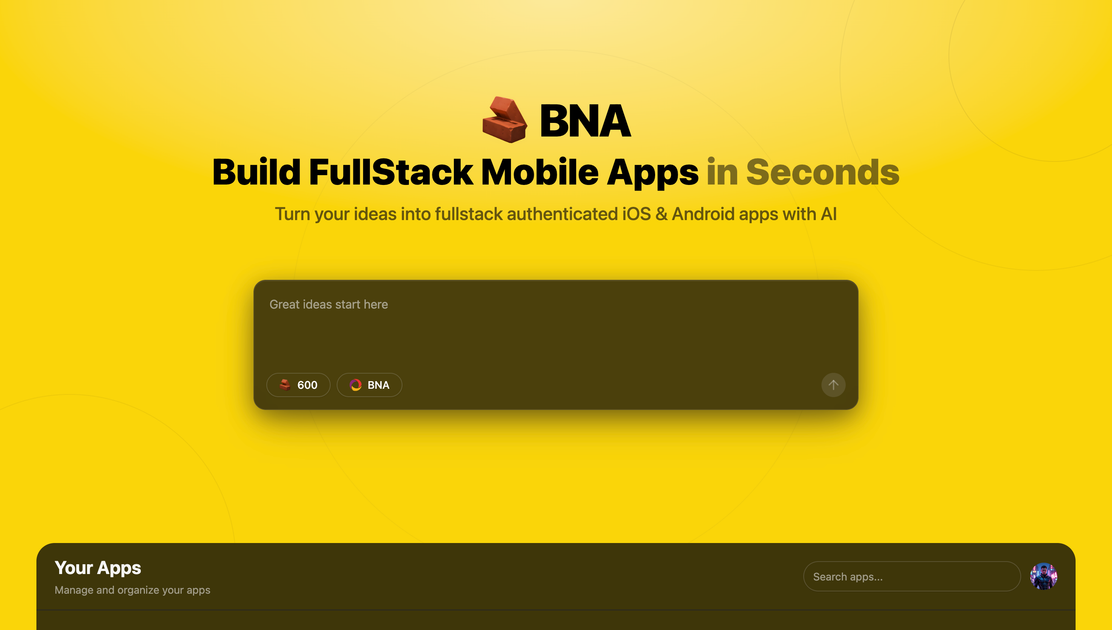
What is BNA?
BNA is an AI workflow that turns an idea into full-stack mobile apps quickly—cutting manual setup and implementation time.
Key Features
- Idea-to-app generation: Converts a starting idea into a full-stack mobile app using AI.
- Full-stack coverage: Handles both front-end and back-end for mobile apps, not just UI.
- Mobile-focused: Produces artifacts tailored to mobile app development.
- Fast iteration: Delivers results in seconds as part of the workflow.
How to Use BNA
- Start with an app idea (e.g., describe its purpose and core features).
- Run BNA’s AI workflow to generate a full-stack mobile app from the description.
- Review the output and iterate to tweak behavior or structure.
- Use the generated app as a base for further development.
Use Cases
- Concept to prototype: A solo builder describes an idea and gets a full-stack mobile app structure for quick testing.
- Rapid requirement iteration: A developer updates the description and regenerates to test new flows or features.
- Internal tools: Teams create mobile app backends for workflows (e.g., data entry with persistence) from prompts.
- Hackathons or MVPs: Compress time from concept to usable app draft.
- Learning by building: Study full-stack mobile development using AI-generated scaffolding.
FAQ
What does BNA generate?
BNA generates full-stack mobile app output from an idea fed into its AI workflow.
Is BNA front-end only?
No, it covers full-stack mobile apps, including front-end and back-end—not just UI.
How fast is BNA?
Page claims “in seconds,” for rapid generation in the workflow.
Do I need full-stack mobile app experience?
BNA provides an AI path from idea to app, with no specified prerequisites.
Where can I access BNA?
Available at https://ai.ahmedbna.com.
Alternatives
- AI app prototypers: Prompt-to-scaffolding tools for quick prototypes, not full manual builds.
- Low-code/no-code mobile builders: Visual platforms for assembling apps, often with back-end connectors.
- Full-stack frameworks + code gen: Frameworks with AI assistance for app structure and parts.
- Template-based generators: Start from mobile templates and customize via config or prompts.
(Alternatives vary by workflow: prompt-to-code, visual assembly, or template tweaks.)
Alternatives

Codex Plugins
Use Codex Plugins to bundle skills, app integrations, and MCP servers into reusable workflows—extending Codex access to tools like Gmail, Drive, and Slack.

Struere
Struere is an AI-native operational system that replaces spreadsheet workflows with structured software—dashboards, alerts, and automations.

OpenFlags
OpenFlags is an open source, self-hosted feature flag system with a control plane and typed SDKs for progressive delivery and safe rollouts.

Devin
Devin is an AI coding agent that helps software teams complete code migrations and large refactoring by running subtasks in parallel.

MakerLoft
MakerLoft is an AI app builder for non-developers that connects to your GitHub repo to generate working apps with auth, payments, files, jobs.

imgcook
imgcook is an intelligent tool that converts design mockups into high-quality, production-ready code with a single click.