

Captions.ai
Captions.ai is an online video editor and app with AI-powered editing, automatic captions, music, and AI avatars for faster video creation.
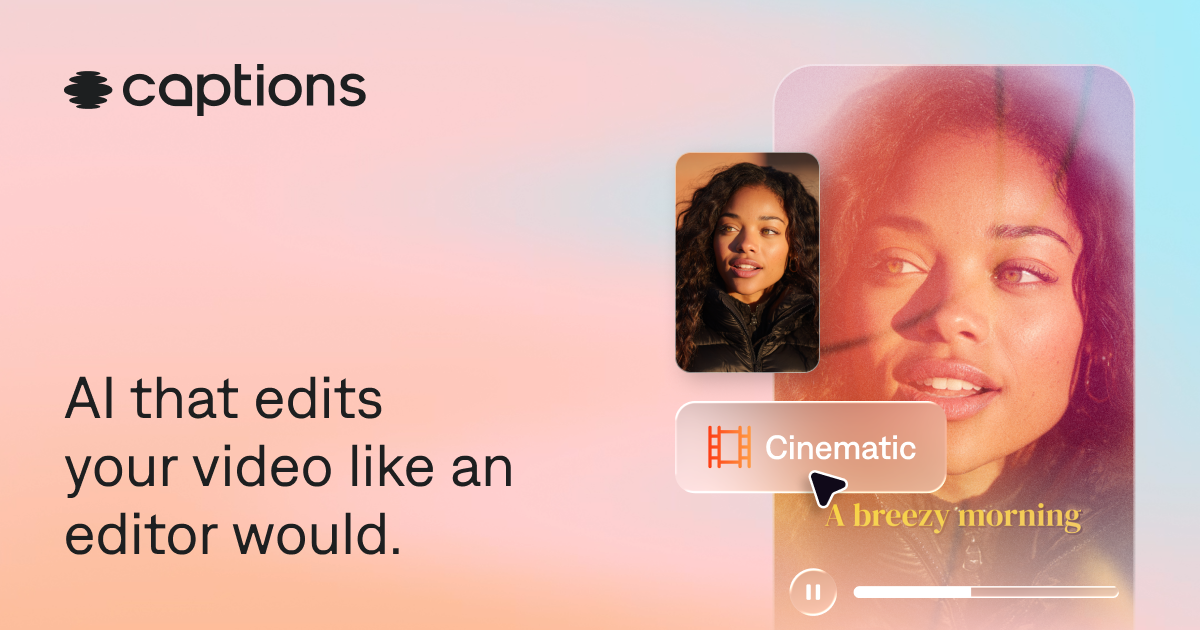
What is Captions.ai?
Captions.ai is an online video editor and app with AI-powered editing, automatic captions, music, and AI avatars for faster video creation. The site emphasizes AI-assisted editing across a video, as well as features like automatic captions, music, and AI avatars.
Its core purpose is to streamline common video production tasks—especially adding and working with captions—using AI-driven tools you can access through the editor/app.
Key Features
- AI-powered video editing: Use AI to edit your video, targeting faster iteration compared with manual, frame-by-frame workflows.
- Automatic captions: Generate captions for video, supporting easier review and accessibility-friendly outputs.
- AI avatars: Create or generate AI avatars as part of the video creation workflow.
- Music tools: Add or manage music within the video editing process.
- Online editor and app: Work through a web-based editor and an accompanying app workflow.
How to Use Captions.ai
- Open the online editor or app and start a new project.
- Import or create your video content in the editor.
- Use AI features to edit the video and, where needed, apply automatic captions.
- Add supported creative elements such as music and, if relevant, AI avatars.
- Review the result in the editor and export or continue refining the video.
Use Cases
- Adding captions to an existing video: Generate automatic captions to make a video easier to follow and quicker to prepare for publishing.
- AI-assisted revisions for video edits: Use AI editing tools to adjust parts of a video without relying solely on manual editing steps.
- Creating avatar-based segments: Incorporate AI avatars into a video when you want a presenter-like component without recording a traditional on-camera take.
- Building social or short-form content: Use an editor workflow that includes captions and music to produce more complete drafts quickly.
- Podcast or talking-head repurposing: Turn an audio or speaking video into a captioned format that can be shared with captions visible.
FAQ
-
Does Captions.ai support automatic captions? Yes. The page highlights automatic captions as part of its feature set.
-
Can I edit an entire video with AI? The description states that you can “edit your entire video with AI,” indicating AI-assisted editing across the video.
-
Is Captions.ai a web tool or an app? Both are mentioned: an online video editor and an app.
-
What creative elements besides captions are mentioned? The page specifically calls out AI avatars and music.
-
Do I need to export or publish directly from the editor? The page suggests publishing in minutes, but it does not provide export/publishing steps in the provided text, so details aren’t specified here.
Alternatives
- Online video editors with captioning (caption/subtitle tools): These focus on adding captions and subtitles to videos, often with less emphasis on AI avatars and AI-driven editing across the whole timeline.
- General-purpose AI video editing platforms: Tools in this category provide AI-assisted transformations and edits, typically with varying levels of focus on captions and avatar generation.
- Caption-first accessibility and subtitle platforms: Solutions centered on generating and managing captions may offer deeper caption workflows, while not necessarily including avatar and music creation features in the same way.
- Creator-focused video editing apps: Mobile or web-first editing apps can cover captioning and music, but their AI capabilities for whole-video editing and avatar generation may differ.
Alternatives

Pewbeam
Pewbeam listens as you preach, detects Bible verses in real time, and displays them instantly on screen—no typing or clicking for pastors.

FlexClip
FlexClip is an AI-powered online video maker and editor with templates and built-in tools. Generate videos, subtitles, translation & more faster.

Bansi
Bansi is an AI video editor that turns raw footage into a polished first draft in minutes—upload supported formats and generate review-ready edits.

Caplo
Caplo is an iOS app for real-time captions and translation from any app, with picture-in-picture overlay and mic or system audio capture.

CAMB.AI
Turn a single live stream into a multilingual broadcast with real-time AI audio dubbing for YouTube, Twitch, X and more.

Tavus
Tavus builds AI systems for real-time, face-to-face interactions that can see, hear, and respond, with APIs for video agents, twins & companions.