
Real-time verse detection
Pewbeam listens to the sermon as it is spoken, identifies Bible verse references, and shows the matching passage without manual slide searching.

Pewbeam is a church presentation app that listens to sermons, detects Bible verse references in real time, and displays the matching passage on screen for smoother live services.
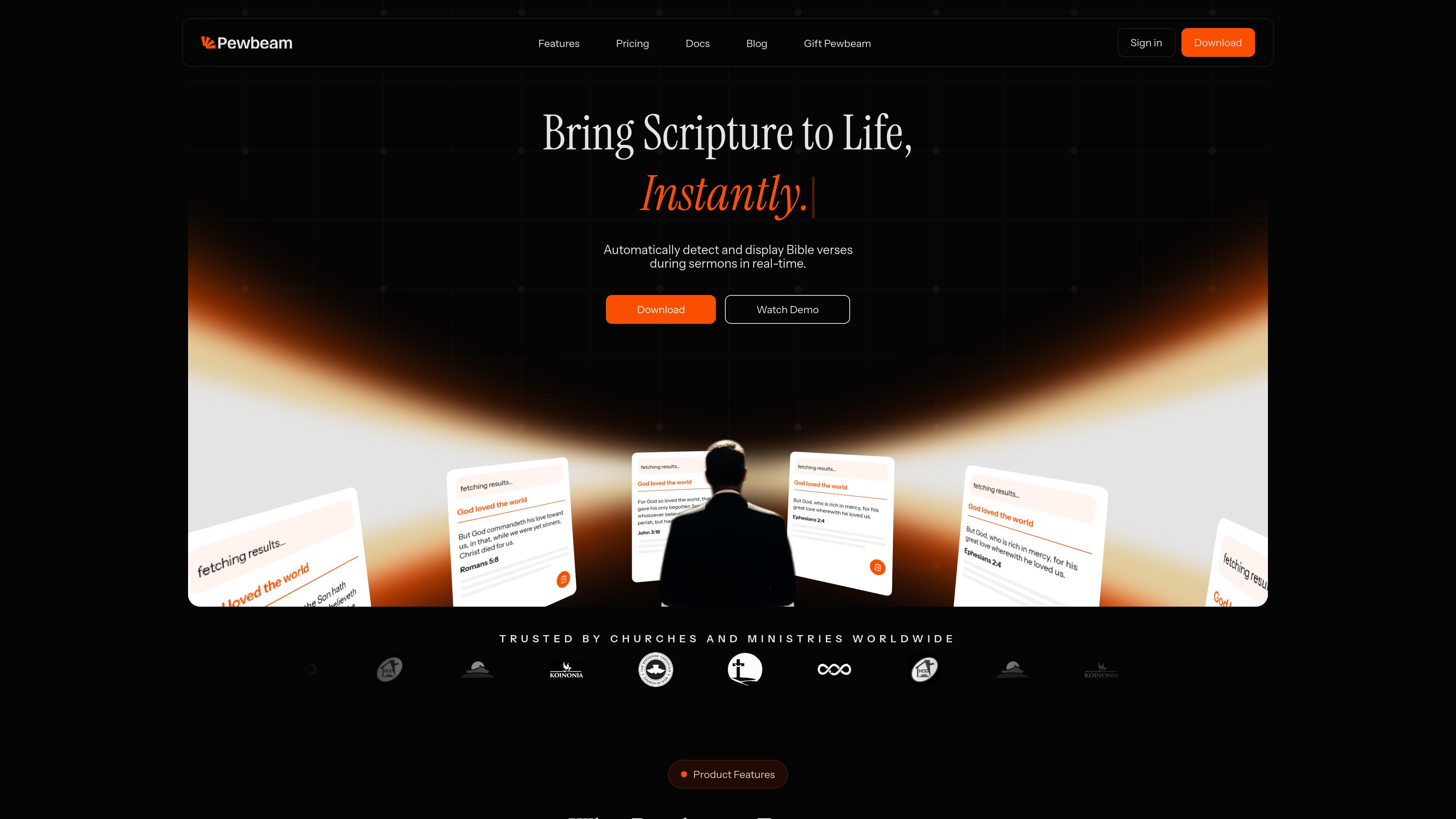
Pewbeam is a church presentation application built to automate scripture display during sermons. It listens to the speaker, detects Bible verse references in real time, and projects the matching passage so the service can continue without manual searching or slide control.
The product is aimed at pastors, projection teams, and church media volunteers who want a simpler live-service workflow. Its core job is to keep scripture projection aligned with the sermon while reducing interruptions, with added tools for themes, sermon notes, and multiple output options on paid plans.
Pewbeam listens to the sermon as it is spoken, identifies Bible verse references, and shows the matching passage without manual slide searching.
The product is trained to understand meaning as well as exact wording, which helps it surface the intended passage when a verse is paraphrased.
A spoken reference can trigger a scripture display immediately, reducing the need for typing and click-through slide changes during service.
The presentation layer supports animated verse transitions and built-in themes, with additional customization available on higher plans.
The app can continue working offline after activation, while transcription-based features still require internet according to the system requirements.
Higher plans add AI Sermon Notes and export options, plus multi-device and alternate output support on the top tier.
A pastor can preach normally while Pewbeam listens for references and surfaces the matching Bible passage on screen without manual searching.
Projection teams can keep scripture aligned with the message while spending less time jumping between slides during a service.
Church media volunteers can focus on visuals and livestream handling because scripture projection is handled by the app.
Churches that want written sermon outputs can use higher tiers to generate AI sermon notes and export them in common formats.
Churches using multiple machines or separate output paths can use the top plan’s device activations and main/alternate output support.
Pewbeam is an intelligent church presentation tool that listens to spoken sermons, detects Bible verse references in real time, and projects the matching scripture automatically.
Yes. The product is designed for live services and its workflow is built around real-time transcription and immediate verse display during a sermon.
The source says Pewbeam can recognize paraphrased scripture references, so it does not rely only on exact quotations.
Yes, but it does not remove the need for staff entirely. Projection or media operators still help with visuals, livestreams, and overall service quality while Pewbeam handles scripture projection.
The download page describes a straightforward desktop installation for macOS and Windows, and the FAQ says setup is designed to be simple for church teams.

SpeakoFlow is a free, open-source desktop voice-to-text app for Windows, macOS, and Linux. Dictate into any app, use Flow, cleanup, translation, and a screen-aware assistant.

QuickQuill is a local-first macOS dictation and transcription app to record meetings, summarize audio, and export notes without the cloud.

Zen Whisper is a local-first dictation and transcription app for Apple Silicon Macs on macOS 14+. Dictate into most Mac text fields and transcribe media or supported public links across 110 languages.

Speech to Text Converter is a browser-based transcription tool for live dictation and uploaded audio or video files. Free for short tasks, Pro offers unlimited transcription, AI summaries, translation, speaker ID, and advanced exports.

OpenAI API guide for choosing the right speech architecture for live audio, translation, transcription, speech generation, and audio-capable chat.

Tactiq is an AI note taker for Google Meet, Zoom, and Microsoft Teams that transcribes meetings live into summaries, action items, and follow-up outputs.