
Real-time transcription
Caplo listens to system audio or microphone input and turns speech into captions in real time.

Caplo is an iPhone app companion that turns live audio from other apps into real-time translated captions in a floating Picture-in-Picture window.
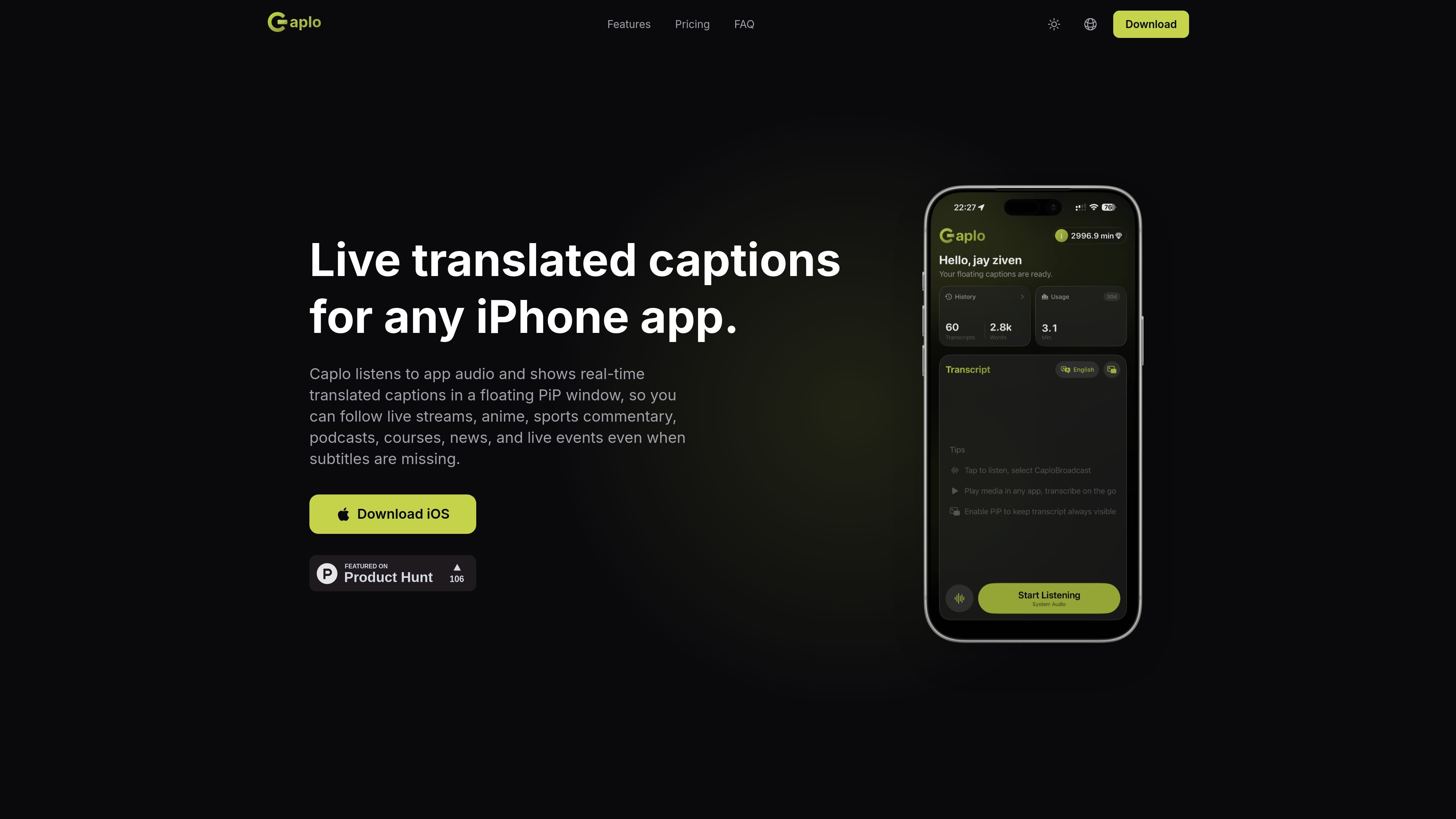
Caplo is an iPhone app companion that turns live audio from other apps into real-time translated captions. It is designed for situations where subtitles are missing, delayed, or in the wrong language, and it displays the translation in a floating Picture-in-Picture window while you keep using the original app.
The product page positions Caplo for live streams, anime, sports commentary, podcasts, courses, news, and live events. It also supports session history, iCloud sync, and Markdown export, which makes it useful not only for watching live content but also for reviewing and saving transcripts afterward.
Caplo listens to system audio or microphone input and turns speech into captions in real time.
The product page says Caplo supports translation to English, Chinese, Japanese, and nine more languages.
Translated text appears in a floating Picture-in-Picture window that can overlay other apps.
Sessions are auto-saved and synced through iCloud so records are available across devices.
Users can browse history, copy text, and export records as Markdown after a session ends.
Follow Weverse lives, creator streams, or other fan events when subtitles are missing or arrive too late.
Read translated captions for raw anime episodes or shows when subtitles are absent or in the wrong language.
Keep up with commentary during live games, esports broadcasts, or sports streams when the spoken language is not familiar.
Turn lectures, tutorials, and technical talks into readable captions for study or reference.
Use translated captions while listening to podcasts, live news, keynote events, or other live audio in another language.
Yes. The site says Caplo listens to audio from iPhone apps and shows real-time translated captions in a floating Picture-in-Picture window.
Caplo is presented as a way to read live translated captions when subtitles are missing or delayed, including for Weverse streams.
Yes. The product page lists Crunchyroll as a use case for following raw episodes or shows when subtitles are missing, delayed, or in the wrong language.
Caplo differs from Apple Live Captions in that it translates app audio and shows the result in a floating PiP caption window.
Yes. Live sports commentary is one of the listed use cases for translated captions.

CAMB.AI Streams dubs live audio in real time for YouTube, Twitch, X and other platforms, using existing live workflows and no post-production.

Tavus is an AI video platform for real-time face-to-face agents, digital twins, and AI companions, with APIs and multilingual workflows for developers.

SpeakoFlow is a free, open-source desktop voice-to-text app for Windows, macOS, and Linux. Dictate into any app, use Flow, cleanup, translation, and a screen-aware assistant.

Sanota turns spoken memories and interviews into clear written stories for personal storytelling, family history and shared memories, with guided prompts and subscriptions.

Carbon Voice is an async voice messaging app for teams and individuals, with transcripts, AI catch-up, and cross-device access.

Talkpal is an AI language learning app for web and mobile with speaking, listening, writing, pronunciation practice, guided courses, roleplays, and 130+ languages.