
AI Video Generator
Generate videos from a prompt, article, or URL to speed up early draft creation.

FlexClip is an AI-powered online video maker and editor for creating videos from templates or from scratch with browser-based editing, scripting, voiceover, subtitles, translation, and background removal.
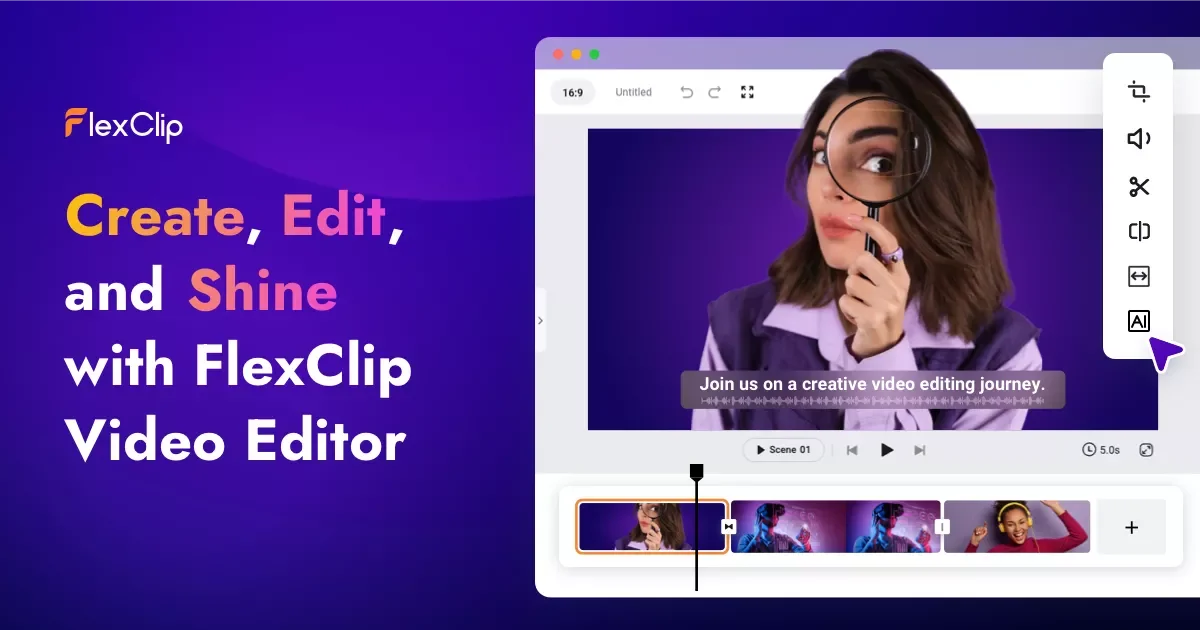
FlexClip is an AI-powered online video maker and editor for creating videos with templates, editing tools, and AI assistance. It supports starting from templates or from scratch, which makes it usable for both quick productions and more hands-on editing workflows.
The product combines template-based creation with a broad set of editing tools and AI utilities, including video generation from prompts, articles, or URLs, text-to-speech, script generation, background removal, automatic subtitles, and translation. The pricing page also shows export and storage options that scale across Free, Plus, and Business plans, along with a team plan option.
Generate videos from a prompt, article, or URL to speed up early draft creation.
Turn written text into natural-sounding voice audio for narrated videos and explainers.
Create scripts for different purposes with AI before moving into editing.
Remove backgrounds from videos or images to isolate subjects or create cleaner compositions.
Automatically identify and generate subtitles with AI, then translate content for multi-language videos.
Edit with trimming, merging, reversing, speed changes, text, music, voiceover, chroma key, screen recording, GIF making, and effects.
Build marketing clips, social posts, or promotional videos from a template, then refine the result with text, music, effects, and branded assets.
Turn a script, article, or URL into a first draft, then use the editor to adjust pacing, captions, and visuals before exporting.
Create narrated explainers or voice-led presentations with text-to-speech, subtitles, and translation for audiences in more than one language.
Prepare shared video assets with teammates using cloud storage, saved projects, and the team plan shown on the pricing page.
Produce short-form clips, tutorials, slideshows, or event recaps using the built-in editing tools and stock resources.
FlexClip is an online video maker and editor. You can start from editable templates or build a video from scratch, then use its editing tools and AI features to refine the result.
The source shows AI video generation from a prompt, article, or URL, plus AI tools such as text-to-speech, script generation, background removal, auto subtitles, and translation. Those features are designed to speed up common video-creation steps.
FlexClip supports collaboration, cloud storage, export up to 4K resolution, and direct sharing to social platforms. The pricing page also shows a team plan option for 1-3 seats.
The pricing page shows a free plan with 720p HD downloads, AI trial access, up to 12 saved projects, and video length up to 10 minutes. Paid plans add higher-resolution exports, more storage, more branding options, and remove the watermark.
FlexClip supports exports up to 4K on the Business plan, 1080p on the Plus plan, and 720p on the Free plan. It also supports direct sharing to social platforms.

CAMB.AI Streams dubs live audio in real time for YouTube, Twitch, X and other platforms, using existing live workflows and no post-production.

Video Effects SDK adds real-time webcam effects like background blur, replacement or removal, denoising, framing, beautification, and color grading for live video apps.

Official HeyGen API docs for AI avatar videos, video translation, lipsync, and interactive video-agent sessions via API, MCP, and CLI workflows.

DeepMotion is a web-based AI motion capture and 3D animation platform with Animate 3D for video-to-animation and SayMotion for text-to-animation.

Talkpal is an AI language learning app for web and mobile with speaking, listening, writing, pronunciation practice, guided courses, roleplays, and 130+ languages.

Fylom is an AI podcast generator that turns topics or questions into researched, narrated episodes with voice selection and recurring listening.