
Notch-based subtitle display
Celyn places translation inside the macOS notch so subtitles stay in the same place your eyes already are, instead of opening extra windows.

Celyn is a macOS translation app with live subtitles in the notch and on-device speech processing for conversations, calls, and media.
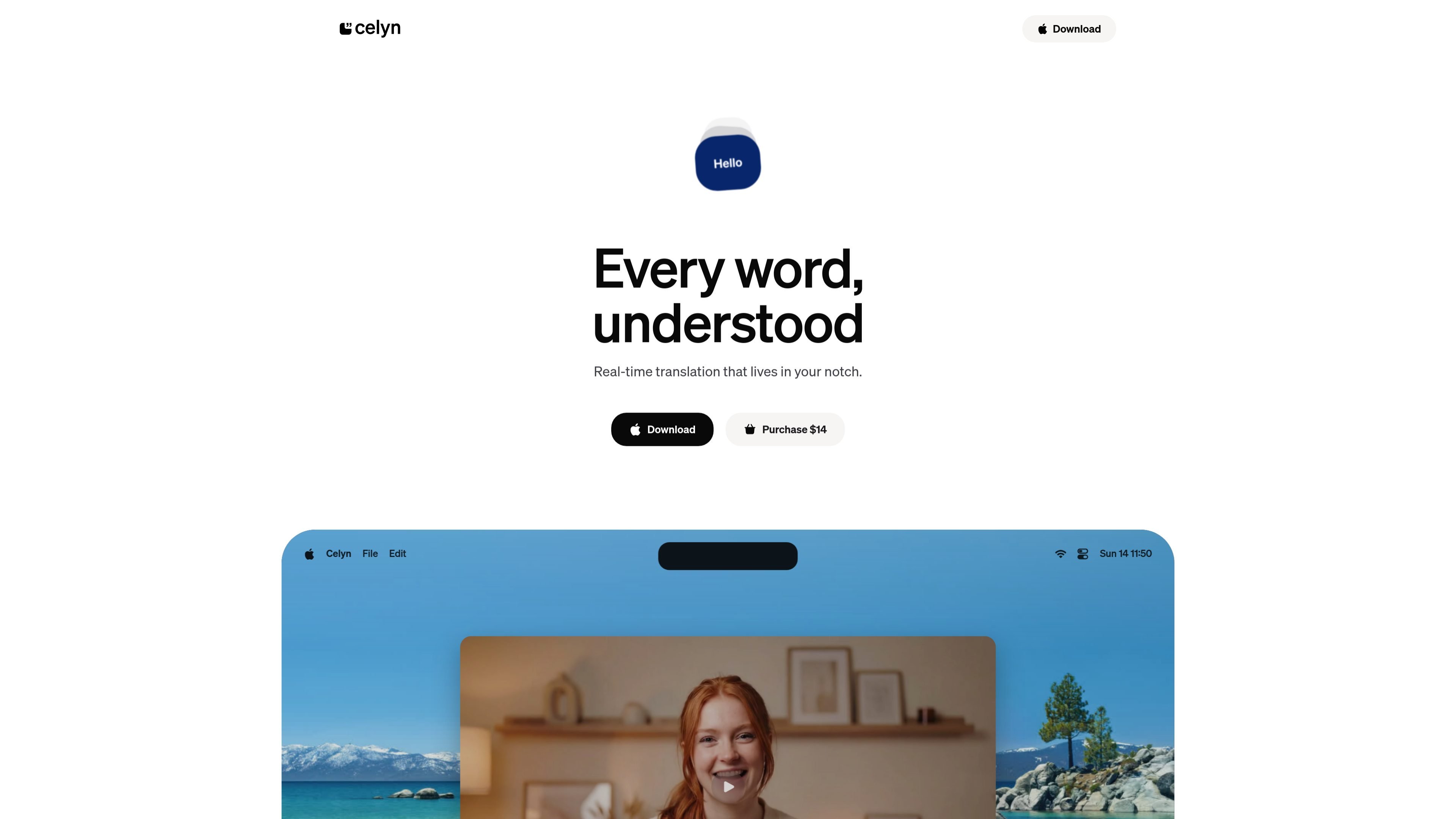
Celyn is a macOS translation app that shows live subtitles in the notch and processes speech on-device. Its core job is to translate spoken language in real time without sending audio off your Mac, using Apple’s built-in speech and translation frameworks.
The app is designed for quick, low-friction use: press `⌥T` to start or stop translation, then choose microphone input, system audio, or both. It supports offline use after language models are available and is positioned for people who want live translation during calls, videos, podcasts, or in-person conversations.
Celyn places translation inside the macOS notch so subtitles stay in the same place your eyes already are, instead of opening extra windows.
Speech recognition and translation run locally with Apple’s built-in frameworks, which keeps audio processing on your Mac and avoids sending data to a server.
The app can translate from microphone input, system audio, or both, which covers in-person conversations, calls, videos, and podcasts.
A single hotkey, `⌥T`, starts or stops translation, so the main workflow is a simple toggle rather than a multi-step setup.
Celyn works without an internet connection after the necessary language models are available, making it usable in offline settings.
The app supports 19 languages and notes that it uses Apple’s built-in speech and translation frameworks, with language models downloaded as needed.
Use Celyn to translate spoken conversation in person by capturing microphone input and showing live subtitles in the notch.
Use system audio capture during Zoom calls or similar meetings to follow speech without changing the rest of your workflow.
Use it while watching YouTube videos or listening to podcasts to translate spoken content as it plays on your Mac.
Use the combined mode when you want system audio to take precedence but still have the microphone available as a fallback.
Use Celyn when you need translation without an internet connection after the required language models are already downloaded.
Celyn requires macOS 15.0 (Sequoia) or later. It works on both Apple Silicon and Intel Macs.
Yes. Speech recognition and translation happen on-device, and no internet connection is required after the initial language model download.
Celyn supports Arabic, Mandarin Chinese, Dutch, English, French, German, Hindi, Indonesian, Italian, Japanese, Korean, Polish, Portuguese (Brazilian), Russian, Spanish, Thai, Turkish, Ukrainian, and Vietnamese.
No. Celyn processes audio in real time and discards it immediately. Nothing is recorded, stored, or transmitted anywhere.
After purchase, you receive a license key by email. Open Celyn, click the language label in the notch to open Settings, and paste the key in the License section.

Microsoft Translator is a Bing translation web app for short text between English and 100+ languages, with image translation, listen and copy.

Caplo is an iPhone app companion that turns live audio from other apps into real-time translated captions in a floating Picture-in-Picture window.

Google Translate is a free Google translation service for text, speech, images, documents and web pages in 100+ languages.

LangPanda is a browser extension for learning languages from streaming video with instant subtitle lookup, flashcards, vocabulary tracking, and SRS for 36 languages.

CAMB.AI Streams dubs live audio in real time for YouTube, Twitch, X and other platforms, using existing live workflows and no post-production.

Talkpal is an AI language learning app for web and mobile with speaking, listening, writing, pronunciation practice, guided courses, roleplays, and 130+ languages.