
Large language coverage
Translate words and phrases between English and a wide set of other languages, with the page indicating support for more than 100 languages.

Microsoft Translator is a Bing translation web app for short text between English and 100+ languages, with image translation, listen and copy.
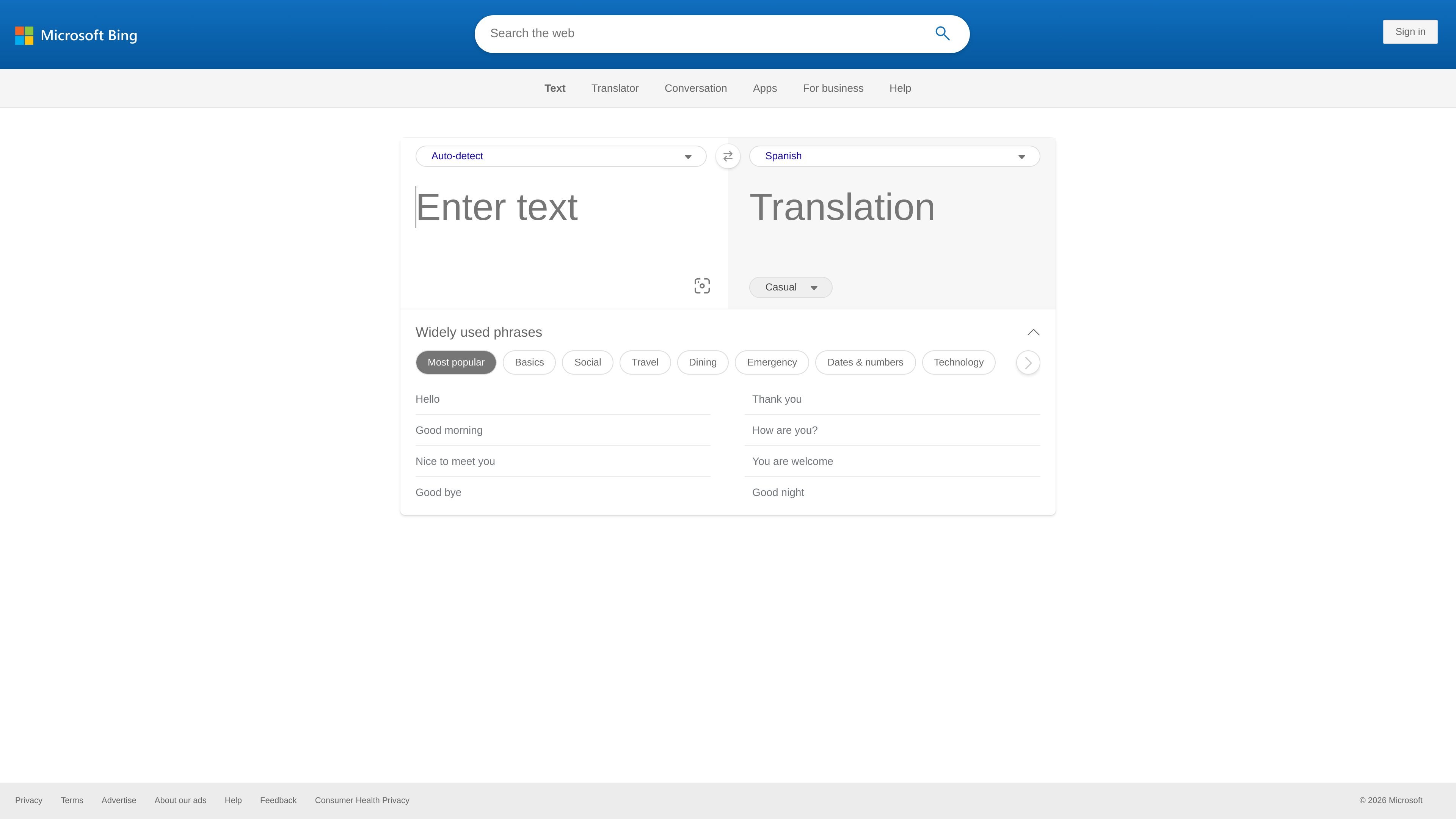
Microsoft Translator is a web-based translation service from Bing that helps users translate words and phrases between English and a large set of other languages. The page emphasizes quick translation, simple language switching, and direct interaction with the translated output.
The interface includes source-language auto-detect, a long language picker, text entry, image capture translation, and actions such as listening, copying, and swapping languages. The source also shows an error state for exceeding the translation limit, which indicates the tool is designed for short-form translation rather than long documents on this page.
Translate words and phrases between English and a wide set of other languages, with the page indicating support for more than 100 languages.
Choose the source and target languages directly from the translator interface, including an auto-detect option for source language selection.
Switch the direction of translation with a swap control so you can move between source and target languages without re-entering text.
Use text input with a 1,000-character limit shown in the interface for standard translation tasks.
Capture an image for translation from within the page, which supports image-assisted translation workflows.
Listen to translated output and copy the result from the interface for reuse in other documents or conversations.
Translate a short phrase or sentence when you need a quick answer in another language without leaving the browser.
Pick a source and target language, or let the page auto-detect the source language, when you are working with unfamiliar text.
Capture an image and translate visible text when the content is embedded in a screenshot, sign, or other image-based source.
Listen to the translated output or copy it into another app when you need to reuse the result immediately.
Microsoft Translator provides a translation interface that can work with words and phrases, with language selection, swap controls, and options such as listening to the translation and copying the result.
The translated page text shows translation into and from more than 100 languages, and the language picker lists a very large set of supported languages.
The page includes text entry and an image capture option for translation, so it can be used for typed text and image-based translation within the browser experience.
The source content suggests a web-based translation experience. It does not provide enough evidence here to confirm specific desktop, mobile, or app availability.

Google Translate is a free Google translation service for text, speech, images, documents and web pages in 100+ languages.

LangPanda is a browser extension for learning languages from streaming video with instant subtitle lookup, flashcards, vocabulary tracking, and SRS for 36 languages.

Talkpal is an AI language learning app for web and mobile with speaking, listening, writing, pronunciation practice, guided courses, roleplays, and 130+ languages.

MagicSlides is an AI presentation generator that turns text, topics, documents, URLs, and videos into slide decks. Google Slides by default, with PowerPoint export and multilingual AI editing.

Rubriq is an AI tool for academic paper editing and translation, with personal subscriptions, institutional plans, and plagiarism-check services.

Globalize.now is an AI localization tool that turns hardcoded app text into repo-owned locale files and keeps translations synced on every Git push.