
Session browsing and search
Browse and search Claude Code sessions from a native macOS menu bar app instead of working from scattered files.

Claudoscope is a native macOS menu bar app for browsing, searching, and tracking Claude Code and Cowork sessions locally. It flags leaked secrets and tracks session costs.
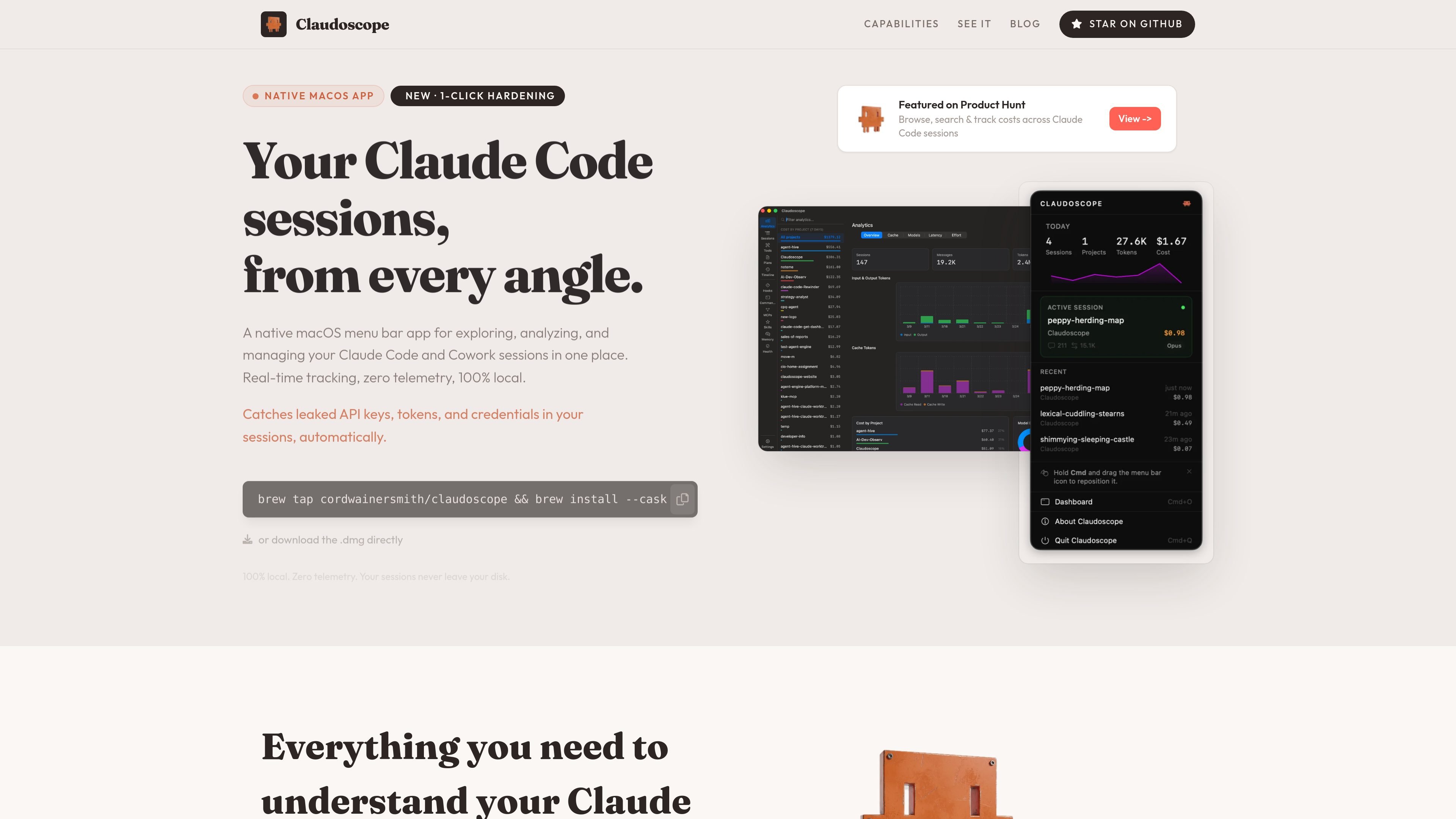
Claudoscope is a native macOS menu bar app for viewing, searching, and analyzing Claude Code and Cowork sessions in one place. It focuses on session history, cost tracking, and local security checks for developers working with Claude-based tools.
The site describes the app as 100% local with zero telemetry, and says your sessions never leave your disk. It also highlights automatic detection of leaked API keys, tokens, and credentials, plus a one-click hardening workflow for your ~/.claude/ setup.
Browse and search Claude Code sessions from a native macOS menu bar app instead of working from scattered files.
Track costs across Claude Code sessions in real time so you can review usage alongside activity.
Detect leaked API keys, tokens, and credentials automatically in session files.
Apply hardening to your ~/.claude/ setup in one click, based on the product’s stated workflow.
Keep session analysis local on the Mac with zero telemetry, according to the site.
Install via Homebrew cask or download the .dmg directly from the site.
Review Claude Code session history from a single macOS menu bar app when you need to find previous work or inspect activity across sessions.
Check how costs are accumulating as you use Claude Code so you can understand usage patterns alongside the session timeline.
Spot leaked API keys, tokens, or credentials in session files before they become a security issue.
Harden your ~/.claude/ setup with the app’s one-click workflow when you want to tighten local configuration.
Keep sensitive session analysis on-device when you prefer a local-only workflow with no telemetry.
Claudoscope is a native macOS menu bar app for browsing, searching, and tracking Claude Code and Cowork sessions locally. It is aimed at developers who want to review session history, costs, and security issues without sending session data off their machine.
The site presents Claudoscope as a macOS app with install options via Homebrew or a direct .dmg download. The source does not document a more detailed setup flow.
Claudoscope surfaces session browsing and search, real-time cost tracking, automatic secret detection, and one-click hardening for a ~/.claude/ setup.
The website states that Claudoscope is 100% local with zero telemetry, and that sessions never leave your disk.
The pricing page at the provided URL returns a 404, so the source does not confirm any paid plans, subscriptions, or donation options.

ByteAsk is a terminal-first AI coding agent for C and C++ that edits repos and verifies changes with compilers, debuggers, sanitizers, and tests.

PromptScout tracks how ChatGPT, Gemini, Google AI Overviews, and Perplexity mention your brand or competitors, with source analysis and website audits.

Sleek Analytics is a privacy-friendly web analytics tool with real-time visitor tracking, Core Web Vitals, and revenue attribution.

MacSpoof is a macOS MAC address changer that lets you change or randomize your Wi‑Fi MAC to reconnect and limit device logging on public Wi‑Fi.

ClawTick is an AI agent automation platform for scheduling jobs from the CLI, dashboard, or REST API. Built for developers and teams using LangChain, CrewAI, webhooks, or custom workflows with monitoring, alerts, and logs.

Ghost is a terminal-based AI assistant for chatting, code generation, and CLI tasks. Includes free models, supports Linux, macOS, Windows, and is open source.