

Composio Universal CLI
Composio Universal CLI is a command-line tool to install, configure, and manage Composio integrations for AI agents to connect to external services.
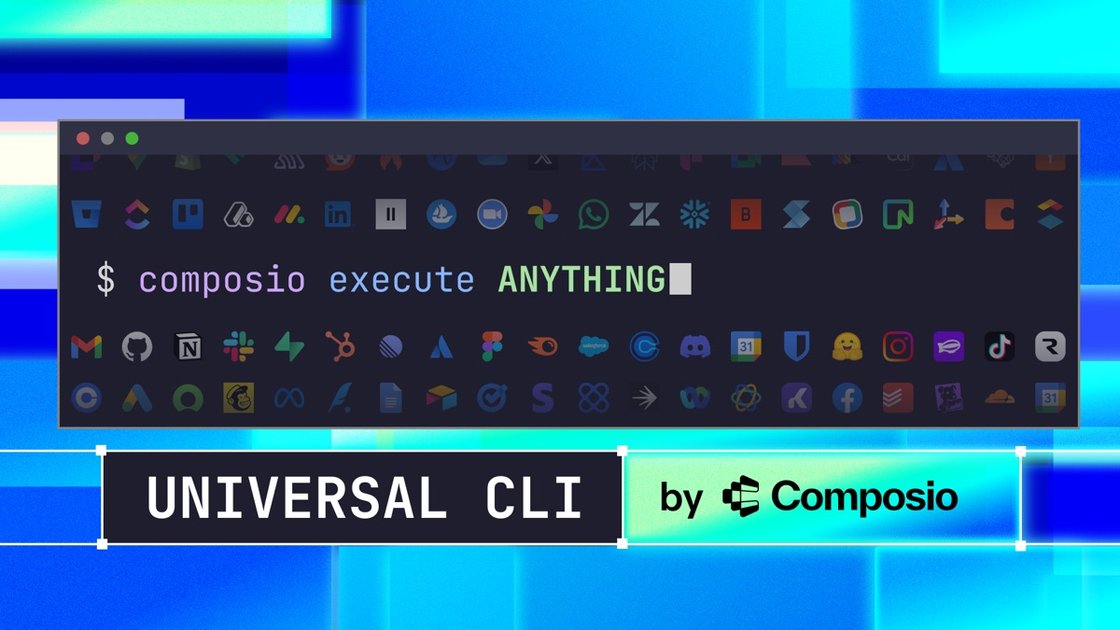
What is Composio Universal CLI?
Composio Universal CLI is a command-line tool for working with Composio “integrations” in an AI agent workflow. Its purpose is to help you install, configure, and manage these integrations from the terminal, rather than through a separate UI.
In practical terms, it provides an infrastructure layer that supports connecting AI agents to external services by handling integration setup and management via the CLI.
Key Features
- Install integrations from the command line, so you can set up agent connectivity using terminal workflows.
- Configure integrations through CLI commands, enabling repeatable setup steps for different environments.
- Manage integrations from the CLI, supporting ongoing updates or adjustments without leaving the terminal.
- “Universal” integration management approach, aimed at centralizing how integrations are handled for AI agents.
How to Use Composio Universal CLI
- Install the Composio Universal CLI using the project’s documented installation steps.
- Use the CLI to install the integrations you need for your AI agent’s external tool access.
- Run the CLI configuration steps to set required integration settings.
- Continue managing integrations as your agent requirements change, all from the terminal.
Use Cases
- Setting up an AI agent that needs access to external services by installing and configuring the required integrations via CLI.
- Creating a repeatable environment setup for development and testing by performing integration installation/configuration from terminal scripts.
- Managing multiple integrations for one or more agent workflows, using CLI commands to keep setup and updates consolidated.
- Updating or adjusting integration configuration over time without switching between tools, by continuing to use the CLI as the control point.
- Automating integration setup during onboarding or deployment workflows where terminal-based steps are preferred.
FAQ
-
What does the Composio Universal CLI manage? It manages Composio integrations, including installation, configuration, and day-to-day management from the command line.
-
Is this meant for AI agent workflows? Yes. The CLI is positioned as “tool infrastructure” for AI agents, supporting how they connect to external services via integrations.
-
Do I need to use the CLI instead of a UI? The page describes managing integrations from the command line; it does not specify whether a UI is available or required.
-
What information do I need to configure integrations? The provided source only states that the CLI can configure integrations, but it does not list specific required fields or credentials.
-
Can I manage integrations over time? Yes. The page explicitly mentions managing integrations from the CLI.
Alternatives
- Other integration/agent orchestration CLIs: Tools that focus on managing external service connections for agent workflows, typically also using terminal commands but with different integration coverage and configuration approaches.
- General-purpose automation CLIs (e.g., workflow runners): Alternatives that automate calling APIs and setting up connections as part of scripted jobs, though they may not provide an integration-first workflow like Composio.
- API client libraries with custom setup: Building integration connectivity by writing code that handles credentials and API calls directly, offering full control but requiring more custom implementation.
- Web-console based integration managers: Using a UI to install/configure integrations instead of CLI, which may be simpler for one-off setups but less convenient for automated or scripted environments.
Alternatives

AakarDev AI
AakarDev AI is a powerful platform that simplifies the development of AI applications with seamless vector database integration, enabling rapid deployment and scalability.

Arduino VENTUNO Q
Arduino VENTUNO Q is an edge AI computer for robotics, combining AI inference hardware and a microcontroller for deterministic control. Arduino App Lab-ready.

Devin
Devin is an AI coding agent that helps software teams complete code migrations and large refactoring by running subtasks in parallel.

BenchSpan
BenchSpan runs AI agent benchmarks in parallel, captures scores and failures in run history, and uses commit-tagged executions to improve reproducibility.

open-codex-computer-use
open-codex-computer-use is an open-source “Computer Use” MCP server that lets AI agents run desktop GUI actions on macOS, Linux, and Windows.

Codex Plugins
Use Codex Plugins to bundle skills, app integrations, and MCP servers into reusable workflows—extending Codex access to tools like Gmail, Drive, and Slack.