
Studio-based creation flow
Create interactive videos in D-ID’s Creative Reality Studio by uploading a video, selecting an avatar, and defining how the interaction should start.

D-ID Agentic Videos turns prerecorded video into an interactive experience where viewers ask questions by voice or chat in D-ID’s Creative Reality Studio.
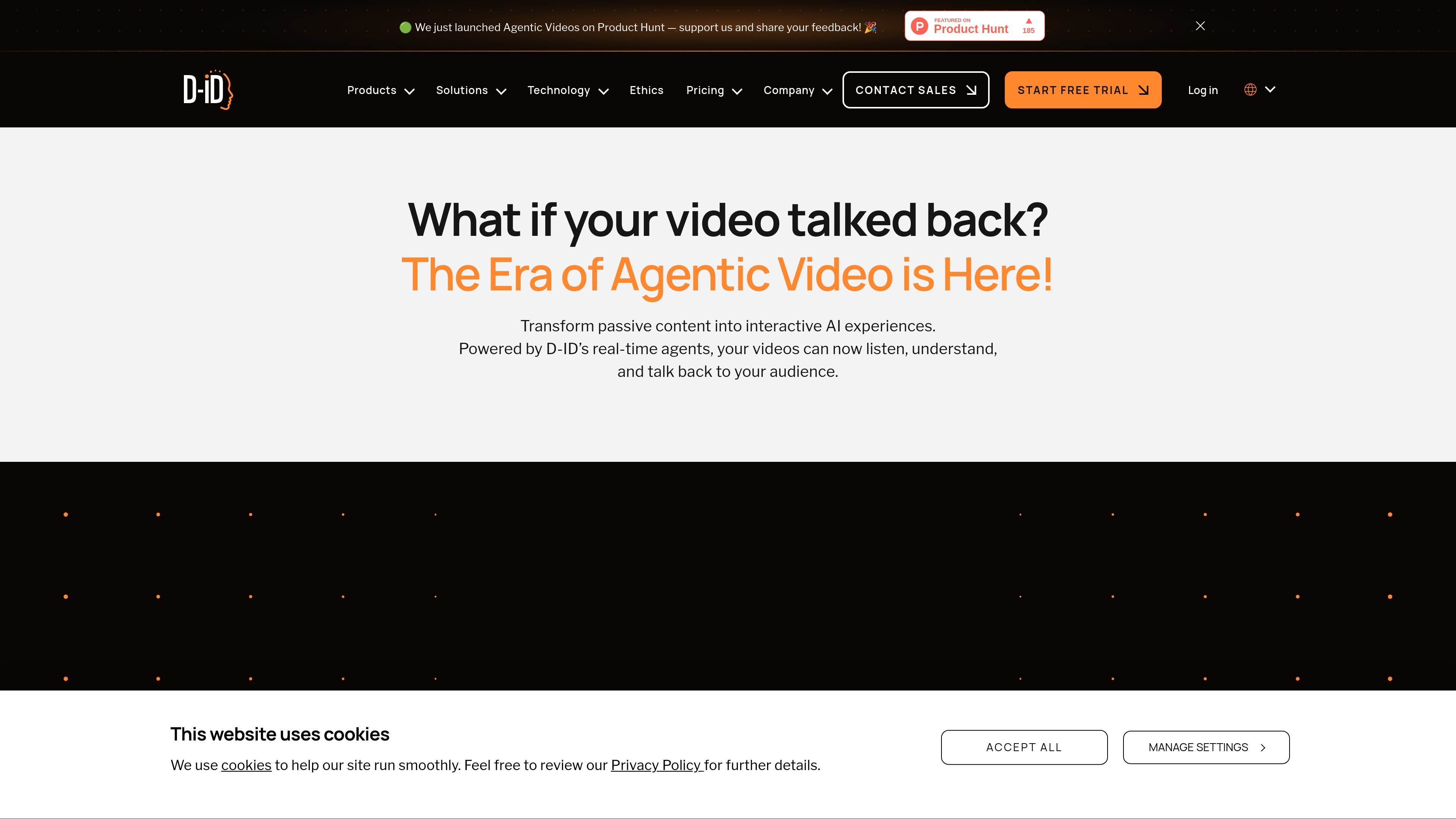
D-ID Agentic Videos is a product page for interactive video experiences built on D-ID’s real-time agents. It describes a workflow where a video can listen, understand, and talk back, so viewers can ask questions about the content instead of only watching passively.
The page positions the product as a way to make existing video content interactive inside D-ID’s Creative Reality Studio. It also ties the experience to the company’s V4 Expressive Avatars, which are described as supporting low-latency interactions, natural expressions, sharper lip sync, and more controlled delivery in both scripted and conversational formats.
Create interactive videos in D-ID’s Creative Reality Studio by uploading a video, selecting an avatar, and defining how the interaction should start.
Let viewers ask questions by voice or chat while the video is playing, turning a one-way presentation into a two-way conversation.
Use D-ID’s V4 architecture to support sub-second latency and natural expressions in real-time interactions.
Keep responses aligned with the uploaded script and supplemental knowledge so the agent stays on topic and on brand.
Review the questions viewers ask to understand what content they want clarified and to inform future marketing or training material.
Use training or onboarding videos as a guided experience where employees can ask for clarification on company policy, procedures, or technical topics while the video plays.
Turn product demos into interactive sessions where prospects ask about features, pricing, or fit without leaving the video player.
Support pre-sales conversations by letting leads ask for tailored examples or compare plans in real time with a digital presenter.
Build customer support walkthroughs where the same agent hosting the tutorial can answer troubleshooting questions step by step.
Capture audience questions from interactive playback to learn what topics are unclear and use those questions to refine content and marketing.
D-ID Agentic Videos lets viewers interact with a video by asking questions through voice or chat while the content plays. The source says viewers can ask about the video content and go deeper on the topic.
The page says you create an interactive video by uploading a video, choosing an avatar, and defining how the interaction should begin in D-ID’s Creative Reality Studio.
The product page says D-ID’s V4 architecture powers the interactions and that it is designed for sub-second latency and natural expressions.
The pricing page says minutes are deducted from your plan when you create a video, rounded up to the nearest 15-second interval. It also says API usage draws from the same minute balance as the web version.
The pricing page says API documentation is available through the Developer Hub, and an API key can be generated from the user’s Account page.

Flunkey is a voice-first productivity layer for Windows that turns speech into text, AI outputs, and remembered context without leaving your app.

An All-In-One AI Platform that combines tools for image, video, voice, writing, and chat to enhance creativity and collaboration.

Gemma AI is a phone call reminder app that calls you with scheduled reminders instead of push notifications, with Google Calendar sync and natural voice interaction.

Wallie is an open-source AI streamer that watches your screen, hears chat, and delivers live commentary in a configurable persona. Runs locally with your own keys.

Claude Overlay is a Windows desktop overlay for Claude Code that reads your screen, so you can ask questions, inspect content, and request edits without leaving the app. Uses your existing Claude subscription via Claude CLI.

VIDEOAI.ME is an AI video generator for spokesperson videos, ads, explainers, and social content from a script without filming.