
Multimodal stream reaction loop
Wallie combines screen vision, hearing/chat input, language generation, and text-to-speech so it can react live during a stream instead of producing isolated replies.

Wallie is an open-source AI streamer that watches your screen, hears chat, and delivers live commentary in a configurable persona. Runs locally with your own keys.
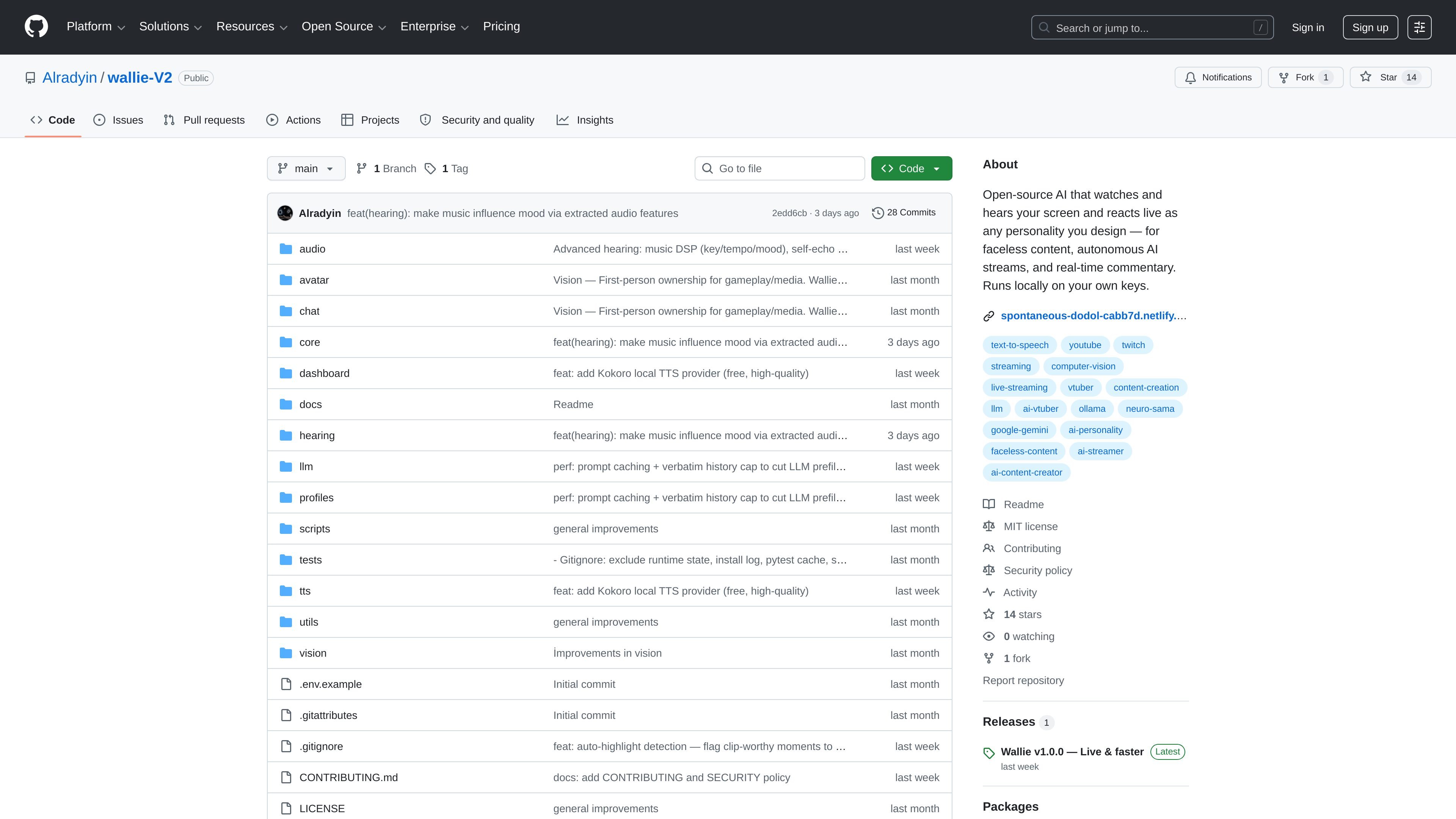
Wallie is an open-source AI streamer project that watches and hears what is happening on your screen, listens to chat, and generates live commentary in a designed personality. Its core purpose is to make autonomous or faceless streams feel more continuous and responsive than short demo-style AI bots.
The repository describes a browser-configurable workflow where you choose the persona, voice, language model, platform, and avatar. Wallie then routes output through voice synthesis and streaming tools such as OBS or a virtual cable, while keeping the system running on the user’s machine with the user’s own keys.
Wallie combines screen vision, hearing/chat input, language generation, and text-to-speech so it can react live during a stream instead of producing isolated replies.
The persona system lets you define identity, voice, humor style, catchphrases, opinions, taboo topics, and other character details rather than relying on a single prompt.
A rolling summarizer, session notes, and cross-session memory help the system retain context over longer streams and avoid losing track of earlier topics.
The attention and dedupe systems reduce repetition, throttle question loops, and decide when a screen change deserves a reaction or should be ignored.
Provider support includes multiple LLM, TTS, chat, and avatar options, with examples such as OpenAI, Anthropic, Google Gemini, Groq, Ollama, Fish Audio, ElevenLabs, Piper, Twitch, YouTube, Kick, and VTube Studio.
The project is described as browser-configurable and intended to run on the user’s machine with their own keys.
Build a live AI streamer that comments on gameplay, browsing, or desktop activity while preserving a chosen personality over time.
Create faceless content where the AI provides the voice and reactions instead of a human on camera.
Use the memory and dedupe systems to keep a long stream from repeating itself or losing the thread of earlier discussion.
Combine OBS, a virtual cable, and a Live2D avatar in a streaming setup where the AI output drives both audio and visual presentation.
Experiment with different LLM, TTS, and platform combinations from the browser to match a local, premium, or fully offline workflow.
Wallie is designed to run locally on your machine with your own keys. The README also shows setup and usage through the browser-based dashboard and profile system.
The source describes Wallie as an AI streamer that reacts to screen activity, hears chat, uses personas, and outputs voice for OBS or a virtual cable. It is aimed at faceless content, autonomous AI streams, and real-time commentary.
The README presents Wallie as configurable from the browser and swappable across LLM, TTS, chat, and avatar options. The exact setup steps are documented in the guide and README rather than in the product title.
The repository page itself does not list a commercial product price. Because it is an open-source GitHub project, pricing details are not provided on the product page.

Flunkey is a voice-first productivity layer for Windows that turns speech into text, AI outputs, and remembered context without leaving your app.

CreateOS Sandbox is an isolated compute environment for running code and agent workloads in Firecracker micro-VMs with private networking and SDK, CLI, or MCP control.

GitBot is a local browser workspace for reusable coding bots powered by Claude Code, Codex, or OpenCode, with persistent threads and configurable permissions.

Codex Plugins bundle reusable skills, app integrations, and MCP servers into workflows you can install in the Codex app or use from Codex CLI.

An All-In-One AI Platform that combines tools for image, video, voice, writing, and chat to enhance creativity and collaboration.

Gemma AI is a phone call reminder app that calls you with scheduled reminders instead of push notifications, with Google Calendar sync and natural voice interaction.