
Agent-readiness scoring
Tests a public website from an AI-agent perspective, including whether agents can discover pages, access them, use their contents, and complete payment-related or signup flows.

Dedica audits websites for AI-agent readiness, scoring discovery, access, usability, and payments. Get prioritized issues and developer-ready fixes for implementation.
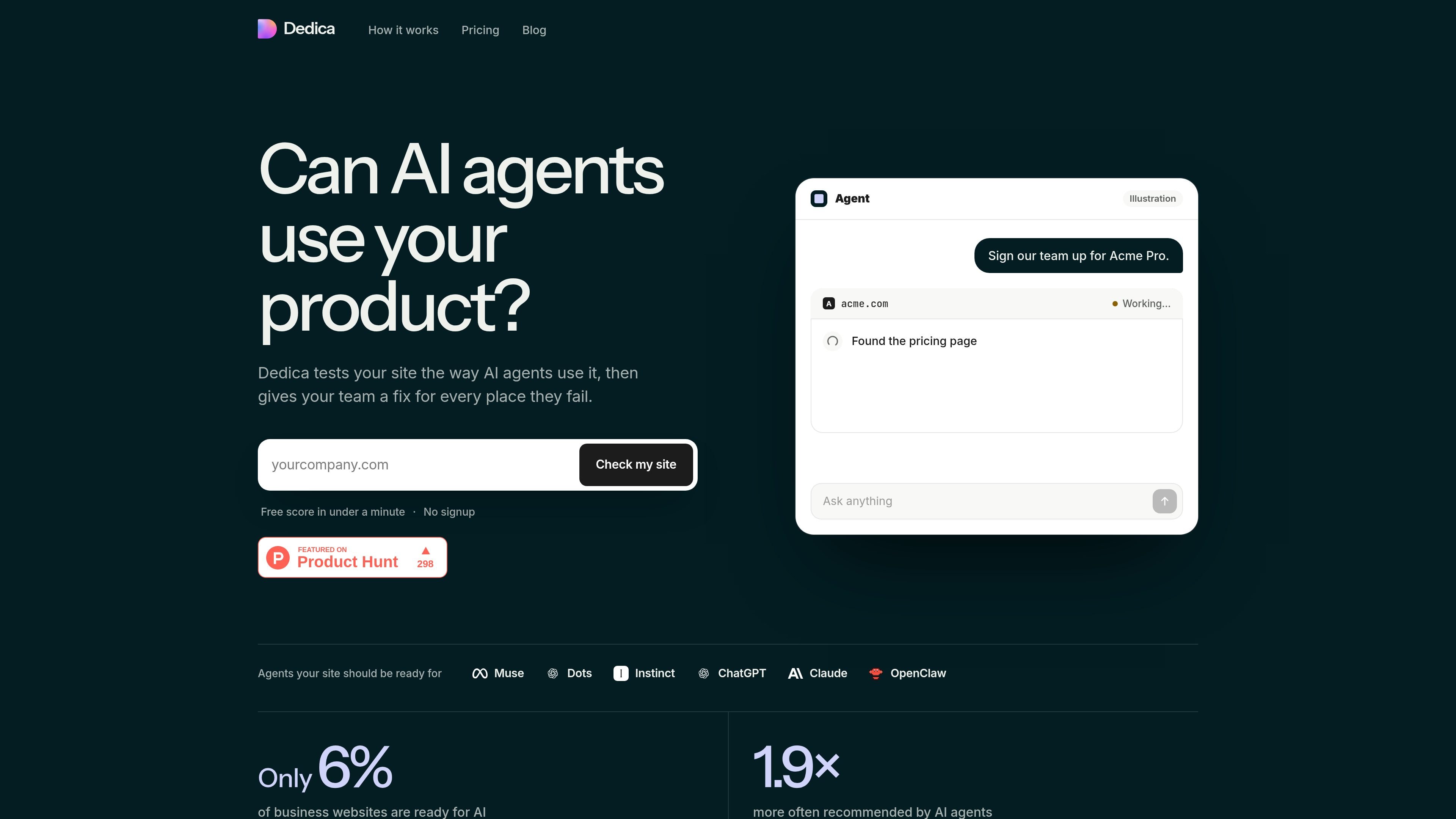
Dedica is a website agent-readiness auditor for teams that want AI agents to find, read, and use their public product site. It scans a domain the way an agent might encounter it, then reports an overall score and grade across Discovery, Access, Usability, and Payments.
The free report surfaces example findings with page evidence and explanations, while the paid, one-time fix kit provides the complete report and a separate instruction file for each issue. Those files are designed to be handed to a developer or coding assistant, making Dedica useful for identifying and prioritizing changes rather than serving as a site builder or monitoring dashboard.
Tests a public website from an AI-agent perspective, including whether agents can discover pages, access them, use their contents, and complete payment-related or signup flows.
Produces an overall score from 0 to 100 and a grade, with separate Discovery, Access, Usability, and Payments layers to show where problems are concentrated.
Shows example failed checks with page evidence, a short explanation of what the failure means, and an indication of the checks that should be fixed first.
The paid kit contains every finding for a domain, the complete unredacted report, and a ready-to-run instruction file for each issue, including a way to verify the change.
Offers public, read-only JSON score lookups, an OpenAPI description, markdown page alternatives, and an MCP server with tools for checking cached results or starting a fresh scan.
Supports a scan-fix-scan workflow: teams can make changes, rescan the domain, and compare which checks now pass.
Run a baseline scan before an agent-facing launch to identify blocked pages, JavaScript-only content, missing documentation, or other access problems that could prevent software from using the site.
Use the layer scores and prioritized findings to decide which website changes should be addressed first, rather than treating all crawlability and usability issues as equally urgent.
Give the paid instruction files to an engineer or coding assistant, then use the included verification guidance to confirm that each change works from an agent’s perspective.
Call the public report endpoint from a script or connect an MCP client to check a site’s cached score before recommending or integrating that site into an agent workflow.
Rescan a domain after deployment to check whether previously failing readiness checks now pass and to identify regressions in agent access.
Dedica scans a public domain and scores it from 0 to 100 across Discovery, Access, Usability, and Payments. The report includes evidence and explanations for visible findings, while the paid fix kit provides the complete finding set for that domain.
Enter a domain on the Dedica website. The free scan takes under a minute and does not require signup. A domain must be scanned before its public report can be retrieved through the documented API.
The free check provides a score, grade, four layer scores, and up to 20 example findings. The one-time fix kit includes every finding for the domain, one instruction file per fix, the full unredacted report, and a downloadable ZIP archive.
The fix kit is delivered as a ZIP download immediately after checkout, and a report link is emailed to the address supplied at Stripe checkout. It can be handed to a developer or coding assistant such as Claude Code, Codex, Cursor, or GitHub Copilot.
The public API is read-only, requires no API key or signup, and is rate-limited. Dedica also exposes an MCP server for reading a cached score or running a fresh scan; the documented endpoints work with public domains.

MacSpoof is a macOS MAC address changer that lets you change or randomize your Wi‑Fi MAC to reconnect and limit device logging on public Wi‑Fi.

DemoTV is an audience-ranked station for discovering and comparing independent product demos. Submit videos, embed approved demos, collect inquiries or commission production and labelled promotion.

Ship It: Idle Dev Tycoon is an iPhone idle simulation game about building apps, managing a software studio, and selling it for lasting progression benefits.

NomNak is a free iPhone app for discovering restaurants through friends’ recommendations, with saved spots, a food passport and city search.

CAPTA is a mobile GPS waypoint app for saving, organizing, and revisiting locations offline, with camera capture, optional sync, and GPX export.

Ctrl+Shift+3 is a calm, text-first community platform with chronological feeds, profiles, RSS, and private Clicks for smaller communities.