
Text-to-world generation
Genie 3 is presented as a general-purpose world model that turns simple text descriptions into photorealistic environments that can be explored in real time.

Genie 3 is Google DeepMind’s world model for generating interactive, photorealistic environments from text or images via Project Genie.
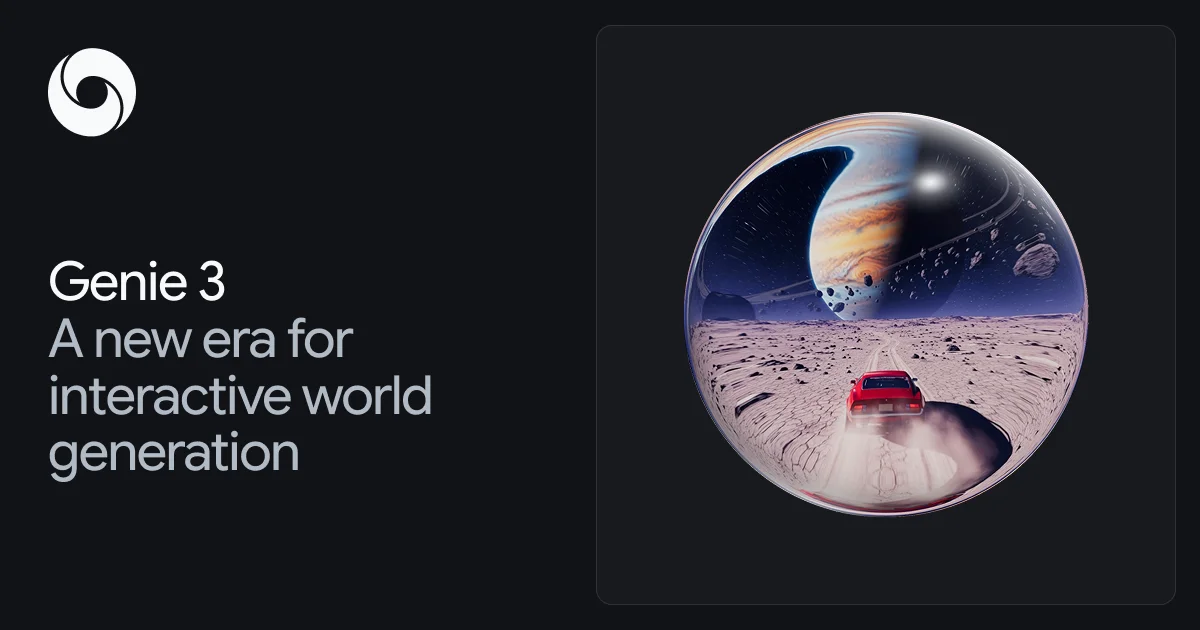
Genie 3 is Google DeepMind’s general-purpose world model for generating interactive, photorealistic environments from simple text descriptions. The page frames it as a real-time system for creating worlds that can be explored, with a focus on physical simulation, controllable interaction, and visual consistency.
The product is surfaced through Project Genie, an experimental research prototype, and a prompt guide that explains how to shape a world before entering it. DeepMind positions Genie 3 as useful for modelling the physical world, simulating nature, and producing animation or fiction-like scenes, while also describing it as a step toward more capable AI agents that can reason and act in complex environments.
Genie 3 is presented as a general-purpose world model that turns simple text descriptions into photorealistic environments that can be explored in real time.
The page says Genie 3 supports fluid interaction at 20-24 frames per second, allowing users and agents to move through generated worlds without long pauses between actions.
The model renders output at 720p resolution, giving generated scenes enough visual detail for exploratory use and agent training scenarios.
The homepage says previously seen details are recalled when revisited and that environments can sustain interaction without degrading as quickly.
Genie is grounded in Street View data from Google Maps, which the site says helps anchor new worlds in reality while still allowing unexpected combinations.
The prompt guide explains that users can build worlds with text or images, then refine the environment, character, and preview before entering the world.
Describe a landscape, character, and movement pattern to create a controllable world for interactive exploration or prototype testing.
Use the model’s real-time, photorealistic output to model deserts, seas, weather, and other physical environments for simulation-style exploration.
Generate vibrant ecosystems or other nature-inspired scenes when the goal is to explore animal behavior, plant life, and environmental detail.
Create imaginary settings, fantastical scenarios, or expressive animated characters for fiction and animation-oriented experimentation.
Follow the prompt guide to sketch, upload, and remix worlds before entering them, which is useful when iterating on a scene concept or reference image.
Genie 3 is accessed through Project Genie, which the page describes as an experimental research prototype for creating and exploring worlds. The homepage also links to a prompt guide for learning how to prompt it.
The prompt guide says Genie 3 can be prompted with text or images. It uses three elements in prompting: the environment, the character, and a world sketch preview generated by Nano Banana Pro, which can also be adjusted with a user-uploaded image.
The homepage says Genie 3 generates photorealistic environments that can be explored in real time. The prompt guide adds that the workflow includes world sketching, image upload, and world remixing.
The source describes Genie 3 as a general-purpose world model with real-time interaction, 720p output, and 20-24 frames per second. It is presented as a research model rather than a public consumer product with listed plans.
The source highlights strengths in real-time interaction, photorealistic output, world consistency, and grounding in Street View data. It does not provide a full public list of product limits, onboarding steps, or team features.

紫东太初 is a multimodal large model for multi-turn Q&A, text creation, image generation, 3D understanding, and signal analysis.

The AI painting generator is an online AI-powered software that automatically creates artwork based on text descriptions provided by users.

An All-In-One AI Platform that combines tools for image, video, voice, writing, and chat to enhance creativity and collaboration.

Slidesgo is a presentation template platform for Google Slides, PowerPoint and Canva workflows, with free and Premium templates plus AI-assisted creation.

Wysera is an AI business platform with PostWyse for content and OpsWyse for CRM and revenue workflows, powered by shared Wyse AI and approval-first automation.

Grok is a free AI assistant developed by xAI, engineered to prioritize truth and objectivity while offering advanced capabilities like real-time information access and image generation.