
PDF upload and instant text extraction
Upload PDFs and start searching the text as soon as it is extracted. The site says drag-and-drop works for books, research papers, textbooks, and articles.

Highlyt is a PDF highlighter and knowledge-organizing app that turns reading notes into AI-readable context with semantic colors, linked ideas, search, and MCP access for Claude and ChatGPT.
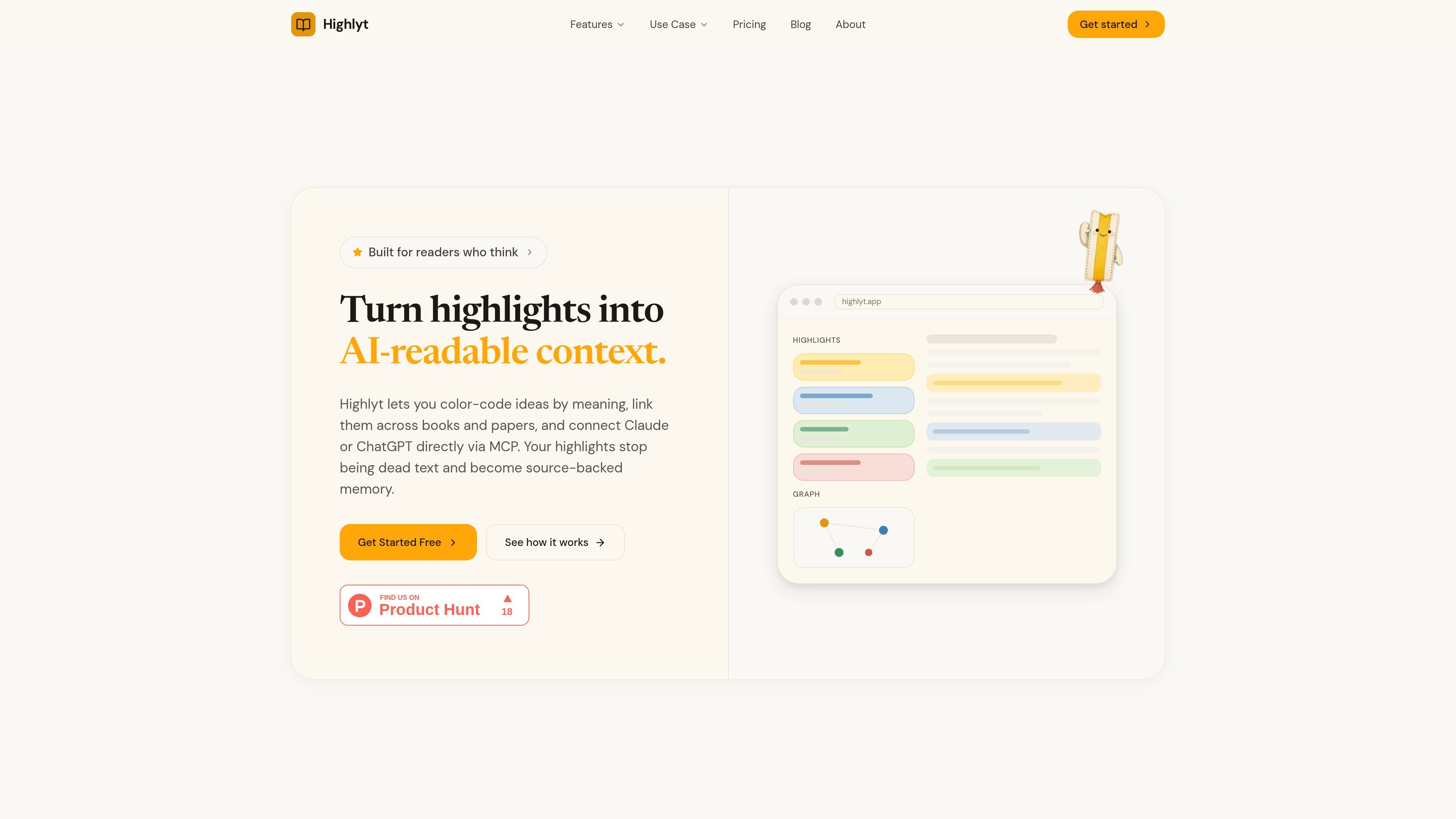
Highlyt is a PDF highlighter and knowledge-organization tool that turns saved passages into structured, AI-readable context. It combines semantic color coding, linked highlights, full-text search, and an MCP server so reading notes can be reused as searchable context in Claude or ChatGPT.
The product is aimed at people who read books, papers, and textbooks and want their highlights to keep their meaning after capture. Instead of treating every highlight as plain text, Highlyt lets you define what each color means, connect related ideas across documents, and export or share that structure with AI tools when you need it.
Upload PDFs and start searching the text as soon as it is extracted. The site says drag-and-drop works for books, research papers, textbooks, and articles.
Assign meanings to colors such as key concept, question, evidence, or methodology. The meaning is saved per document and travels with the highlight when exported or read by AI.
Link highlights across chapters, books, and papers to show how ideas support, contradict, expand, or question one another. The result is an interactive knowledge graph.
Search across highlights, notes, chapters, and documents with filters for color, chapter, and document. The site presents this as a way to find a passage quickly without scrolling through libraries.
Connect Claude and ChatGPT through MCP so the model can read highlights, color meanings, graph edges, source metadata, and notes without manual copy-and-paste.
Export content as JSON or Markdown, including color labels, pages, and context. The site also lists shelves for organizing documents and row-level security for data protection.
Use semantic colors to separate key concepts, questions, evidence, and methodology while reading books or papers. This helps you return to the same document later and understand why each passage mattered.
Connect related passages across multiple documents when one framework explains another result or paper. The knowledge graph makes those relationships visible instead of leaving them in separate files.
Search across a large library of highlights and notes when you need a passage from weeks or months ago. Filters by color, chapter, or document help narrow the result set.
Feed Claude or ChatGPT a structured highlight set instead of a flat paste. MCP access lets the model read highlight text, color labels, graph edges, notes, and source metadata.
Export highlights as JSON or Markdown when you want to reuse them in another workflow. The site frames this as a way to keep the structure of your notes outside the app.
Highlyt is set up for reading and annotating PDFs: you upload a document, highlight passages with semantic colors, define what each color means, and then search, link, or export the result. The source text also describes a 5-minute path from PDF to knowledge graph.
The site shows a 7-day free trial with no credit card required. The pricing page also mentions early adopter pricing and monthly or annual billing options, but it does not provide enough detail to confirm plan tiers or final prices.
Highlyt is described as working with Claude and ChatGPT through MCP. The site also says highlights can be exported as JSON or Markdown, but it does not provide more detailed integration lists beyond those AI connections.
Yes. The site says each document can have its own color definitions, so the same color can mean different things in different books or papers.
The site emphasizes individual reading, research, and personal knowledge management. It does not provide evidence about team collaboration workflows or shared workspaces.

garden-md is an open-source Node.js CLI that turns meeting transcripts into a local company wiki, linking entities and preserving the original text.

recall is an AI flashcard app that turns reading and notes into study cards with Claude, ChatGPT, or another MCP client. One-time lifetime access with spaced repetition review.

Magic Notebook is a desktop writing app for bloggers, journalists, and authors who want to write in local files without a cluttered interface or cloud workflow.

Scite is an AI research platform for finding papers, checking citation context, and getting answers grounded in scholarly literature and patents.

Scribeist is an AI writing platform for novels, blogs, essays and notes, with project-aware AI, fiction continuity tools, SEO blog tools and publishing integrations.

QuickQuill is a local-first macOS dictation and transcription app to record meetings, summarize audio, and export notes without the cloud.