

JSON Kit
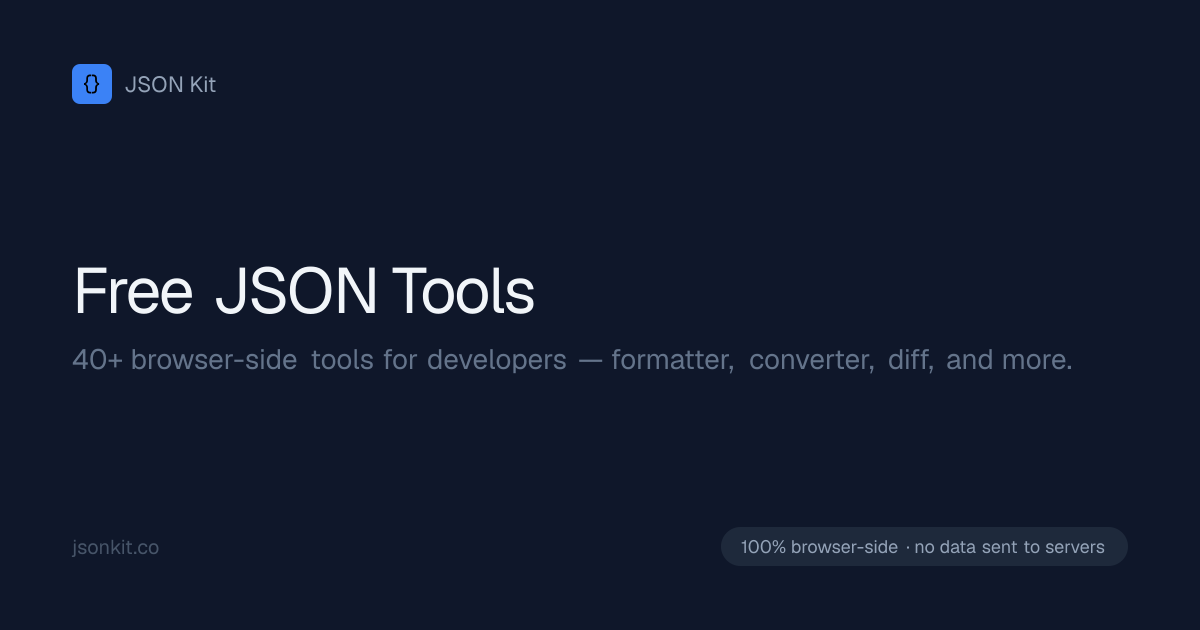
JSON Kit is a browser-based set of free JSON tools for developers, including formatting, validation, schema generation, code conversion, and LLM JSON repair.
What is JSON Kit?
JSON Kit is a browser-based collection of JSON tools for developers. It combines formatting, validation, conversion, repair, and transformation utilities in one interface, with a focus on workflows that involve API payloads, AI-generated output, and structured data.
The tool is designed to run entirely in the browser, so data is not sent to servers. It includes both common JSON utilities and newer AI-era helpers such as LLM JSON repair, extracting JSON from markdown, and generating schemas from sample data.
Key Features
- JSON formatter and validator for checking structure, formatting, and correctness in one place.
- Converters from JSON to TypeScript, Zod, Pydantic, Go structs, Rust structs, Kotlin, Swift, Java POJOs, C# classes, GraphQL, JSON Schema, SQL, Supabase schema, and OpenAI schema.
- AI-focused utilities such as fixing malformed LLM output, extracting JSON from markdown, and converting natural-language descriptions into sample JSON.
- Data transformation tools including JSON to CSV, JSON to YAML, YAML to JSON, JSON to XML, JSON flattener, minifier, JSONL viewer, CSV to JSON, and JSON to .env.
- Analysis and inspection tools such as JSON diff, JSONPath tester, and JSON to mock data generation.
- Browser-side processing for larger files, with Monaco Editor support for 50MB+ files.
How to Use JSON Kit
A typical workflow is to open the relevant tool, paste or load your JSON, and run the conversion or validation you need. For example, you can format a payload, repair malformed output from an LLM, generate a schema or code type from sample JSON, or compare two objects with the diff tool.
Because everything runs in the browser, users can work directly with local content without sending it to a backend. The interface is also suited to handling large payloads that need editing, validation, or transformation before being copied into an application or pipeline.
Use Cases
- A frontend developer validates an API response and generates TypeScript interfaces for use in a web app.
- A backend engineer converts sample JSON into Pydantic models, SQL insert statements, or a JSON Schema for a data pipeline.
- An engineer working with LLM output repairs malformed JSON and extracts valid JSON blocks from markdown responses.
- A developer compares two nested objects with JSON Diff or tests a JSONPath expression against live data.
- A data worker converts JSON arrays to CSV, flattens nested records, or switches between JSON, YAML, and XML for downstream tools.
FAQ
Is JSON Kit free to use? Yes. The source describes it as a collection of free JSON tools.
Does JSON Kit send data to a server? No. The tools run in the browser and the source states that data is not sent to servers.
What kinds of output can it generate? It can generate developer-oriented formats such as TypeScript, Zod, Pydantic, Go, Rust, Kotlin, Swift, Java, C#, GraphQL, JSON Schema, SQL, and OpenAI schema formats.
Is JSON Kit only for standard JSON formatting? No. It also includes tools for AI-generated JSON repair, JSONPath testing, file conversion, schema generation, and other JSON transformations.
Alternatives
- Standalone JSON formatters and validators, which cover basic formatting and error checking but usually do not include the broader conversion and schema tools found in JSON Kit.
- Language-specific code generation utilities, such as tools that only generate TypeScript, Pydantic, or Go types from JSON samples.
- General-purpose data conversion tools, which may handle JSON to CSV, YAML, or XML but may not include developer-oriented features like JSON Diff, JSONPath testing, or LLM repair.
- Local/offline editor-based workflows using a code editor or script, which offer more control but require manual setup compared with an all-in-one browser tool.
Alternatives

Devin
Devin is an AI coding agent that helps software teams complete code migrations and large refactoring by running subtasks in parallel.

imgcook
imgcook is an intelligent tool that converts design mockups into high-quality, production-ready code with a single click.

Pi Coding Agent
Pi Coding Agent is a terminal-based coding agent for developers who want coding help from the command line. Find docs, GitHub, and Discord for setup, feedback, and discussion.
Assemble by Cohesium AI
Assemble by Cohesium AI lets you orchestrate multiple AI specialist roles with a configuration setup across coding platforms from one place.

Ably Chat
Ably Chat is a chat API and SDKs for building custom realtime chat apps, with reactions, presence, and message edit/delete.

AakarDev AI
AakarDev AI is a powerful platform that simplifies the development of AI applications with seamless vector database integration, enabling rapid deployment and scalability.