
Large-context multimodal model
The page describes Kimi K3 as a 2.8T-parameter model with native vision and a 1-million-token context window, built for long-horizon coding, knowledge work, and reasoning.

Kimi K3 is Moonshot AI’s frontier model for coding, knowledge work, and reasoning, with Kimi.com, Kimi Work, Kimi Code, Kimi API, a 1-million-token context window, and native vision.
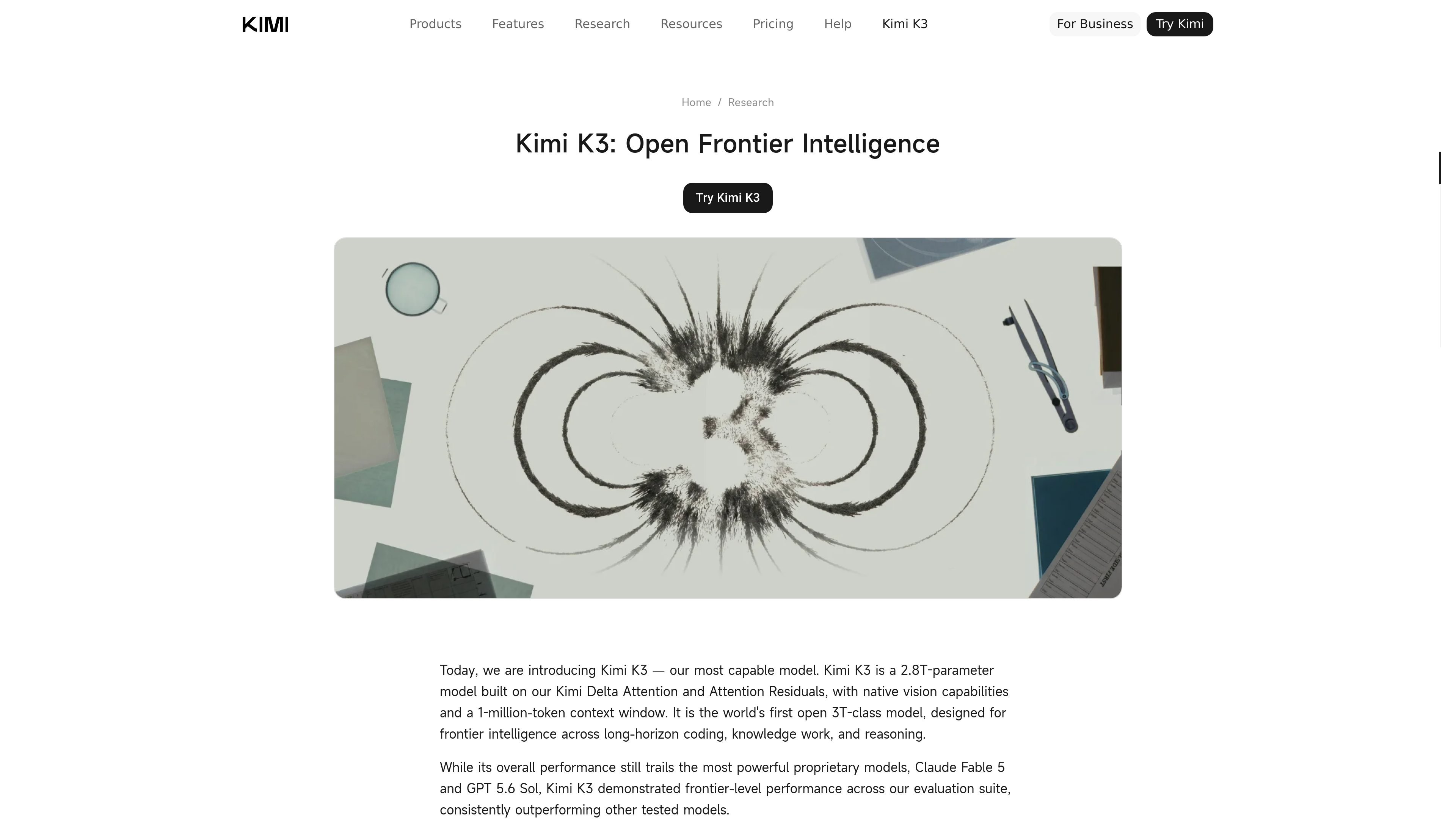
Kimi K3 is Moonshot AI’s frontier model launched through Kimi’s product suite. The launch post describes it as a 2.8T-parameter model with native vision capabilities and a 1-million-token context window, and says it is the first open 3T-class model.
The model is available across Kimi.com, Kimi Work, Kimi Code, and the Kimi API. Across the source pages, Kimi K3 is positioned for long-horizon coding, knowledge work, and reasoning rather than as a single-purpose chat model. Kimi Work uses it for desktop automation and agent workflows, while Kimi Code presents it as a code agent for developer tasks.
The page describes Kimi K3 as a 2.8T-parameter model with native vision and a 1-million-token context window, built for long-horizon coding, knowledge work, and reasoning.
Kimi K3 is presented as the model behind Kimi Code, where it is positioned for coding tasks, terminal tool use, and work across large repositories.
Kimi Work is described as a desktop local agent that mounts local folders, runs Python in the background, and works continuously on the desktop.
WebBridge lets Kimi Work browse like a human, move across tabs, and extract information from websites for multi-step web tasks.
The product page says Kimi Work includes a Cron engine for LLM agent calls, Python/Shell execution, and recurring tasks that can run on a schedule.
Kimi Work includes Swarm-based coordination of multiple specialized agents, then turns completed research into PowerPoint decks or Excel sheets.
Use Kimi Code when you need an AI coding assistant that can work inside terminal and IDE-oriented workflows, help with large repositories, and support programming tasks with a long context window.
Use Kimi Work for desktop tasks that combine local files, browser actions, and background scripts, such as finding documents, summarizing them, or running repeated office automation.
Use the browser automation layer when a task requires web research, tab navigation, data extraction, or copy-to-Excel style workflows without manual clicking.
Use Kimi Work’s scheduled tasks when you need recurring LLM calls or Python/Shell jobs to run on a daily, hourly, or conditional basis.
Use Kimi K3 for long-horizon reasoning tasks that mix code, visuals, and research, such as scientific workflows or interactive reports.
Kimi Work is the desktop agent for deeper workflows: it mounts local folders, can navigate the web through WebBridge, runs Python code in the background, and supports scheduled tasks. The web app is described as better for quick chat and queries.
The page says Kimi Work gives you control over your files and uses an “Ask before acting” safeguard. It prompts for explicit authorization before modifying, overwriting, or running code in local directories.
WebBridge is Kimi Work’s browser-automation layer. It can browse across tabs, click, scroll, extract data, and complete multi-step web tasks such as checking news, summarizing pages, or scraping stock data into Excel.
Kimi Work’s Cron scheduler supports LLM agent calls, Python/Shell executions, and other scheduled automation. The page says tasks can run daily, hourly, or conditionally, and that you can use the Keep Computer Awake option if you want overnight execution.
Kimi K3 is available on Kimi.com, Kimi Work, Kimi Code, and the Kimi API. The launch post says full model weights will be released by July 27, 2026, but it does not describe separate model plans or pricing on the source pages provided.

ByteAsk is a terminal-first AI coding agent for C and C++ that edits repos and verifies changes with compilers, debuggers, sanitizers, and tests.

Ghost is a terminal-based AI assistant for chatting, code generation, and CLI tasks. Includes free models, supports Linux, macOS, Windows, and is open source.

CreateOS Sandbox is an isolated compute environment for running code and agent workloads in Firecracker micro-VMs with private networking and SDK, CLI, or MCP control.

hob is an independent workspace for coding agents, with local control over sessions, terminals, history, routing, and follow-up work.

Manta AI is an autonomous web app testing tool that maps app behavior, catches regressions, and generates tests from a URL, no scripts or selectors needed.

Redline is a budgeting tool for Claude Code that paces sessions by time, tokens, cost, or plan percentage, helping them end with a usable result.