
Freeform canvas editor
Design on an infinite freeform canvas instead of a grid-based layout system, with unlimited breakpoints and a CSS variable design system for responsive work.

Kirki is a WordPress website builder with a freeform infinite canvas, built-in CMS tools, and team collaboration features. Free and paid plans available.
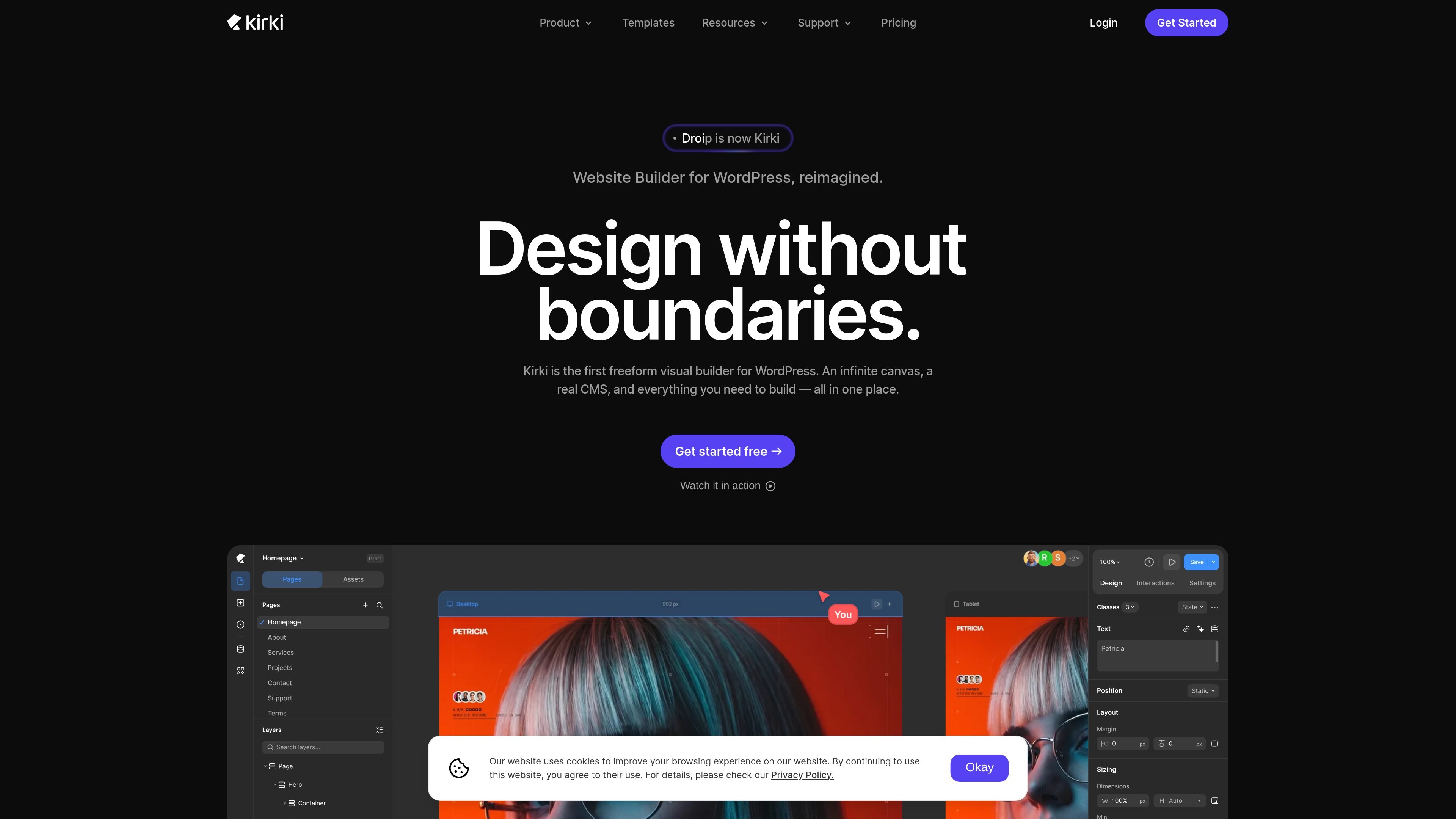
Kirki is a WordPress website builder centered on freeform visual design. It presents itself as a freeform visual builder with an infinite canvas, responsive editing, built-in CMS tooling, and collaboration features for teams working on the same site.
The product is positioned for people building and managing WordPress sites who want to design layouts without the usual row-and-column structure. Its pages also describe migration from Figma, HTML, or other builders, dynamic content workflows, and plan options that range from a free version to paid Pro, Agency, and Lifetime licenses.
Design on an infinite freeform canvas instead of a grid-based layout system, with unlimited breakpoints and a CSS variable design system for responsive work.
Manage WordPress posts, pages, custom post types, taxonomies, custom content types, and custom fields from a unified CMS interface with collections and relationships.
Build reference and multi-reference relationships, then render collection-driven dynamic templates and schedule content for publication.
Collaborate with multiple editors on one canvas, leave comments directly on the design, and use staging mode, publish history, and client share links for handoff.
Create scroll, click, hover, and mouse-move interactions with an interaction timeline, presets, text animations, and Lottie support.
Import from Figma, HTML, or other builders, plus use full site export/import and form builder tools for migration and setup.
Build a marketing site or landing page without following a strict section, row, or column framework.
Set up structured content such as products, team members, blog content, or case studies, then generate pages from dynamic templates.
Work with designers, editors, and clients on the same build using comments, real-time collaboration, and view-only share links.
Import an existing design or site into Kirki from Figma, HTML, or another builder to continue work in WordPress.
Add motion and interactive behavior with scroll, hover, click, and mouse-move triggers plus timeline-based animation controls.
Kirki Free is available on WordPress.org and is described as always free. Paid plans add Pro, Agency, and Lifetime options with higher-tier features and support.
The source says Kirki works with any WordPress theme on any hosting setup, with no special requirements.
Yes. The pricing page says local development and staging environments never count against your site license; only live production sites count.
Paid plans include a 60-day money-back guarantee according to the pricing page.
Kirki supports one WordPress installation on a Pro site license, unlimited sites on Agency, and lifetime access with no renewals on the Lifetime plan.

Make Real is a Next.js app that turns hand-drawn wireframes into HTML prototypes with the tldraw SDK and AI models, with canvas sketching and embedded preview.

Refero MCP for AI agents connects an MCP-compatible agent to Refero’s curated library of web and iOS product interfaces and user flows. It helps agents research real design patterns before generating UI, with access included in the Refero Pro plan.

Pixso is a next-generation AI-native UI design tool that allows users to generate design drafts and code with a single click, serving as a domestic alternative to Figma.

Fronty is an AI-powered web app that converts screenshots and image files into HTML and CSS, with no-code editing and hosting to refine and publish your site.

PixelDrive is a bulk image generation API for on-brand images from one template via browser editor, REST API, CSV batch, or MCP.

Speculos deploys Claude Code apps to shareable URLs, with private, org-wide or public visibility and team controls for domains, data and cloud deployments.