
Publish and version skills
Publish skills from the CLI, REST API, or web editor. The CLI can scan a project for rules files and turn them into a published skill in one step, with a new version created on every update.

localskills.sh helps teams create, share, and install reusable agent skills and rules across coding tools, with publishing, versioning, access control, SSO, analytics, and audit logs.
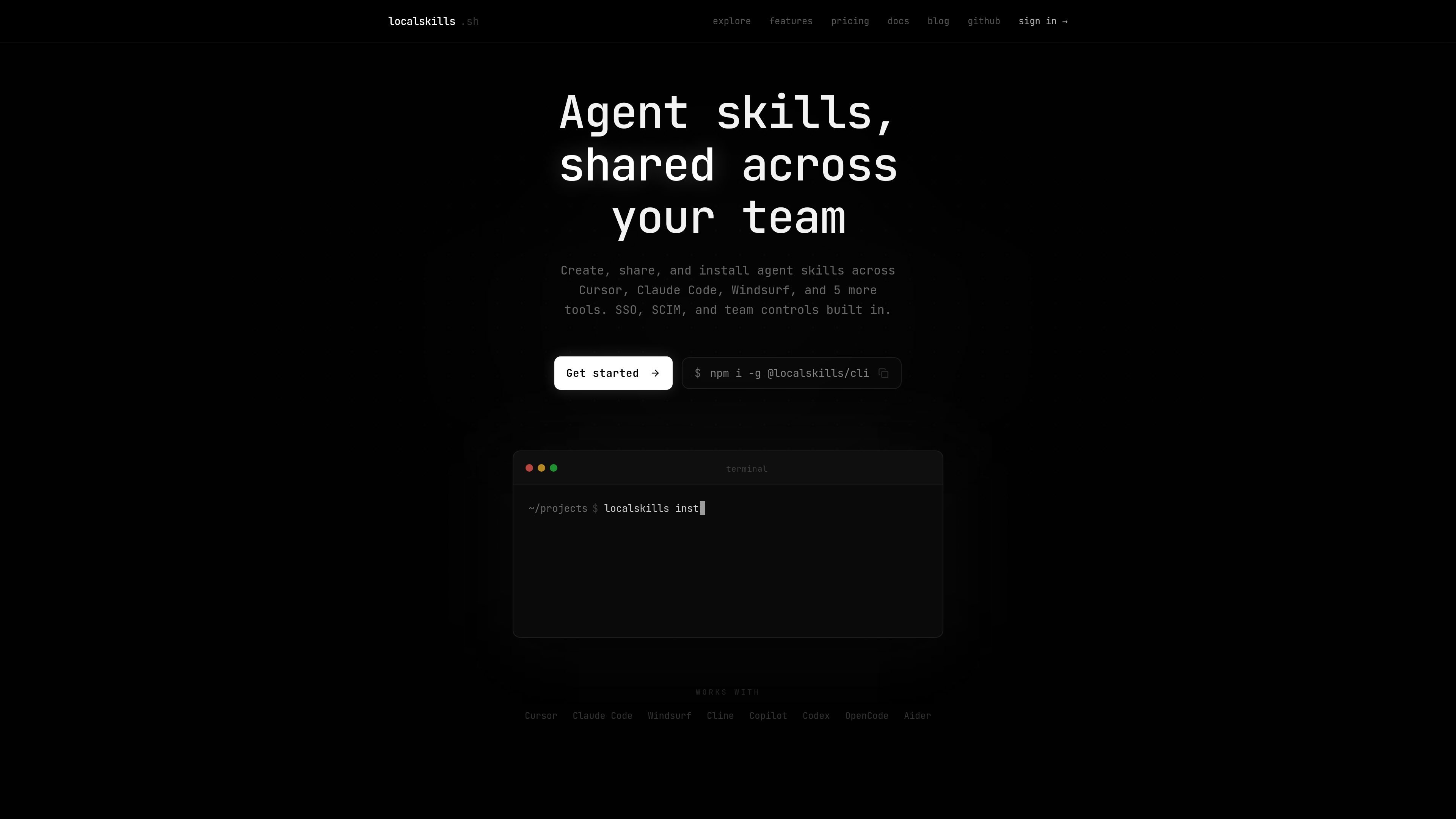
localskills.sh is a platform for creating, sharing, and installing reusable agent skills and rules across a team. It is positioned for people using tools such as Cursor, Claude Code, Windsurf, and other supported coding agents.
The product centers on team distribution and control: skills can be published, versioned, and installed from a single command or API workflow, while organizations can apply roles, SSO, SCIM, folder access controls, analytics, and audit logs. The pricing page states that all features are included for teams under 10 seats, with larger teams moved to custom pricing.
Publish skills from the CLI, REST API, or web editor. The CLI can scan a project for rules files and turn them into a published skill in one step, with a new version created on every update.
Package a folder as a single versioned artifact, with support for multi-file package skills, up to 500 files or 1 MB per version, and one-click rollback to earlier versions.
Install skills into Cursor, Claude Code, Windsurf, Cline, Copilot, Codex, OpenCode, and Aider using one CLI, with symlink, copy, or embedded section installs.
Control access with four built-in roles, custom roles, and folder-level ACLs. The platform says permissions do not escalate beyond a member's role.
Use SAML 2.0 SSO and SCIM 2.0 directory sync with group-to-team mapping, plus email-domain enforcement for organization sign-in.
Track installs by source, keep a 90-day audit log, mirror your skill tree to GitHub, and use API tokens or the MCP server for programmatic access.
A team can publish a shared skill once, keep version history, and roll back if an update does not work as intended.
An organization can distribute the same skill set to developers using different AI coding tools without rewriting the workflow for each app.
Admins can restrict who can publish or view specific folders, while keeping access aligned to roles and team membership.
Teams using SSO or directory sync can connect identity providers, map groups to teams, and enforce organization sign-in by email domain.
Engineering teams can install skills in CI/CD or automated workflows using API tokens or the MCP server, while tracking source-based install analytics.
You create a workspace, then publish skills from the CLI, REST API, or web editor. The site says the CLI can scan your project for rules files and publish them in one step.
The site lists Cursor, Claude Code, Windsurf, Cline, Copilot, Codex, OpenCode, and Aider. It also says one CLI can install across those tools using symlink, copy, or embedded install strategies.
Every member of your organization counts as a seat, including owners, admins, members, view-only users, and custom roles. SCIM-provisioned accounts also count.
No. The pricing page says the free plan includes all features for teams under 10 seats, including private skills, custom roles, folder ACLs, SAML SSO, SCIM provisioning, audit logs, the GitHub mirror, the MCP server, and the full REST API.
The pricing page says to contact the team once you reach 10 seats. They will set up per-seat pricing, onboarding, and terms, and the workspace keeps working while that is arranged.

hob is an independent workspace for coding agents, with local control over sessions, terminals, history, routing, and follow-up work.

ByteAsk is a terminal-first AI coding agent for C and C++ that edits repos and verifies changes with compilers, debuggers, sanitizers, and tests.

CreateOS Sandbox is an isolated compute environment for running code and agent workloads in Firecracker micro-VMs with private networking and SDK, CLI, or MCP control.

Manta AI is an autonomous web app testing tool that maps app behavior, catches regressions, and generates tests from a URL, no scripts or selectors needed.

SonOf connects to your repo and PM tool, audits your codebase, and turns approved work into shipped tickets with senior engineering review.

Ghost is a terminal-based AI assistant for chatting, code generation, and CLI tasks. Includes free models, supports Linux, macOS, Windows, and is open source.