

MagicSlides
MagicSlides is an AI PPT maker that generates professional decks from prompts, topics, pasted content, PDFs and YouTube links—136+ languages.
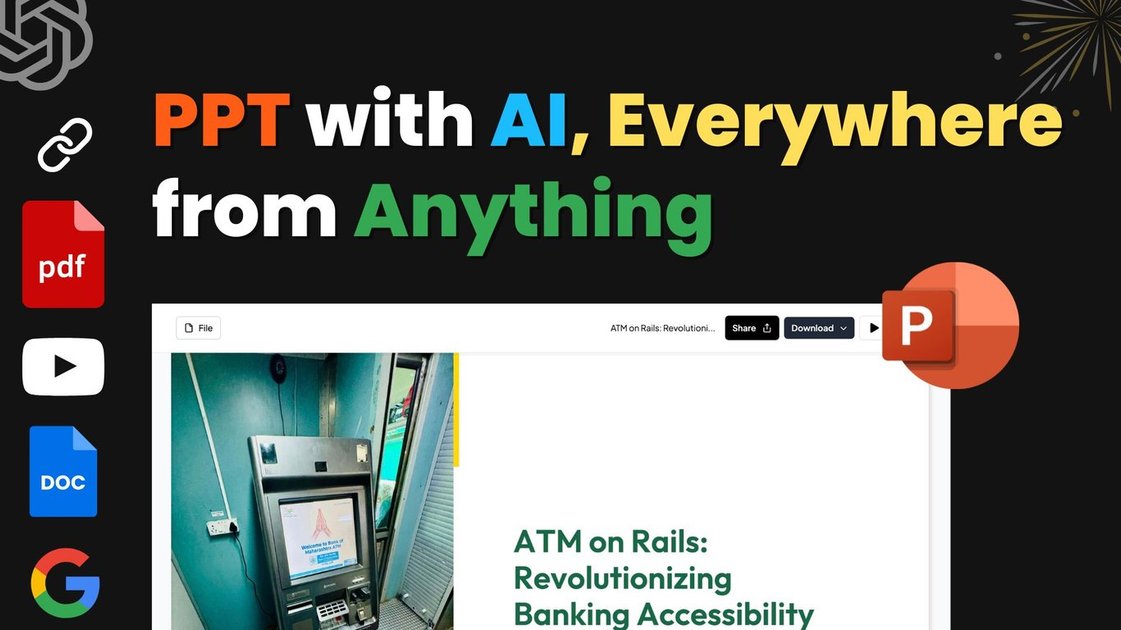
What is MagicSlides?
MagicSlides is an AI PPT maker and presentation generator that turns prompts, topics, or content sources into a structured slide deck. The core purpose is to help you go from an idea (or an input document/link) to a presentation you can review and edit quickly.
The product also includes an AI chat assistant for building and refining presentations, and it supports creating slides in many languages so you can produce decks for different audiences.
Key Features
- Prompt/topic/content-to-PPT generation: Convert an idea, topic, or pasted content into a ready-to-use presentation deck.
- Multi-source inputs: Generate slides from different sources including text, a topic, a URL YouTube link, and uploaded files such as PDF.
- Template selection and customization: Select or customize a template as part of the generation flow.
- Gemini-powered AI assistance: Uses Gemini AI for fast slide generation and for an AI presentation assistant experience.
- AI slide editing and management via chat: Create from scratch, add individual slides, duplicate slides, and refine content using chat-based instructions.
- Design assistance suggestions: Provide recommendations for slide colors, layouts, and image elements to support visual consistency.
- Download and interoperability: Download your presentation and continue editing in PowerPoint or Google Slides, or edit directly in MagicSlides.
- Language support (136+ languages): Create presentations in the preferred language for localized audiences.
How to Use MagicSlides
- Start a new presentation by entering a topic, pasting content, uploading a file (e.g., PDF), or providing a YouTube link.
- Choose or customize a template for your slide style, then run the generator to create slides automatically.
- Review the generated deck and use the AI chat assistant to add slides, duplicate existing slides, or refine wording and structure.
- Download the result and edit/present it in PowerPoint, Google Slides, or within MagicSlides.
Use Cases
- Create a pitch deck from existing notes: Paste your startup or product information and generate a pitch deck layout quickly, then revise slides with chat.
- Turn a PDF into a PowerPoint: Upload a report or document (PDF) and use the converter to produce a PowerPoint-style deck you can edit further.
- Summarize and present a YouTube video: Paste a YouTube URL to convert video-related content into a structured set of slides for meetings or briefings.
- Generate specific decision-support slides: Build a pros/cons slide, SWOT analysis slide, timeline slide, or a bullet point + image slide type using tailored inputs.
- Produce multilingual presentations: Generate the same or related content in 136+ languages to support international stakeholders.
FAQ
-
What inputs does MagicSlides accept? It supports entering a topic, pasting text/content, uploading PDF files, and using YouTube links.
-
Can I edit slides after the AI generates them? Yes. MagicSlides provides an AI chat assistant to add slides, duplicate slides, and refine slide content, and you can edit within the app and download for use in PowerPoint or Google Slides.
-
Does MagicSlides support languages other than English? Yes. The product description states support for 136+ languages, with examples including English, Spanish, French, German, Chinese, Japanese, Korean, Hindi, Portuguese, Russian, Italian, and Arabic.
-
Can I create the deck in PowerPoint or Google Slides format? MagicSlides indicates you can download and edit in PowerPoint, Google Slides, or directly in MagicSlides.
-
What is the “AI Chat” feature used for? The AI chat assistant is used to create full presentations from scratch, add individual slides, clone/duplicate slides, and refine content using chat instructions.
Alternatives
- Online slide editors with import/export (e.g., Google Slides-style workflows): Useful if your goal is mainly manual editing or team collaboration; you would typically create or import content yourself and use AI elsewhere for generation.
- Text-to-presentation tools (AI slide generators): Similar category if you want to generate slides from prompts, but they may differ in input types (e.g., whether they handle PDFs or YouTube links) and the level of template/design controls.
- Document presentation converters: If your primary need is converting PDFs or other documents into slide decks, you may prefer a converter-focused tool; these may not offer the same chat-based slide editing workflow.
- AI writing/summarization tools followed by manual slide creation: A different approach where you first summarize content with AI, then build the deck in a separate presentation editor, giving more control but requiring more manual work.
Alternatives

ChatBA
ChatBA is generative AI for slides: create slide deck content fast with a chat-style workflow, turning your input into a draft.

Slidesgo
Discover free Google Slides themes and PowerPoint templates on Slidesgo. Download and customize online to create presentations.

AakarDev AI
AakarDev AI is a powerful platform that simplifies the development of AI applications with seamless vector database integration, enabling rapid deployment and scalability.

BookAI.chat
BookAI allows you to chat with your books using AI by simply providing the title and author.

skills-janitor
Audit, track usage, and compare your Claude Code skills with skills-janitor—nine focused slash commands and zero dependencies.

FeelFish
FeelFish AI Novel Writing Agent PC client helps novel creators plan characters and settings, generate and edit chapters, and continue plots with context consistency.