
Generative slide creation
The homepage positions ChatBA as a prompt-driven presentation generator, letting users create slide decks from a natural-language request.

ChatBA is a generative AI tool for instantly creating slide decks from prompts, with help on templates, sharing, and data sources.
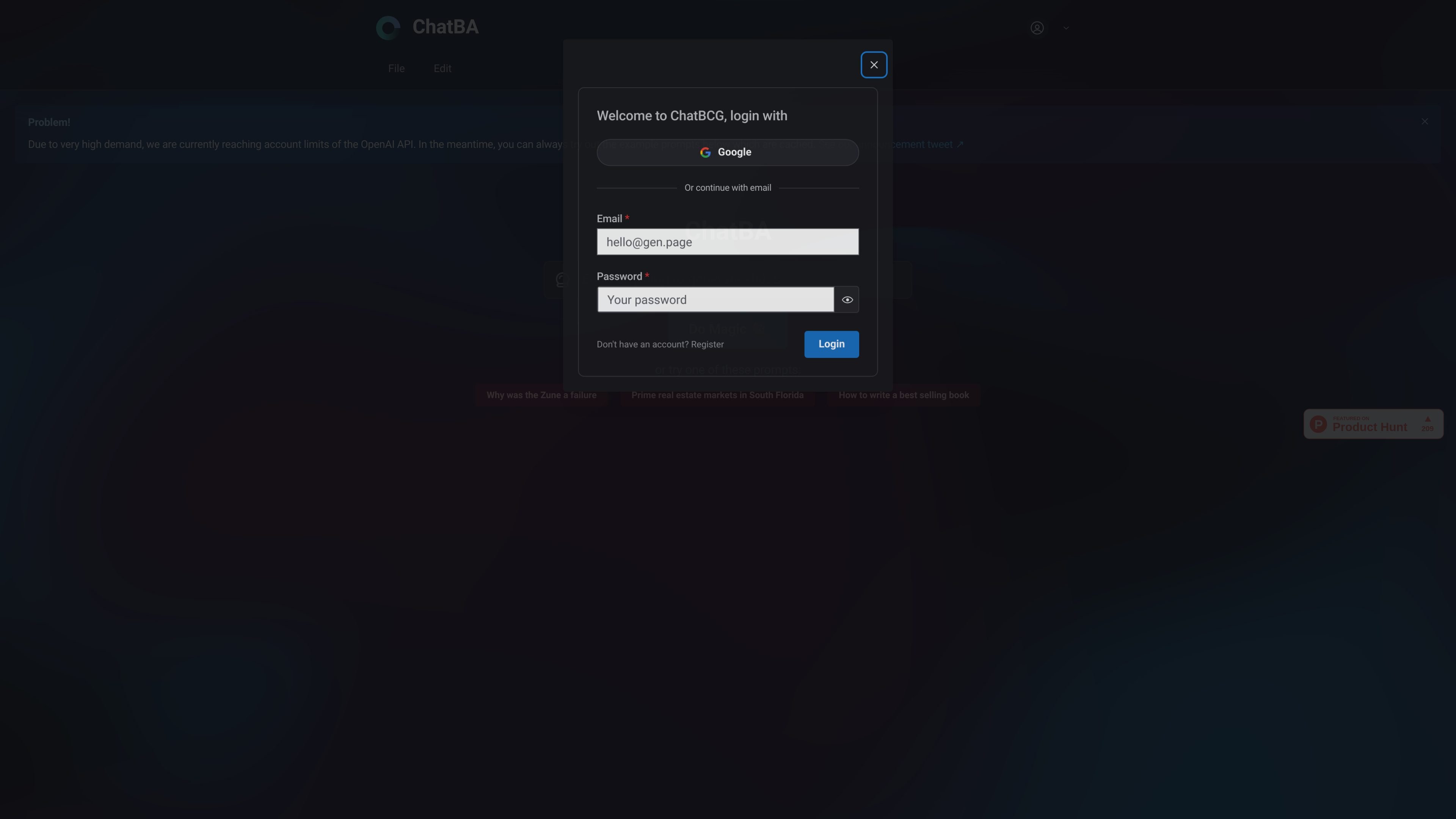
ChatBA is a generative AI product for creating slide decks. The homepage describes it as a way to instantly create presentations from prompts, positioning it as a fast starting point for drafting slides rather than a traditional manual presentation editor.
The public site also includes help content for getting started, layout and design, templates, project settings, sharing settings, and adding data sources. That suggests ChatBA is intended for users who want a guided workflow around AI-generated slides and related presentation setup.
The homepage positions ChatBA as a prompt-driven presentation generator, letting users create slide decks from a natural-language request.
When the service is under heavy demand, the site says users can try cached example prompts instead of a live generation flow.
The public homepage invites users to start with example prompts such as a consumer product case, a market analysis topic, or a writing topic, which shows the tool is designed around topic-based deck generation.
The help page includes guides for getting started, layout and design, templates, project settings, and sharing settings, indicating a documented editor workflow.
The help center also includes an article about adding data sources, which suggests support for incorporating source material into the content workflow.
Draft a presentation from a plain-language prompt when you need a fast first version of slides before refining the narrative or design.
Start with one of the sample prompts on the homepage when you want to explore the product without planning a topic from scratch.
Use the help articles on templates, layout, project settings, and sharing when you are preparing a deck for team review or collaboration.
Use the data-sources guidance when a deck needs to be informed by referenced material rather than generated from a blank prompt alone.
The site presents ChatBA as a tool for generating slide decks from prompts. The homepage also shows example prompts that are cached when the service is at capacity, but the public text does not document the full setup flow.
The source does not clearly state the output format, export options, or whether decks can be downloaded in specific file types. It only indicates that the product is for creating slide presentations.
The pricing page text in the collected source does not show plan names or prices. It mainly redirects visitors to related Gen product pages and resources, so the current pricing model is not visible in the provided evidence.
The help page shows documentation topics such as getting started, layout and design, templates, project settings, sharing settings, and adding data sources, which suggests the product is intended for guided use and team workflows.

MagicSlides is an AI presentation generator that turns text, topics, documents, URLs, and videos into slide decks. Google Slides by default, with PowerPoint export and multilingual AI editing.

Slidesgo is a presentation template platform for Google Slides, PowerPoint and Canva workflows, with free and Premium templates plus AI-assisted creation.

AakarDev AI helps teams manage AI provider access, project setup, logs, and analytics in one dashboard. BYOK support included.

BookAI allows you to chat with your books using AI by simply providing the title and author.

Skills Janitor is a GitHub-hosted set of slash commands for auditing, tracking, and cleaning up Claude Code and OpenAI Codex skills.

FeelFish is a PC client for AI-assisted novel writing, helping writers plan characters and settings, draft and revise novels, and manage story context.