
One-click page conversion
Convert the current page from the right-click menu or with the Alt+M shortcut, so the workflow stays close to the content you are reading.

MD-This-Page turns web pages into clean Markdown for copy, download, or LLM workflows, with right-click, Alt+M, and preview before export.
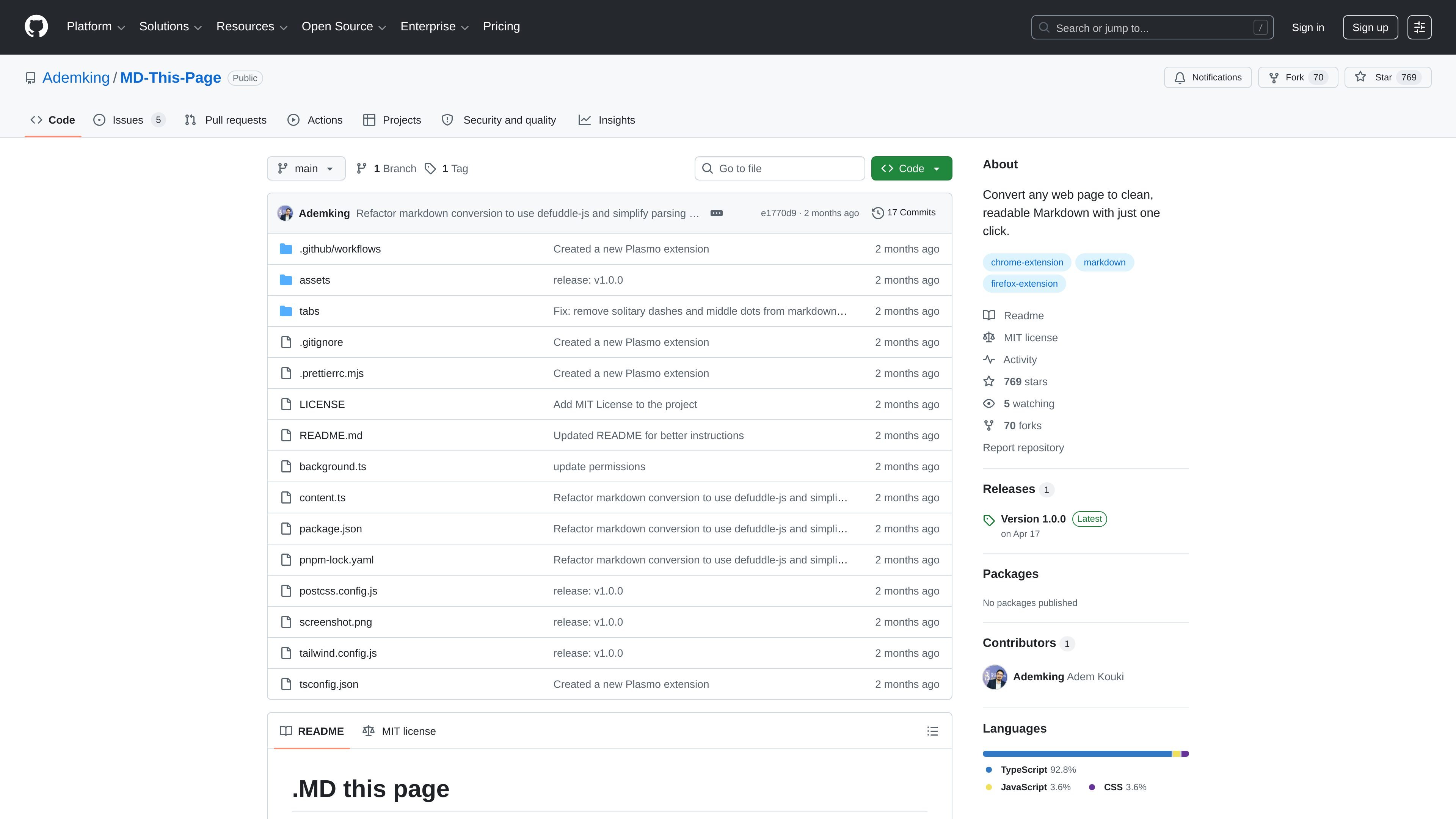
MD-This-Page is a browser extension that turns a webpage into clean Markdown with one click. It is built to keep the main structure of the page while stripping away browser clutter, so the result is easier to read, copy, and reuse.
The README positions the tool for people working with LLM workflows as well as anyone who wants a simple text-first version of a page. After conversion, the extracted content can be reviewed in a preview tab and exported by copying it, downloading it as a Markdown file, or using it as a prompt.
Convert the current page from the right-click menu or with the Alt+M shortcut, so the workflow stays close to the content you are reading.
Uses Mozilla’s Readability library to isolate the main article or page content and ignore navigation, ads, and other noise.
Opens a dedicated preview tab where the extracted Markdown can be reviewed and refined before exporting.
Lets you choose whether to keep images and links, and whether to include metadata such as title, author, date, and source URL.
Can generate a document structure or page map, which helps when you want a higher-level outline of the page as well as the content itself.
Supports clipboard copy, .md download, and copying as a prompt for AI workflows.
Turn an article, reference page, or documentation page into Markdown so it is easier to copy into notes, editors, or documentation drafts.
Prepare page content for an LLM by reducing browser UI, ads, and other clutter before sending the text into a prompt or workflow.
Review and adjust what should be included in the final output before exporting, especially when you want to remove images, links, or metadata.
Save page content as a Markdown file for later editing or redistribution, rather than keeping it only in browser form.
Use the extension in Chrome or Firefox development builds when working from source, or install it from releases when you want the packaged extension.
It is a browser extension that converts the current webpage into Markdown, then lets you copy it or download it as a .md file.
Yes. The README says it uses the context menu and the Alt+M shortcut to convert the current page.
The source describes a preview tab where you can view and refine the extracted Markdown before exporting it.
The repository README says it can remove or keep images and links, show or hide metadata and the source URL, and generate a document structure or page map.
The package manifest includes Chrome and Firefox build targets, and the README describes development and production build steps for the extension.

AakarDev AI helps teams manage AI provider access, project-level setups, logs, and analytics from one dashboard. It supports BYOK workflows and lists providers including OpenAI, Google Gemini, Anthropic, Groq, Mistral AI, and Perplexity AI.

nolainocr is an AI OCR tool that extracts structured data from PDF invoices, receipts, forms, contracts, and bank statements. It helps teams move document data into Excel, Google Sheets, JSON, or CSV without manual entry.

BookAI allows you to chat with your books using AI by simply providing the title and author.

Skills Janitor is a GitHub-hosted set of slash commands for auditing, tracking, and managing Claude Code and OpenAI Codex skills. It helps users find duplicates, broken links, and unused skills, then clean them up with self-contained commands.

FeelFish is a PC client for AI-assisted novel writing, designed to help fiction writers plan characters and settings, draft and revise long-form content, and manage story context. It includes a free tier and paid plans, with support for multiple large-model providers.

Benchspan is an AI agent security platform that discovers agents, blocks prompt injection and data exfiltration in real time, and supports pre-launch red teaming. It is aimed at teams running agents in production and includes Python and TypeScript SDKs.