
One-press voice capture
A single press starts capturing meetings, conversations, or idea dumps, so the device stays ready when useful moments happen.

Memoket Gem is a wearable AI note-taking system that captures conversations with one press and turns them into summaries, action items, and searchable context.
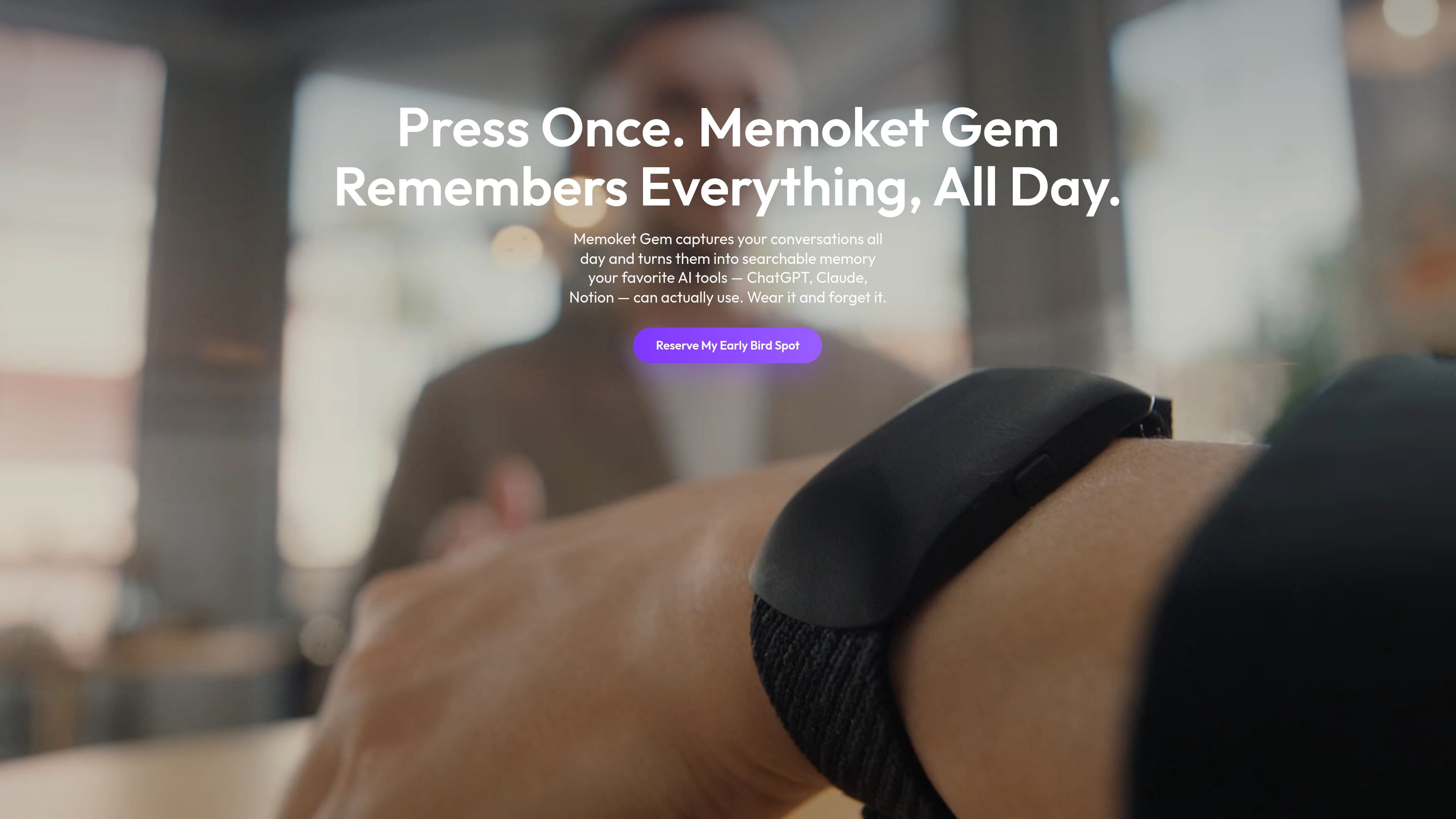
Memoket Gem is a wearable AI note-taking device and companion app built to capture conversations, organize them, and turn them into usable outputs. The product combines hardware, mobile app, and web access so users can record with a single press and then review structured summaries, action items, and transcripts later.
The source positions Gem as a hands-free tool for meetings, interviews, lectures, customer conversations, and everyday idea capture. It is designed to stay within reach as a wristband, with Apple Watch, as a clip, as a necklace, or placed nearby, and it supports syncing with common productivity tools so conversations can move into follow-up work more easily.
A single press starts capturing meetings, conversations, or idea dumps, so the device stays ready when useful moments happen.
The app converts recordings into structured summaries, action items, and usable documents instead of leaving you with raw audio alone.
Memoket links related conversations over time so you can review how a client need, decision, or follow-up evolved.
The app can extract tasks, set priorities, and sync follow-ups with your calendar, helping conversations turn into next steps.
You can export audio, transcripts, or summaries and share them through workflows that include Slack, Notion, and calendar tools.
Dual microphones with noise reduction are designed to pick up voices clearly across a room, while the wearable form factor keeps the device within reach.
Record calls and meetings, then use the app to generate summaries, action items, and follow-up material that can be moved into your existing workflow.
Capture interviews and compare what each candidate said across conversations to support hiring notes and recommendations.
Turn lectures into clear summaries, key takeaways, and study notes that are easier to review later.
Record customer or client conversations and connect related discussions over time to see how needs and decisions change.
Use it for family talks, spontaneous ideas, or trips and ask the app to turn those conversations into plans, outlines, or shared notes.
Memoket Gem is a wearable AI agent system that works across hardware, a mobile app, and the web. With a single press, it captures conversations or personal idea dumps and turns them into structured summaries, action items, and usable documents.
Memoket Gem goes beyond simple recording by connecting context across conversations, extracting tasks automatically, and integrating with tools you already use. It is designed to help you move from a conversation to a usable output without manual organization.
It can be worn as a standalone wristband, together with Apple Watch, as a clip on clothing or a bag, as a necklace, or placed nearby on a desk, counter, or car console. The source says it can capture sound from up to 5 meters away.
Memoket App lets you access features, ask AI about your conversations, export transcripts and summaries, and sync content with tools like Slack and Notion. The source also mentions Google Calendar, Apple Calendar, Outlook, Gmail, ChatGPT, Claude, Manus, and N8n among supported tools or examples.
The source lists up to 20 hours of continuous recording on a single charge and 400 hours of on-device storage. It also says the device is compatible with iOS 14.0+ and Android 7.0+ devices, and can be used alongside Apple Watch case sizes from 38 mm to 49 mm.

QuickQuill is a local-first macOS dictation and transcription app to record meetings, summarize audio, and export notes without the cloud.

Tavus is an AI video platform for real-time face-to-face agents, digital twins, and AI companions, with APIs and multilingual workflows for developers.

Sanota turns spoken memories and interviews into clear written stories for personal storytelling, family history and shared memories, with guided prompts and subscriptions.

recall is an AI flashcard app that turns reading and notes into study cards with Claude, ChatGPT, or another MCP client. One-time lifetime access with spaced repetition review.

Carbon Voice is an async voice messaging app for teams and individuals, with transcripts, AI catch-up, and cross-device access.

Talkpal is an AI language learning app for web and mobile with speaking, listening, writing, pronunciation practice, guided courses, roleplays, and 130+ languages.