
Repo-native Markdown memory
Stores decisions, constraints, rejected ideas, and project context in plain Markdown files that live in the repository, so humans can review and version them like code.

MemoryCustodian is a repo-native memory system for coding agents. Stores decisions, constraints, and rejected ideas in plain Markdown.
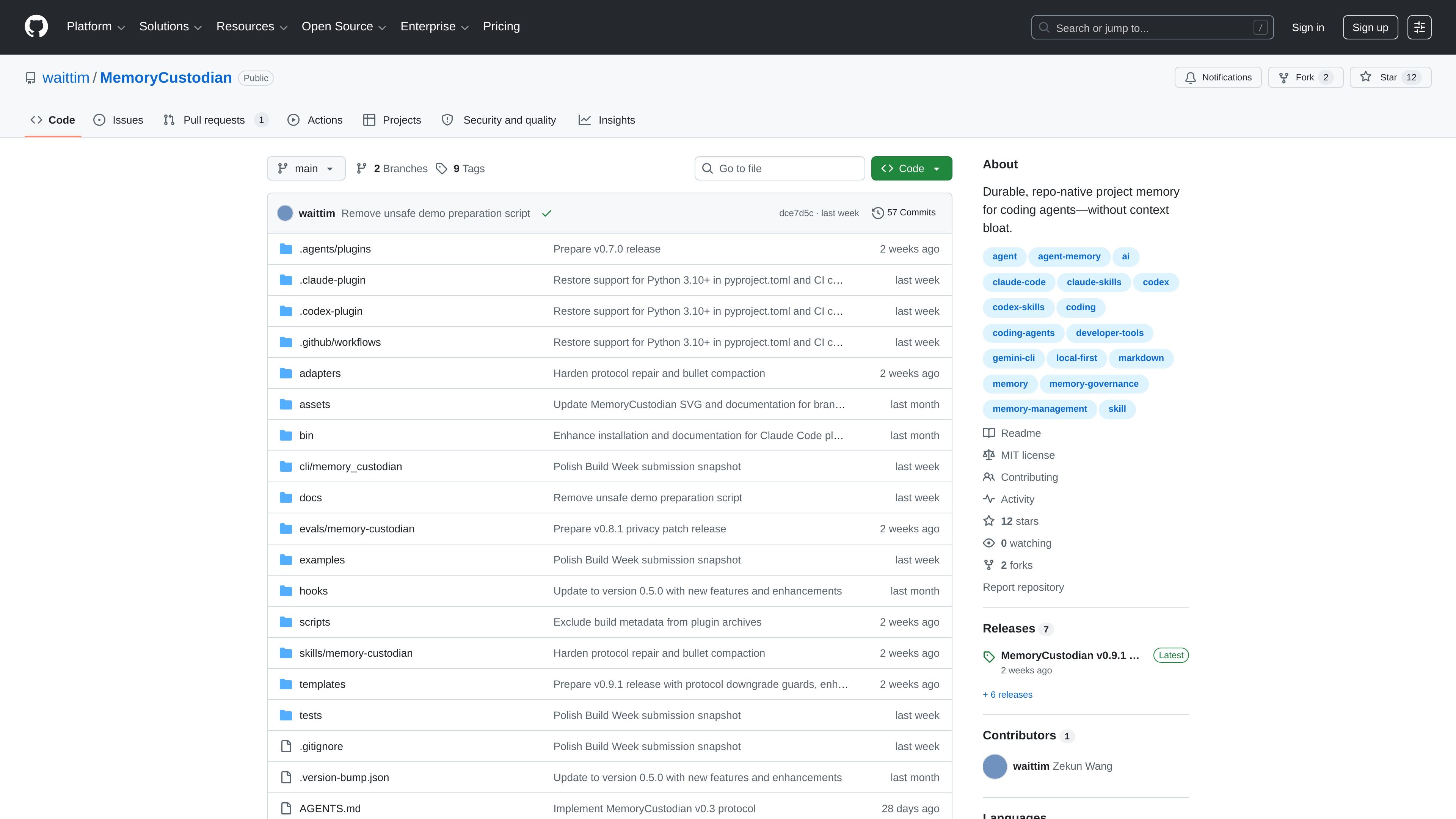
MemoryCustodian is a repository-based memory system for coding agents. It helps teams preserve decisions, constraints, rejected approaches, and current project context in plain Markdown so future sessions can load only the information that matters for the task at hand.
The product is designed to reduce the need for re-pasting project history into prompts or platform instruction files. Instead of keeping memory inside chat logs, it keeps durable context inside the repo, where humans can review and update it alongside code.
Stores decisions, constraints, rejected ideas, and project context in plain Markdown files that live in the repository, so humans can review and version them like code.
Loads only the files needed for the current task, starting from `manifest.md` and `brief.md` and then pulling in task-relevant memory files instead of the whole project history.
Uses a thin bootstrap layer for `AGENTS.md`, `CLAUDE.md`, `GEMINI.md`, and similar files, so platform-specific instructions point agents to durable memory without duplicating it.
Creates a default memory structure with `manifest.md`, `brief.md`, `decisions.md`, `constraints.md`, `do-not-use.md`, and `inbox.md`, with optional `rules/`, `profiles/`, `areas/`, and `archive/` folders.
Includes CLI flows for initialization, repair, preview-first replacement, and managed bootstrap block updates, giving teams bounded ways to create and maintain memory files.
Provides support for local plugin and source-checkout setups, including Codex, Claude Code, and Gemini agent paths, so the same repository memory can be reused across agent environments.
A new agent session can recover architecture constraints, preferred workflows, and rejected ideas before proposing changes, which reduces relearning at the start of each task.
Teams can keep durable project context in repo files instead of chat transcripts, making decisions easier to review, update, and discuss in code review.
When working across different agent setups, the same repository memory can be loaded through thin platform bootstraps and agent-specific install paths rather than duplicated manually.
A project can initialize or repair its memory files with the CLI, including preview-first replacement and managed bootstrap block updates, while keeping curated memory intact.
The NightNotes evaluation demonstrates how an agent can use the repository memory to recover a JSON storage decision, offline-only operation, and a standard-library constraint before planning implementation.
It is a repo-native memory system for coding agents. It stores project memory in plain Markdown files inside the repository and loads only the context relevant to the current task.
The README says to initialize it once per target project with the CLI, using a command such as `memory-custodian init --project-root /path/to/project --agent all`. The initial setup creates a `brief.md` scaffold and the core memory files under `docs/memory/`.
The documentation describes local plugin and source-checkout workflows, with support for Codex, Claude Code, and Gemini agent setup paths. The core workflow is repository-based rather than tied to a single hosted service.
The product is designed around thin platform bootstrap files and durable memory in the repo. It is not presented as runtime-dependent infrastructure, and the README emphasizes that Codex and GPT-5.6 were used to build and validate it, not as runtime dependencies.
The README says that a full replacement flow is preview-first and that repair mode updates known generated metadata without overwriting curated memory. It also notes that optional areas such as rules, profiles, and areas stay out of the default context unless the manifest explicitly includes them.

ByteAsk is a terminal-first AI coding agent for C and C++ that edits repos and verifies changes with compilers, debuggers, sanitizers, and tests.

CreateOS Sandbox is an isolated compute environment for running code and agent workloads in Firecracker micro-VMs with private networking and SDK, CLI, or MCP control.

hob is an independent workspace for coding agents, with local control over sessions, terminals, history, routing, and follow-up work.

Manta AI is an autonomous web app testing tool that maps app behavior, catches regressions, and generates tests from a URL, no scripts or selectors needed.

SonOf connects to your repo and PM tool, audits your codebase, and turns approved work into shipped tickets with senior engineering review.

Ghost is a terminal-based AI assistant for chatting, code generation, and CLI tasks. Includes free models, supports Linux, macOS, Windows, and is open source.