
Raw-clip-to-draft workflow
Upload raw clips, a voice sample, and a short description, then let Merra AI generate a draft video from those inputs.

Merra AI is an AI video editor that turns raw clips into short-form videos with scripts, voiceover, captions, and music for creators and teams.
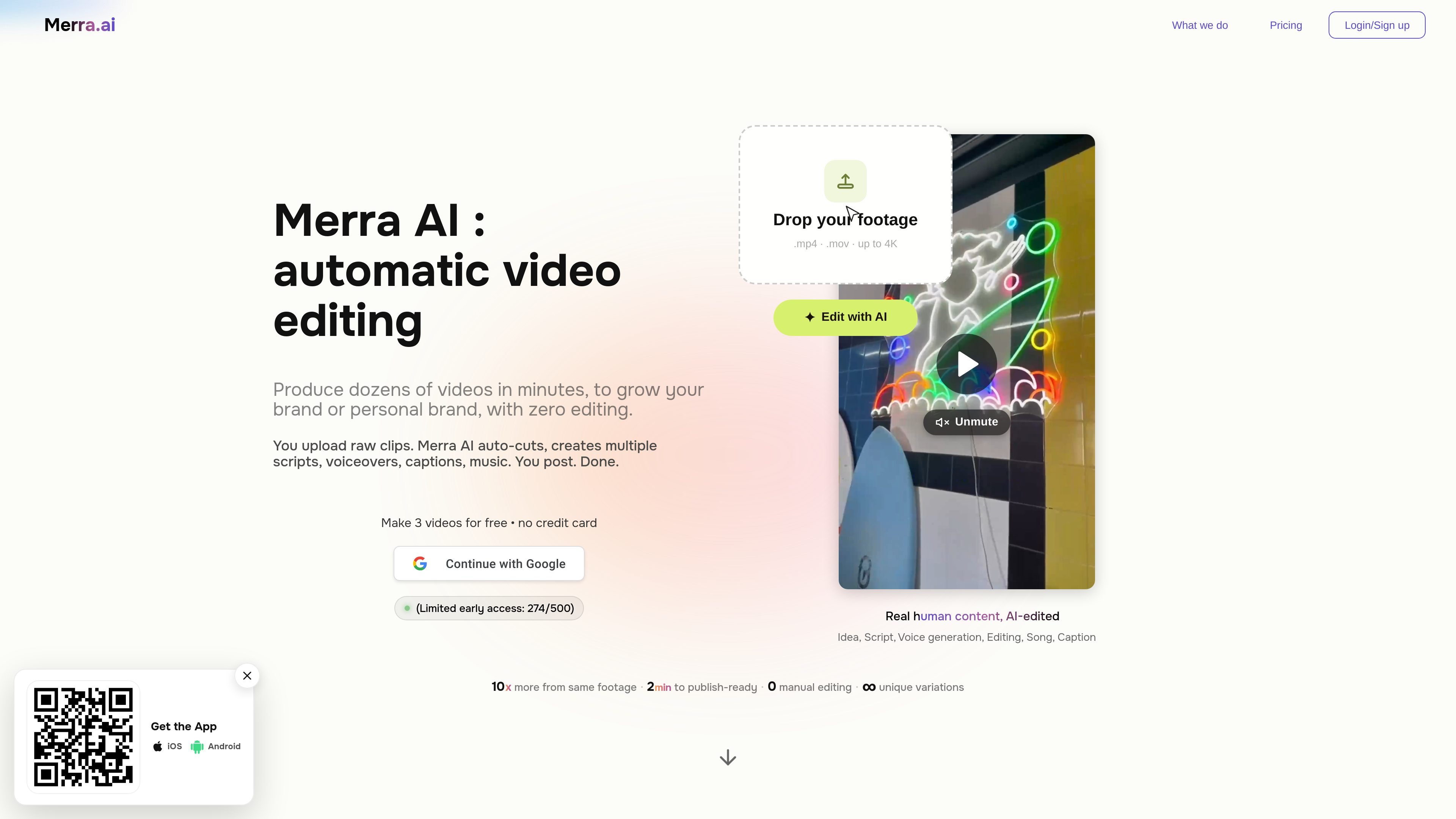
Merra AI is an AI video editor and video creation platform focused on turning raw clips into short-form, voiceover-led videos. The site describes it as a browser-based workflow where you upload footage, generate a script and voiceover, and receive an edited video with captions, music, and pacing already applied.
The product is positioned for creators, founders, small brands, marketing teams, and agencies that want to publish consistently without spending hours in manual editing. It is especially aimed at short-form storytelling formats such as vlogs, minivlogs, day-in-the-life videos, and GRWM content, with batch creation designed to produce multiple variations from the same source footage.
Upload raw clips, a voice sample, and a short description, then let Merra AI generate a draft video from those inputs.
The system writes a hook and script and can generate voiceover so the video starts from a narrative structure rather than a blank timeline.
Merra AI adds captions and music as part of the automated edit, helping produce a finished social-ready output.
The home page says it trims the best shots, locks pacing, and auto-cuts footage to shape the edit from your raw material.
The site emphasizes batch creation, so one recording can be turned into multiple video variations for different posts.
Published pricing includes free, Creator, and Pro plans, with higher tiers adding more storage, team members, and brand profiles.
Create polished short-form videos from a handful of clips when you want a narrative result without building the edit manually.
Turn vlog-style footage into an edited story with a stronger hook, voiceover, captions, and music.
Assemble fast-cut minivlogs or day-in-the-life videos where pacing and sequencing matter more than manual timeline work.
Produce GRWM-style videos with better pacing and a more structured story from casual recorded moments.
Help founders, marketers, and small teams publish consistently when they need several videos from the same raw material.
Yes. The site says you can start free with no credit card required and generate the first 3 videos before upgrading.
Merra AI combines script generation, voiceover, captions, music, and editing in one workflow. You upload raw clips, generate a draft, review the result, and export a finished video.
The source material says it is best for short-form, voiceover or storytelling-style videos, including vlog-style, minivlog, day-in-the-life, and GRWM formats.
The product pages say Pro includes team members and multiple brand profiles, with unlimited seats mentioned on the Pro plan FAQ. Creator appears to be a single-user plan based on the published pricing table.
The site describes it as an online product with no download required for the AI video maker workflow. It also mentions iOS and Android app prompts, but the core workflow is presented in the browser.

An All-In-One AI Platform that combines tools for image, video, voice, writing, and chat to enhance creativity and collaboration.

Slidesgo is a presentation template platform for Google Slides, PowerPoint and Canva workflows, with free and Premium templates plus AI-assisted creation.

CAMB.AI Streams dubs live audio in real time for YouTube, Twitch, X and other platforms, using existing live workflows and no post-production.

Wysera is an AI business platform with PostWyse for content and OpsWyse for CRM and revenue workflows, powered by shared Wyse AI and approval-first automation.

Grok is a free AI assistant developed by xAI, engineered to prioritize truth and objectivity while offering advanced capabilities like real-time information access and image generation.

Creativly is a web-based AI creative studio for fast visual concepts, mockups, and stylized images from short inputs.