

Microsoft Designer
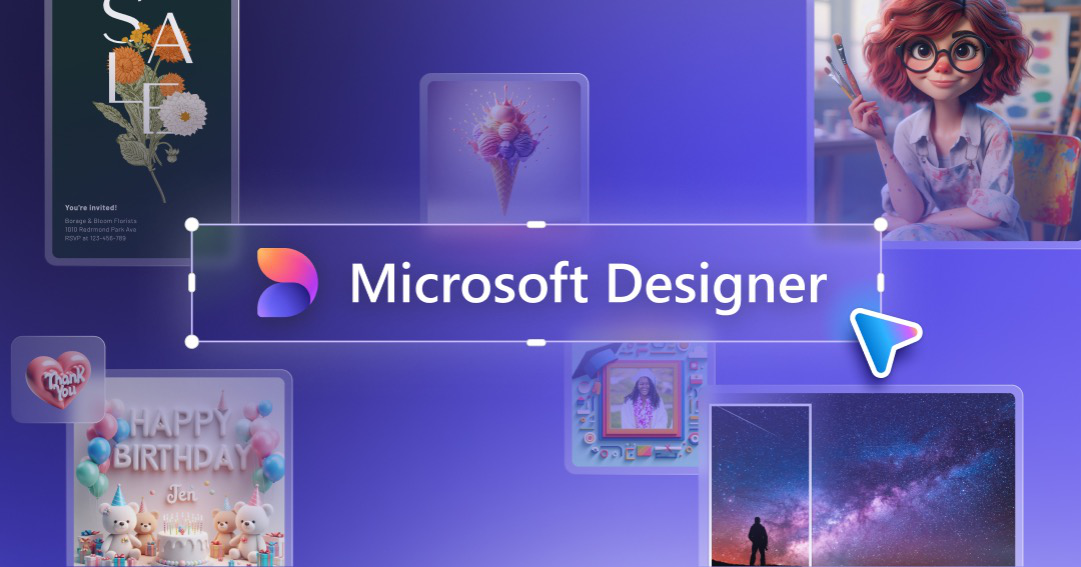
Microsoft Designer is a graphic design app that helps you create professional social media posts, invitations, digital postcards and more from your idea.
What is Microsoft Designer?
Microsoft Designer is a graphic design app from Microsoft that helps you create professional-quality designs quickly. It’s intended for making visual content such as social media posts and invitations by starting with your idea and generating a design you can use.
The core purpose is to turn an idea into shareable or printable graphics without requiring you to start from a blank page or build complex layouts manually.
Key Features
- Create social media posts from your idea, helping you produce ready-to-use graphics for posting.
- Design invitations using templates or generated layouts, supporting common event-promotion formats.
- Generate digital postcards for sharing as digital images.
- Produce other graphics beyond posts and invitations, covering a broader set of everyday design needs.
- Start from your idea rather than beginning from scratch, which streamlines the early design steps.
How to Use Microsoft Designer
- Open Microsoft Designer in your browser.
- Start with your idea for what you want to create (for example, a social media post, invitation, or digital postcard).
- Review the generated design result.
- Use the design as-is or refine it as needed for your final output.
Use Cases
- Creating a set of social media graphics for a promotion by generating posts based on specific campaign ideas.
- Designing an invitation for an event where the goal is to quickly produce a polished visual you can send digitally.
- Making digital postcards for announcements or messages that will be shared electronically.
- Producing supporting graphics (beyond social posts) for everyday communication needs such as announcements or event-related visuals.
- Generating first drafts for design work when you want to move from idea to usable layout quickly.
FAQ
-
What types of designs can I create in Microsoft Designer? You can create professional-quality social media posts, invitations, digital postcards, and other graphics.
-
Do I need to start from a blank canvas? The app is designed to help you start with your idea, rather than beginning from scratch.
-
Is Microsoft Designer a general-purpose graphic tool or focused on specific formats? It supports multiple common visual formats, including social media posts, invitations, and digital postcards.
-
Can it help me create graphics other than social posts and invitations? Yes. The provided description explicitly mentions “more” graphics beyond those formats.
Alternatives
- Template-based graphic design tools: Apps that focus on creating posts and invitations primarily through templates and layout editing, typically offering more manual control but a more hands-on workflow.
- General-purpose design software: Desktop or browser-based editors for graphics and layouts, which may require more setup for quick social and invitation designs.
- Presentation tools with design templates: Tools optimized for slides that can also produce social graphics, usually with a different editing model (slide-based rather than image/postcard/invitation-first).
Alternatives

Napkin AI
Napkin AI transforms your text into insightful visuals, making communication more effective and engaging.

Refero
Refero: UI/UX design inspiration & references for web/iOS. Find tens of thousands of screenshots with advanced search for designers.

Frames
Frames helps you create launch posters and social media marketing graphics fast with premium device frames and templates for Instagram, Twitter, and Product Hunt. Free to start.

GPTIMG2 AI
GPTIMG2 AI is an image-first AI generator for product shots, posters, and marketing visuals—refine with prompts to preserve subject, layout, and readable text.

TapNow
TapNow is an AI-native visual creation engine for businesses and creators—generate professional-grade visuals for e-commerce ads to cinematic art.

Outsource Rizz
Outsource Rizz pairs senior design and engineering to ship startup products, websites, and brand work faster—fast design + dev together.