
Managed Postgres in Netlify
Netlify creates and manages Postgres databases inside the platform, handling provisioning and operational setup for you.

Netlify Database is a fully managed Postgres database built into Netlify for full-stack apps, with isolated branches and automatic migrations for safe testing.
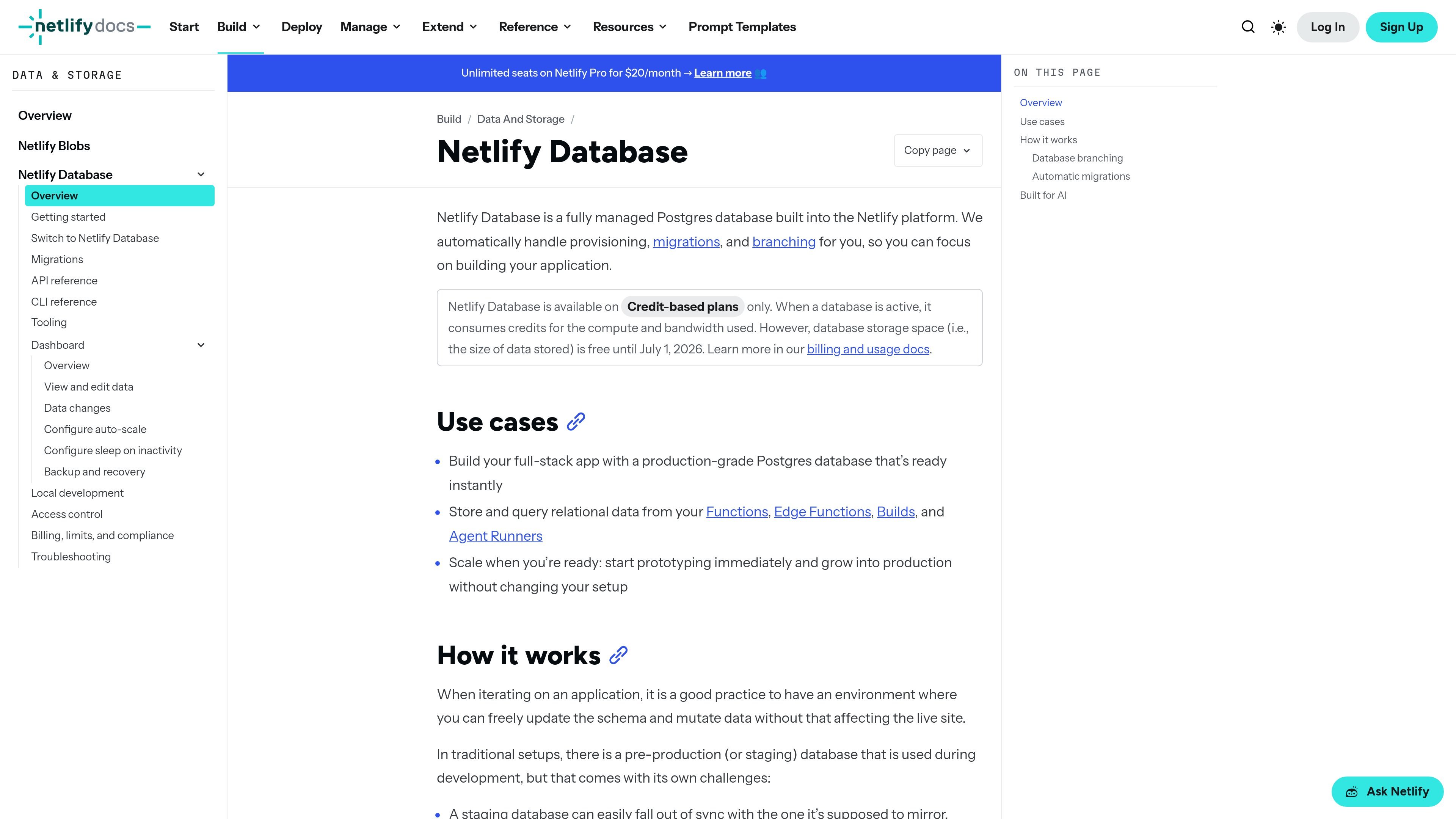
Netlify Database is a fully managed Postgres database built into the Netlify platform. It is designed to give Netlify projects an integrated database primitive without separate provisioning or a standalone database workflow.
The product centers on isolated database branches for production deploys, deploy previews, and agent runs. That setup lets teams test schema and data changes in a copy of production data, then promote changes through the normal deploy lifecycle with migrations applied automatically.
Netlify creates and manages Postgres databases inside the platform, handling provisioning and operational setup for you.
Production deploys use the main database, while deploy previews and agent runs get isolated branches with copies of production data.
Schema changes are tracked in repository migrations and applied automatically at the correct deploy stage to keep code and database in sync.
The database is accessible from Functions, Edge Functions, Builds, and Agent Runners, so application code can read and write relational data from multiple parts of the platform.
The CLI is designed for automation with structured `--json` output and non-interactive flags, which makes it easier to script database workflows.
When the database is active, it uses credits for compute and bandwidth; storage is stated as free until July 1, 2026.
Store relational application data in a managed Postgres database that is already part of the Netlify workflow, so you do not need to wire up a separate database service for a new app.
Test schema updates and data mutations in deploy-preview branches that mirror production data, then validate the changes before merging to production.
Give AI agents isolated database branches so they can experiment with queries and schema changes without risking live data or production deploys.
Read and write data from Functions, Edge Functions, Builds, and Agent Runners when your app needs database access across multiple Netlify runtime surfaces.
Netlify Database is available on credit-based plans only. The docs say it consumes credits for compute and bandwidth when active, while database storage space is free until July 1, 2026.
Migrations are stored in `netlify/database/migrations` and are applied automatically at the right point in the deploy lifecycle: before production deploys are published and before deploy previews become available.
Deploy previews get their own database branch, created from a copy of production data when the preview is first created. Changes in that branch do not affect production, and the branch can be reset if needed.
Yes. The docs say each agent run gets its own database branch automatically, and the CLI is designed with structured `--json` output and non-interactive flags for programmatic use.
Netlify says the native migration system is recommended, but it is optional. You can use your own migration tooling if you manage the deploy-preview branch yourself and handle production migrations outside the platform hook.

GitBoard is a native macOS menu bar app for GitHub Projects to view your kanban board, filter by status, search issues, and create or assign.

Biji is a versatile platform designed to enhance productivity through innovative tools and features.

ClawTick is an AI agent automation platform for scheduling jobs from the CLI, dashboard, or REST API. Built for developers and teams using LangChain, CrewAI, webhooks, or custom workflows with monitoring, alerts, and logs.

Falconer is an AI-powered company brain that keeps internal docs accurate, searchable, and up to date by syncing with GitHub, Slack, and Linear.

SonOf connects to your repo and PM tool, audits your codebase, and turns approved work into shipped tickets with senior engineering review.

OpenFlags is an open-source, self-hosted feature flag platform for JavaScript teams, with local evaluation, targeted rollouts, and controlled launches.