
Prompt and reference workflow
Generate and edit images with OpenAI’s GPT Image 2 model in one workspace, rather than switching between separate tools for text-to-image and image-to-image work.

GPTIMG2 AI is a web-based image generator built on OpenAI’s GPT Image 2 model, with prompt-driven creation, reference edits, readable text, and higher-res outputs.
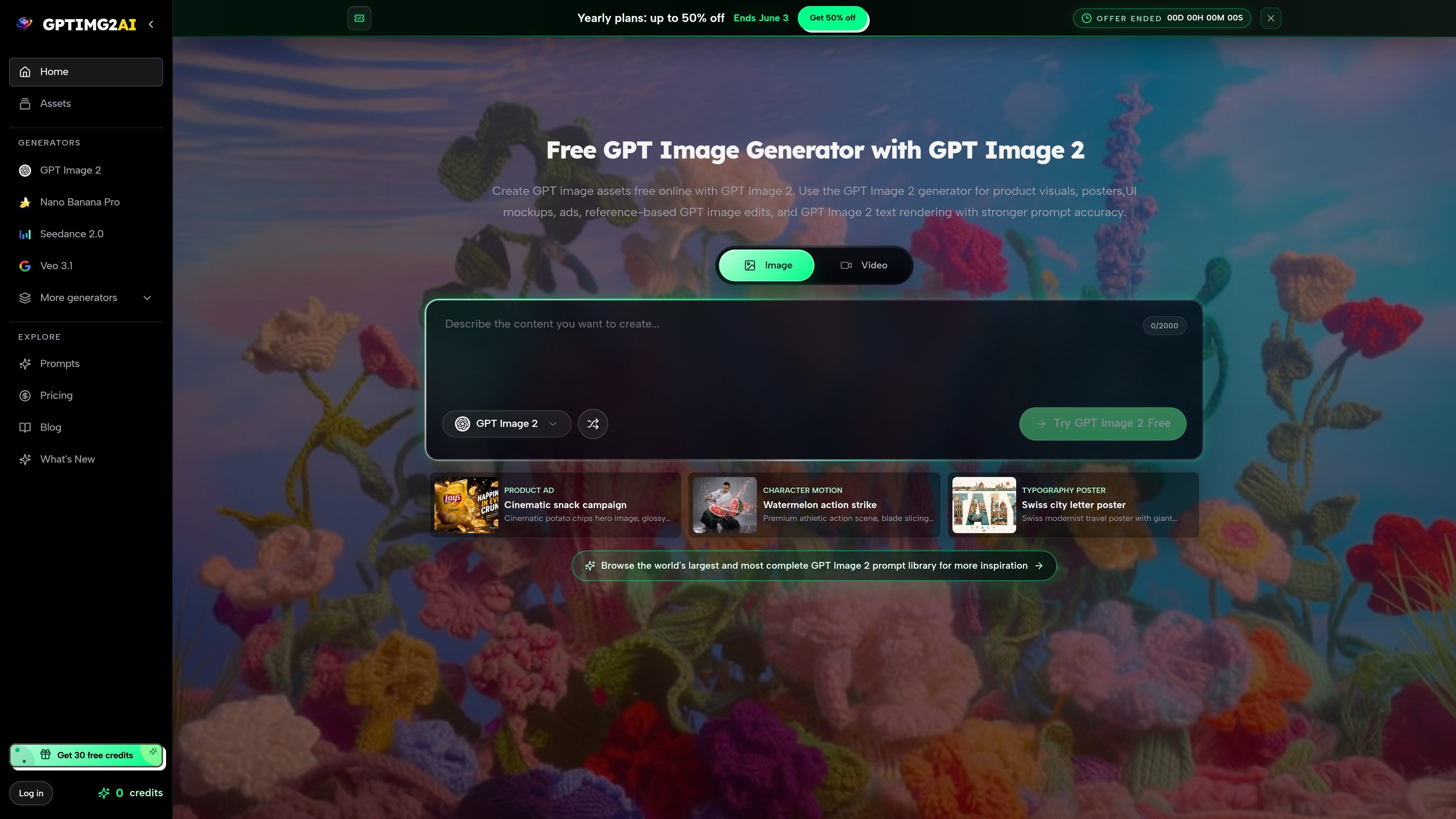
GPTIMG2 AI is a web-based image generation site centered on OpenAI’s GPT Image 2 model. It combines prompt-driven generation, reference-based editing, and higher-resolution output options for users who need images that can survive real review cycles.
The product is positioned around practical creative work rather than generic image experimentation: product visuals, posters, UI mockups, ads, packaging, infographics, and other assets where layout, text clarity, and reference fidelity matter. The site also includes a prompt library and example gallery to help users start from existing ideas and adapt them to a specific brief.
Generate and edit images with OpenAI’s GPT Image 2 model in one workspace, rather than switching between separate tools for text-to-image and image-to-image work.
Produce clearer in-image wording for posters, packaging, UI concepts, labels, menus, and ads where legible text matters to the final asset.
Use up to 16 reference images to preserve product identity, layout, character details, or brand cues during controlled edits.
Choose 1K, 2K, or 4K outputs, with the site framing quality as a tradeoff between faster exploration and higher-detail review-ready assets.
Reuse prompts from the prompt library and generate from examples such as product ads, posters, UI mockups, and diagrams.
Move approved images into downstream work such as campaign review, storefront visuals, storyboards, or motion generation.
Create campaign-ready product visuals with studio lighting, packshots, and copy that stays readable inside the image.
Build interface-style visuals for dashboards, onboarding screens, landing pages, and SaaS concepts where layout and text need to hold together.
Generate posters, launch graphics, and social ad assets that use visible titles and structured composition instead of decorative text.
Turn instructions, maps, comparison tables, and lesson concepts into structured visuals with clearer hierarchy for review or teaching.
Revise an existing image while keeping the subject, pose, product identity, or layout consistent across iterations.
GPTIMG2 AI is an online image generator built around OpenAI’s GPT Image 2 model. It lets you create or edit images from prompts and reference images, with support for readable text and 1K, 2K, or 4K outputs.
The site presents GPT Image 2 as useful for product visuals, posters, UI mockups, ads, packaging, diagrams, and other text-heavy or reference-driven image work.
The pricing page lists monthly plans with watermark-free generation, fast or priority queues, prompt reuse, history features, batch generation, and different concurrency levels depending on plan.
Yes. The GPT Image 2 page says you can use prompts, reference images, readable text, and higher-resolution outputs in the same workspace.
The public pages describe the image generator, prompt library, and pricing, but they do not provide API documentation or detailed integration information.

PixelDrive is a bulk image generation API for on-brand images from one template via browser editor, REST API, CSV batch, or MCP.

TapNow is a web-based AI visual creation platform for businesses, creators, and teams with image and video generation, editing, planning, and collaboration tools.

Rekreate is an AI product photography platform for e-commerce teams, creating studio-style product creatives from uploads or marketplace URLs in under 60 seconds.

Kittl is a browser-based AI design platform for branding, product visuals, and digital or print graphics. Includes editor, templates, mockups, collaboration, and free plan.

An All-In-One AI Platform that combines tools for image, video, voice, writing, and chat to enhance creativity and collaboration.

PicCopilot is an AI content platform for e-commerce that turns product photos into marketing visuals, model shots, videos, and social content with free and paid plans.