
Real component generation
Generate UI from the same React components your team ships in production, including real props, variants, and states.

Forge is UXPin’s AI design assistant for creating UI with real React components rather than pixel mockups. It helps teams prototype, refine, and export production-ready JSX from built-in or custom component libraries.
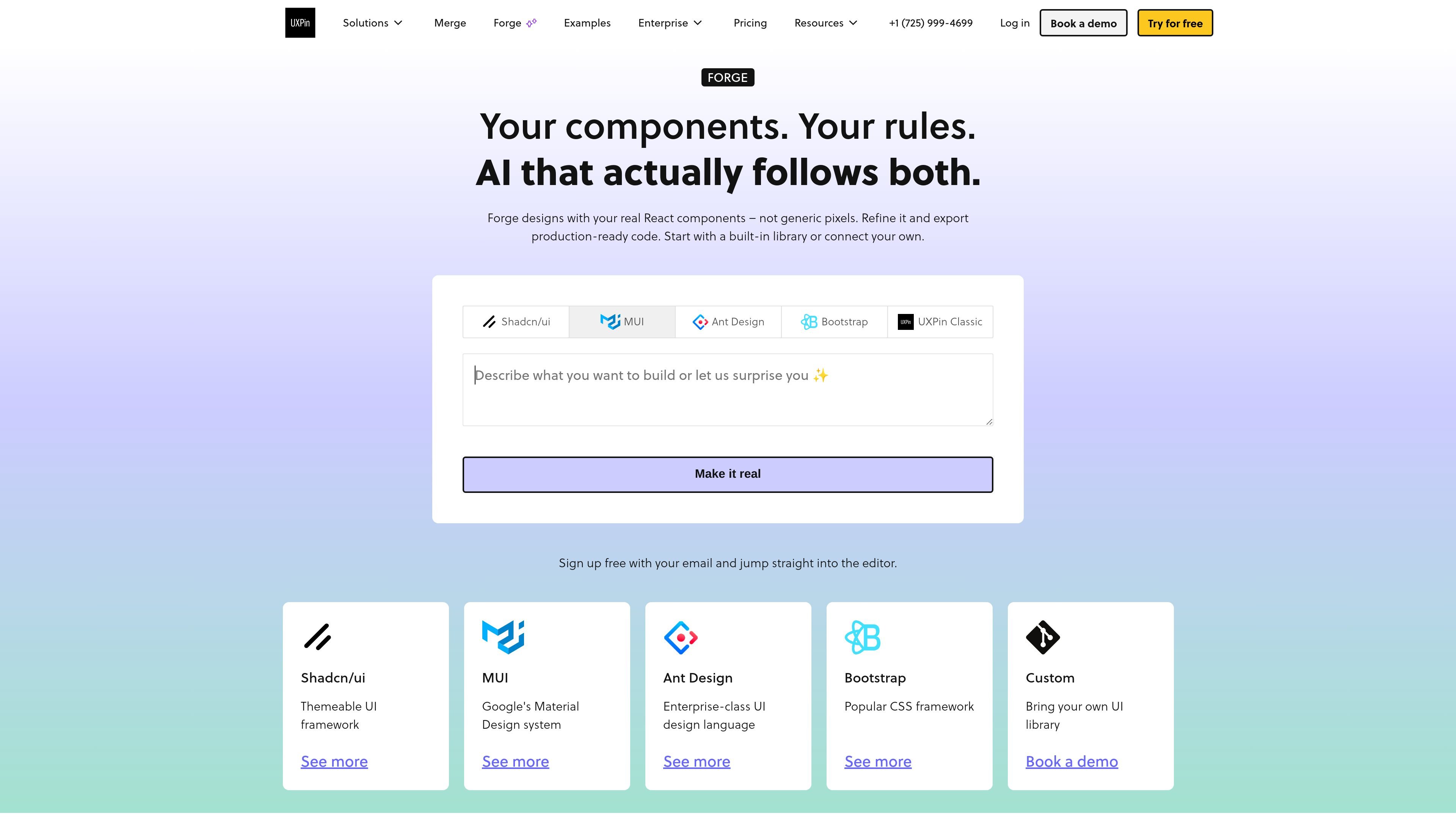
Forge is UXPin’s AI design assistant for building interface concepts with real React components instead of pixel-based mockups. It is positioned for teams that want design output tied to the same coded building blocks used in production.
The workflow starts with a prompt, screenshot, sketch, or manual layout, then lets users refine the result in the editor and export production-ready JSX. Forge can work with built-in libraries such as shadcn/ui and MUI, or with a custom component library connected through Git.
Generate UI from the same React components your team ships in production, including real props, variants, and states.
Start with a prompt, screenshot, or manual layout, then keep refining the same design without switching tools.
Edit layout, props, and interactions on the generated result while staying on code-backed components.
Use built-in libraries such as shadcn/ui and MUI, or connect your own component library via Git.
Export production-ready JSX from the selected component library, with options to copy, open in CodeSandbox, or export to a project.
Choose between OpenAI and Claude, or use your own API key for billing and compliance.
Generate a first version of an interface from a prompt or screenshot when you want to start from real components rather than a blank canvas.
Work with an existing React design system by connecting your own component library and keeping generated screens aligned with production rules.
Refine layouts, props, and interactions in the same editor as the AI-generated draft, without handing work off to another tool for code translation.
Use the product in teams that need code-backed prototypes for handoff, because the output is JSX from the selected library rather than static artboards.
Choose a built-in library such as shadcn/ui or MUI when you want to prototype with a known React stack without setting up a custom library first.
Forge is designed for teams that want AI-generated UI built from real React components instead of static pixels. It can start from a prompt, a screenshot, or a manually designed layout, then continue in the same editor.
Yes. The pricing page says every plan starts with a 14-day free trial with access to all features and no credit card required.
Forge can work with built-in libraries such as shadcn/ui and MUI, and it can also connect a custom component library via Git. The product page also mentions using templates built with real components.
Forge exports production-ready JSX from the selected component library. The page says you can copy it, open it in CodeSandbox, or export it to your project.
The pricing page lists Growth as including Storybook integration, and Enterprise as including Git integration and custom library support. The Forge page also highlights built-in libraries, custom libraries, and code-backed editing.

Pixso is a next-generation AI-native UI design tool that allows users to generate design drafts and code with a single click, serving as a domestic alternative to Figma.

MakerLoft is a chat-first AI app builder for non-developers who want to create static sites or full-stack apps from a GitHub repository. It supports a free GitHub Pages path and a DigitalOcean-backed app path with sign-ins, payments, and an admin dashboard.

imgcook is a design-to-code tool that converts design drafts into front-end code. It supports plugin-based and developer workflows for Sketch, Photoshop, VS Code, and CLI usage.

Rork is an AI mobile app builder that turns a text description into a production-ready app using AI and Expo (React Native). It focuses on chat-based creation, browser previews, and Apple-platform publishing workflows.

Beautiful.ai is an AI presentation platform for individuals, teams, and enterprises. It helps users create branded slide decks with Smart Slides, collaborative editing, and export options while reducing manual formatting work.

FigPrompt is an AI tool for creating production-ready Figma plugins from a written description. It helps Figma users move from idea to plugin logic without writing code.