
Multiple input formats
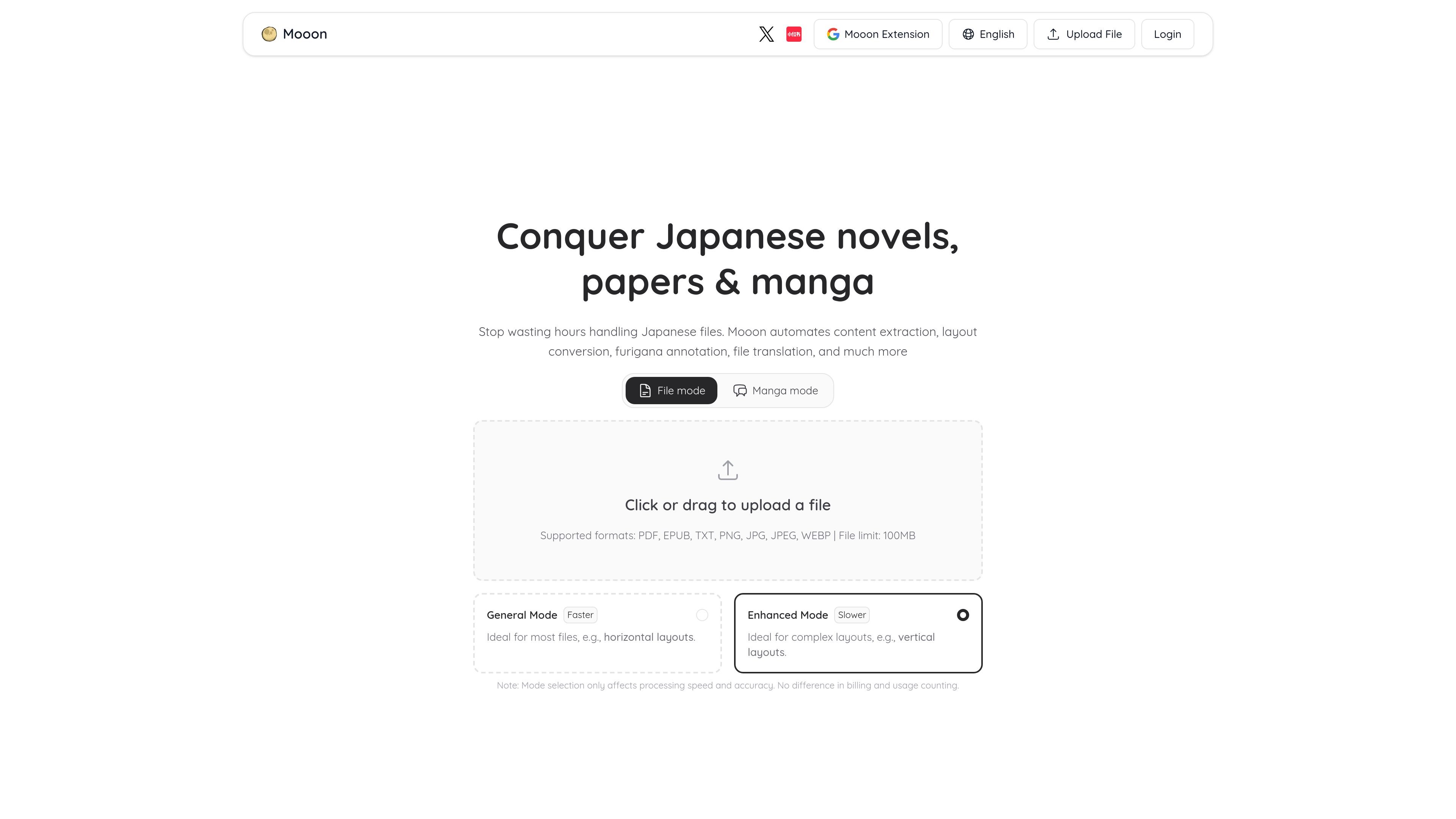
Uploads can be processed as PDF, EPUB, TXT, PNG, JPG, JPEG, or WEBP files, with a stated 100MB file limit.

Mooon is a browser-based Japanese file tool that extracts text, normalizes layout, adds furigana, translates, and reads content aloud for documents, images, EPUBs, and manga.
Mooon is a web product for processing Japanese-language files so they become easier to read, study, and reuse. It focuses on turning dense documents, scanned pages, and manga into usable text with reading support, translation, and audio output.
The site positions it around two workflows: a file mode for novels, papers, and other documents, and a manga mode for comics. Across both, Mooon can extract content, normalize layout, add furigana, translate, and read text aloud, with browser-based upload and no setup beyond opening the site.
Uploads can be processed as PDF, EPUB, TXT, PNG, JPG, JPEG, or WEBP files, with a stated 100MB file limit.
The service can turn vertical, column-based, or mixed layouts into clean horizontal text, which is useful for Japanese novels, papers, and scanned documents.
It can annotate kanji and foreign words with reading guides, helping readers handle unfamiliar text without leaving the document.
Mooon can translate file content and support side-by-side comparison or replacement of the translated text.
Files can be converted into audio with natural Japanese voices, and manga dialogue can also be read aloud.
In manga mode, the product extracts speech bubbles, supports copying and editing, and keeps original and translated text for comparison.
A reader uploads a vertical Japanese novel or academic paper and converts it into horizontal text with furigana, then translates or listens to it for easier study.
A manga reader uses manga mode to extract dialogue, copy or edit speech bubbles, add readings to kanji, and compare the original with a translation.
Someone working across languages processes a Japanese file and uses translation plus replacement text to create a more readable bilingual version.
A learner browsing Japanese pages in the extension uses furigana, smart translation, and selection reading to understand web content without leaving the page.
A user turns text-heavy material into audio with natural Japanese voices when listening is more practical than reading, such as during review or accessibility use.
Mooon supports file upload in the browser. You can click or drag and drop a file, then choose a processing mode before starting.
The site shows two modes: a faster general mode for most documents and an enhanced mode for complex layouts such as vertical text. The mode affects processing speed and recognition accuracy, but not billing or usage counts.
Mooon can extract content, convert layout such as vertical-to-horizontal text, add furigana, translate and explain text, and read files aloud. The demo pages also show outputs for extracted dialogue, furigana, translation comparisons, and audio reading.
The pricing page shows a Free tier and a Pro subscription, with the browser extension available as part of the product ecosystem. The site does not provide a separate team plan or shared workspace on the pages provided.
Mooon lists support for PDF, EPUB, TXT, PNG, JPG, JPEG, and WEBP on the site, with a 100MB file limit and an FAQ note that single processing can go up to 200 pages. EPUB and TXT are not available on the Free tier.

PDFTools is a browser-based suite of free and premium PDF tools for editing, conversion, and document handling—process PDFs locally without uploading files.

Jenni is an AI research and academic writing assistant for students, researchers, and academics. Draft papers, manage citations, review claims, and export from one workspace.

An AI-powered tool that summarizes PDF documents quickly and efficiently, providing clear insights and allowing users to interact with the content.

LangPanda is a browser extension for learning languages from streaming video with instant subtitle lookup, flashcards, vocabulary tracking, and SRS for 36 languages.

Paperpal is an AI tool for academic writing, offering literature reading, language polishing, citations, plagiarism checks, AI detection, and pre-submission review.

nolainocr is an AI OCR tool that extracts structured data from PDF invoices, receipts, forms, contracts, and bank statements into Excel, Google Sheets, JSON, or CSV.