
Hybrid reference board
Save images, videos, links, notes, PDFs, GIFs, drawings, and studies on one infinite canvas, then arrange them without a rigid grid.

ArtDeck is a visual reference board app for iPhone, iPad, and Mac. Collect mixed references on one canvas and study them with ToolBox lenses. Offline, optional iCloud sync, one-time purchase.
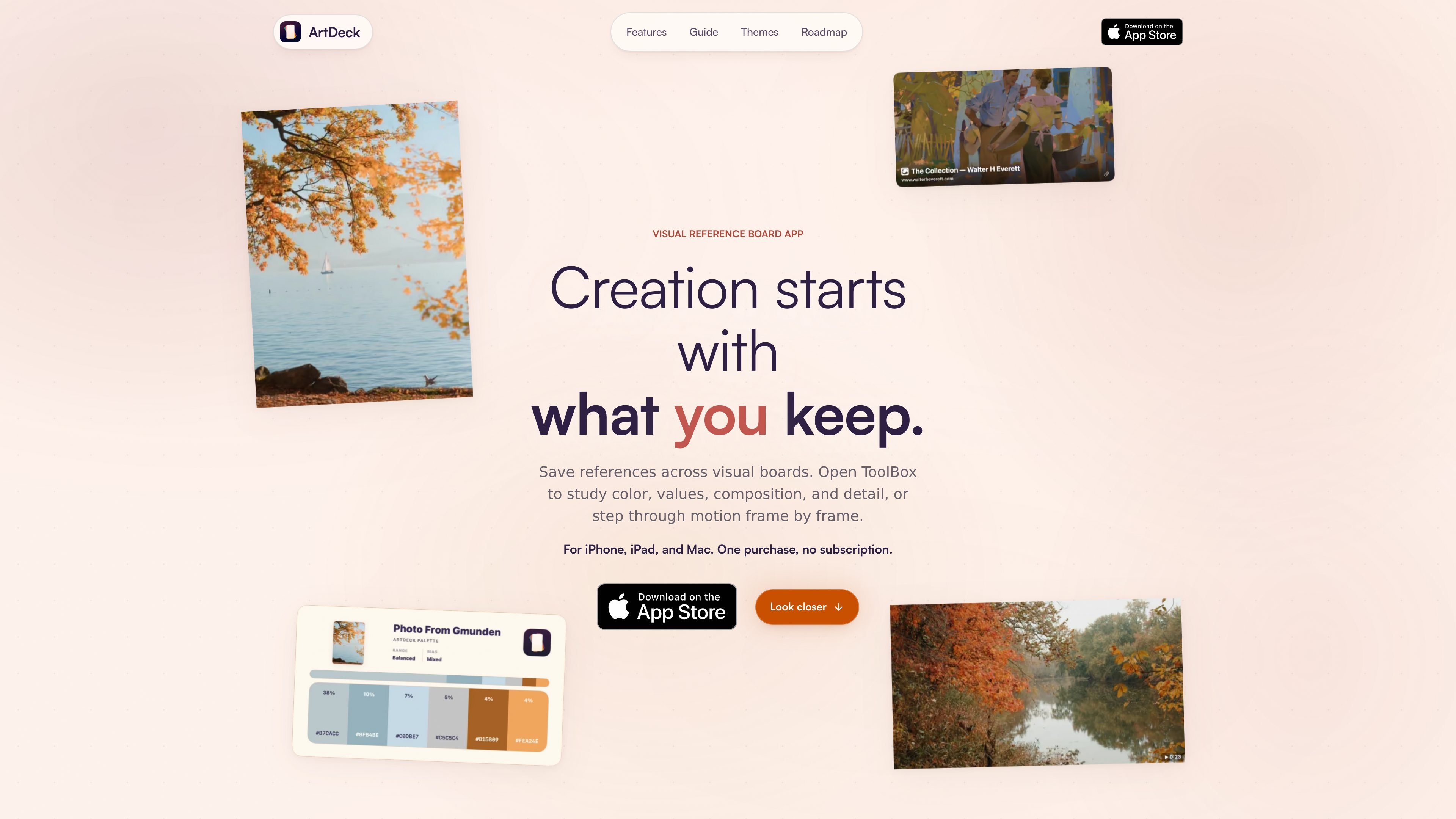
ArtDeck is a visual reference board app for iPhone, iPad, and Mac. It combines a flexible canvas for collecting reference material with ToolBox study tools for examining the same source in place.
The app is built for workflows where visual material needs to stay organized and close at hand: artists can collect images, videos, links, notes, PDFs, GIFs, and drawings on one board, then switch into study mode to inspect value, color, composition, detail, and motion without flattening the original source.
ArtDeck also supports optional iCloud sync by board, so the same board can move between devices while the app still works offline when sync is not needed.
The purchase model is simple according to the site: one purchase, no subscription, and no account system required.
Save images, videos, links, notes, PDFs, GIFs, drawings, and studies on one infinite canvas, then arrange them without a rigid grid.
Bring items in from Photos, Files, folders, camera, document scanner, paste, drag and drop, or the Share menu from another app.
Open ToolBox over a saved reference to inspect values, color, composition, readability, and measurement while the source stays visible.
Use value, color, composition, read, and measure lenses to isolate different aspects of the same source, including grayscale, palettes, guides, grouping, and proportion checks.
Study video and GIF references frame by frame, play or scrub through motion, and use onion skinning to compare nearby frames.
Sync boards across iPhone, iPad, and Mac with optional iCloud, or keep boards local and continue working offline.
Build a single canvas for the photos, links, notes, PDFs, GIFs, and drawings that shape a project, then keep them grouped so the context stays visible.
Compare light, color, composition, shape, and proportion directly over a source without altering the original asset, then snapshot a study when you want to keep it.
Step through a video or GIF frame by frame to inspect timing, spacing, poses, or transitions, using onion skinning and filmstrip browsing to compare moments.
Move between iPhone, iPad, and Mac while keeping boards available offline or synced through iCloud when needed, which suits work that starts away from the desk and continues later.
ArtDeck is designed to let you save reference material onto boards, study it with ToolBox lenses, and keep related studies beside the source. It supports images, videos, links, notes, PDFs, GIFs, drawings, and extracted studies on one canvas.
ArtDeck runs on iPhone, iPad, and Mac. The site says boards work fully offline, and optional iCloud sync can carry boards across devices.
No. ArtDeck is sold through the App Store as a one-time purchase, with no subscription and no account system required.
Yes. You can export studies by snapshotting them back onto the board, copying them, saving them to Files or Photos, or sharing them.
Yes. The site says ArtDeck can work offline, and iCloud sync is optional and board-specific when you want boards on multiple devices.

Goldfish is an AI memory app for macOS that helps you reply, write, summarize, and continue with context already on your Mac. It stores memory locally and writes in your tone.

Dcyde is a shared decision log for product teams to capture what was decided, why, and the source, with searchable records from Slack, Figma, or Dcyde.

Lasso is an ecommerce product data platform for enriching catalog records, processing supplier files, generating product content, and tracking competitors. It includes a web app, REST API, SDK, and MCP server.

Biji is a versatile platform designed to enhance productivity through innovative tools and features.

Malyatko is a baby tracker for feeding, sleep, growth, teething, and milestones. Use it on iPhone, Apple Watch, and widgets offline, with iCloud sharing.

Codex Plugins bundle reusable skills, app integrations, and MCP servers into workflows you can install in the Codex app or use from Codex CLI.