

Paso
Paso is a sustainable timeline planner for independent professionals—organize tasks and notes in a visual schedule with real-time sync across macOS, iOS, and Android.
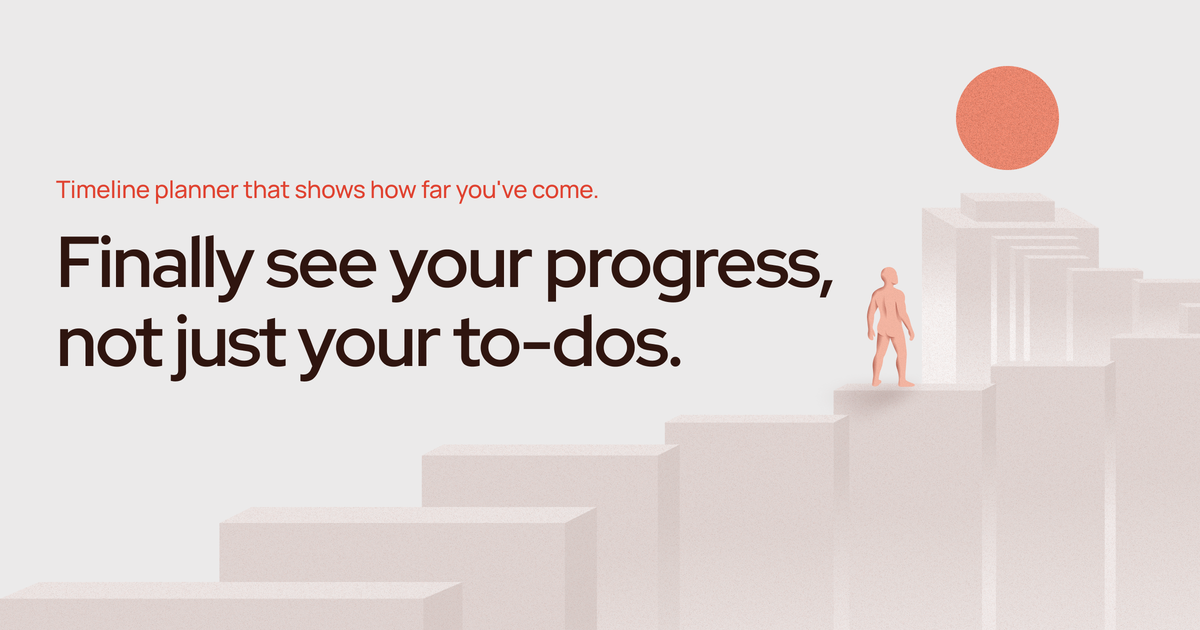
What is Paso?
Paso is a timeline planner for independent professionals who want a simple way to organize tasks and notes. It’s designed to help you move from “planning in your head” to a visual, time-based view of work so you can track progress across days.
The app supports real-time sync across devices and is available as downloads for macOS, iOS, and Android, with a focus on keeping the interface minimal and easy to start using immediately.
Key Features
- Timeline-based organization for tasks and notes: Combine tasks and written notes on a visual timeline so you can see what’s happening when.
- Draft space: Use a dedicated area for drafting content as part of planning and execution.
- Real-time sync across devices: Keep your timeline up to date between macOS, iOS, and Android.
- Privacy-first positioning: The website states that your data stays private.
- Minimal setup and simple UI: Designed so you can open the app and start working without lengthy configuration.
How to Use Paso
- Download and install Paso on one of the supported platforms (macOS, iOS, or Android).
- Create or open your timeline and begin adding tasks and notes to appropriate points in time.
- Use the draft space for working through ideas and then fold the outcome into your timeline plan.
- Continue on another device if needed—real-time sync keeps the timeline consistent.
Use Cases
- Independent project planning: Build a timeline of your work process so you can understand whether you’re staying within a reasonable workload.
- Multiple concurrent lines of work: Run separate streams of research or projects and keep them organized using the same timeline view.
- Fast capture of thoughts: Quickly put down tasks or ideas without the setup overhead associated with more complex knowledge-management tools.
- Daily execution with a multi-day view: Use the timeline to see what you’ve done on specific days and keep direction over the coming days.
- Drafting while planning: Use the draft space alongside the timeline when you need to develop ideas before turning them into actionable tasks.
FAQ
-
What platforms does Paso support? Paso is available as downloads for macOS, iOS, and Android.
-
Does Paso sync across devices? Yes. The website states there is real-time sync across devices.
-
Is my data private? The website states that your data stays private.
-
Do I need to set up a complex system before using it? The product is presented as having a minimal approach, emphasizing that you can open it and start working without unnecessary setup.
-
Can I use Paso for both tasks and notes? Yes. The app is described as keeping tasks and notes together on a timeline.
Alternatives
- Notes-and-tasks apps with timelines: If you want a similar “plan on a time axis” workflow, look for task/note apps that offer calendar or timeline views. These may differ in how flexible they are for mixing drafts and tasks.
- Project management tools: Tools centered on projects (boards, lists, milestones) can serve similar goals, but they typically organize work by project structure rather than a single continuous timeline view.
- Digital notebooks or knowledge-base tools: Apps in the “second brain” category can capture tasks and notes, but the source positions Paso as simpler to start than tools that often require more setup.
- Calendar-first planning tools: Calendar apps support scheduling and reminders, but they usually don’t emphasize a combined tasks + notes timeline with a dedicated draft space as described for Paso.
Alternatives

Planndu: Daily Task Planner
Planndu is an intuitive productivity application designed to help users organize tasks, manage projects, build routines, and enhance focus using tools like AI generation and a built-in Pomodoro timer.

Biji
Biji is a versatile platform designed to enhance productivity through innovative tools and features.

LIAM
LIAM is an AI copilot that drafts email replies, organizes your inbox with auto-labels and prioritization, and schedules meetings from your calendar.

Gemma AI
Gemma AI is a smart application that calls you directly with personalized, intelligent voice reminders to ensure you never miss important tasks, appointments, or deadlines.

ClawTick
ClawTick is a CLI-first AI agent automation platform for scheduling webhook tasks on cron with monitoring, alerts, retries, and execution logs.

Decision Jar
Create virtual jars of options with Decision Jar—shake your phone to pick instantly, use AI suggestions, and view decision logs over time.