
Animal records
Create profiles for cats, dogs, rabbits, birds, wildlife and custom animal types, with photos, identification details, care information, history and search by name or microchip number.

Pawsies is animal rescue management software for shelters, foster rescues, TNR programmes and welfare organisations, uniting records, tasks and finances.
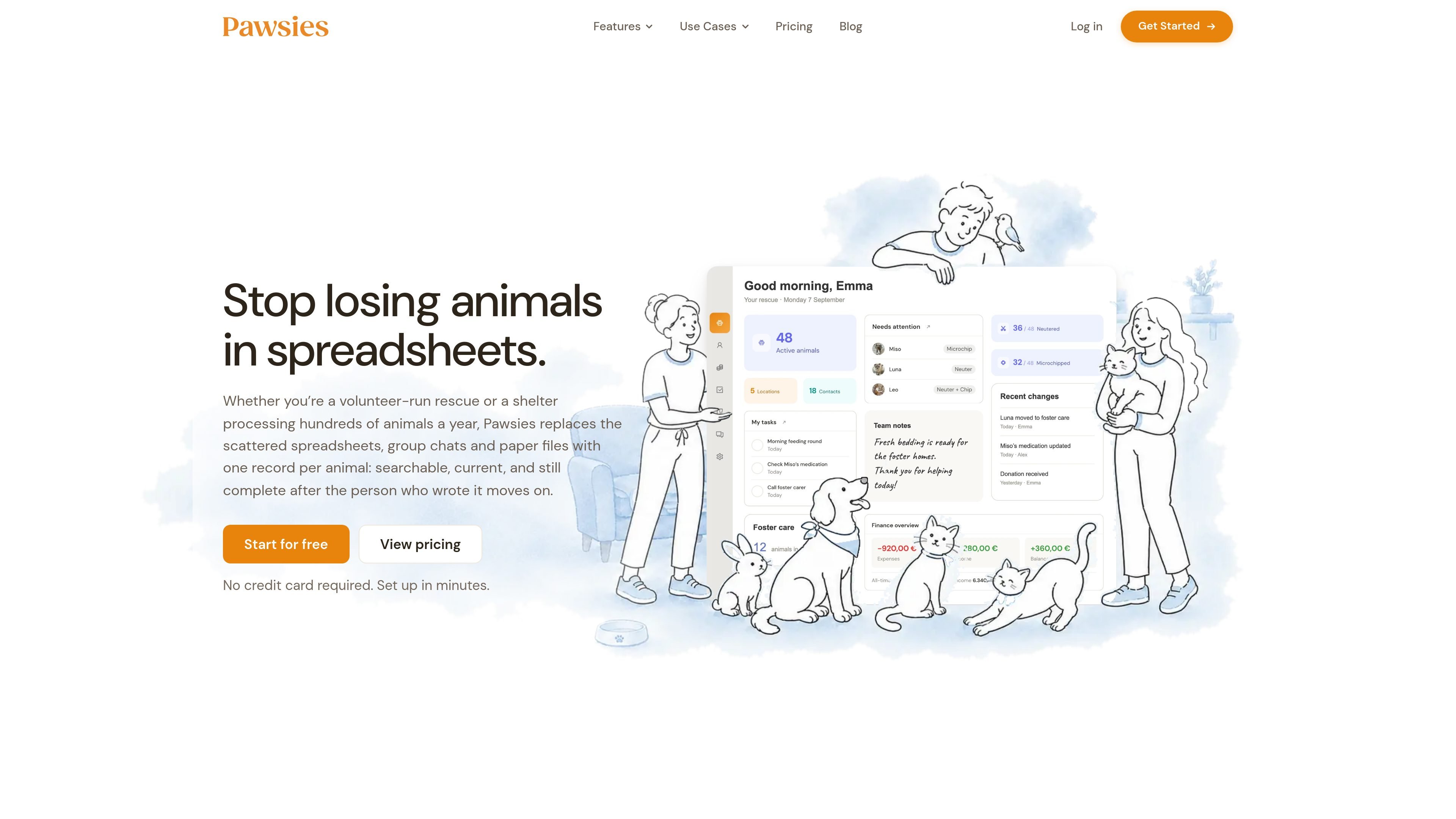
Pawsies is animal rescue management software for shelters, foster-based rescues, TNR programmes and other animal welfare organisations. It brings animal profiles, medical records, foster placements, intake and outcome records, documents, tasks, contacts and finances into a shared organisation workspace rather than leaving them across spreadsheets, chats and paper files.
The system is designed to keep operational information connected to the animal or location it concerns. Teams can access records in a browser on a computer or phone, control permissions by feature area, and use lists, activity history, summaries and CSV exports to organise daily care and review operations.
Create profiles for cats, dogs, rabbits, birds, wildlife and custom animal types, with photos, identification details, care information, history and search by name or microchip number.
Record medication schedules and doses, attach veterinary documents and notes, create follow-up tasks, and link expenses to the animal’s record.
Record foster carers, start dates, reasons and notes; separate active from completed placements; and keep placement history and carer contact details with the animal.
Track arrivals, adoption status, adopters, contracts and outcomes. Separate location records can map colonies, assign cats, record neuter and ear-tip status, and document feeding rounds.
Assign care and follow-up tasks with due dates and repeat schedules, use automatic or manual animal lists, and attach documents to animals, contacts, expenses or other relevant records.
Record income, donations, expenses, receipts and invoices; review summaries and analytics; inspect the activity log; and download available data as CSV files.
Shelter staff can keep identification, photos, medical activity, documents, tasks, intake history and adoption status connected as animals move through care. Permissions help separate staff and volunteer access.
Foster coordinators can assign an animal to an existing carer, record the placement date and reason, review active or completed stays, and keep agreements and contact details available with the placement.
TNR teams can create mapped colony locations, assign cats, record neuter and ear-tip status, review population history and document feeding rounds for future visits.
Finance or administration teams can record donations, payments, expenses, receipts and invoices, link costs to animals or locations, and use summaries and exports when preparing reports.
Mixed teams can invite members with tailored access, assign recurring care tasks, use automatic lists to find animals matching conditions, and review the activity log when records change.
Yes. Pawsies offers a free plan with no trial deadline. It supports up to 20 animals, one location and three team members; paid plans are available when the organisation needs more capacity.
Yes. Team members can be invited by email and assigned Member, Admin or Custom access. Custom permissions can be set for individual areas such as animals, feeding, documents, finances, analytics, exports and user management.
Pawsies can download available data as CSV files, and the comparison table lists data exports among the available features. The site also says to contact support to discuss importing existing data and its format.
The plans have different limits for animals, locations, team members and document storage. Usage can be reviewed in the billing area, and the organisation can change plans when it needs more capacity.

DANCING CATS App turns cat photos into dancing kitty clips. Simple, focused, and easy to use for playful pet-image edits.

Cats Lock is a macOS app that locks the keyboard with one shortcut so a cat can sit on the keys without typing into your active app. It also offers silent Stealth Lock mode, menu bar use, and optional function-key locking.

Kima is a shared pet-care app for households to track meals, walks, medications, reminders, and health notes with a live timeline and Premium reports for iPhone.

Kitiz is a free cat collection game for iOS and Android. Collect unique cats, care for them, and watch their relationships and conversations grow over time.

Clawd is an open-source browser pet companion that reacts to page content, user actions, and page errors in-browser, with local-only use, optional local AI, and performance controls.

WaterMe is a browser-based plant care app for tracking watering and routine tasks, with shareable sitter sessions for travel, plus Free and paid plans.