
Live dictation and file upload
Dictate live in the browser or upload audio and video files for transcription. The site says it supports short notes on the free plan and longer recordings on Pro.

Speech to Text Converter is a browser-based transcription tool for live dictation and uploaded audio or video files. Free for short tasks, Pro offers unlimited transcription, AI summaries, translation, speaker ID, and advanced exports.
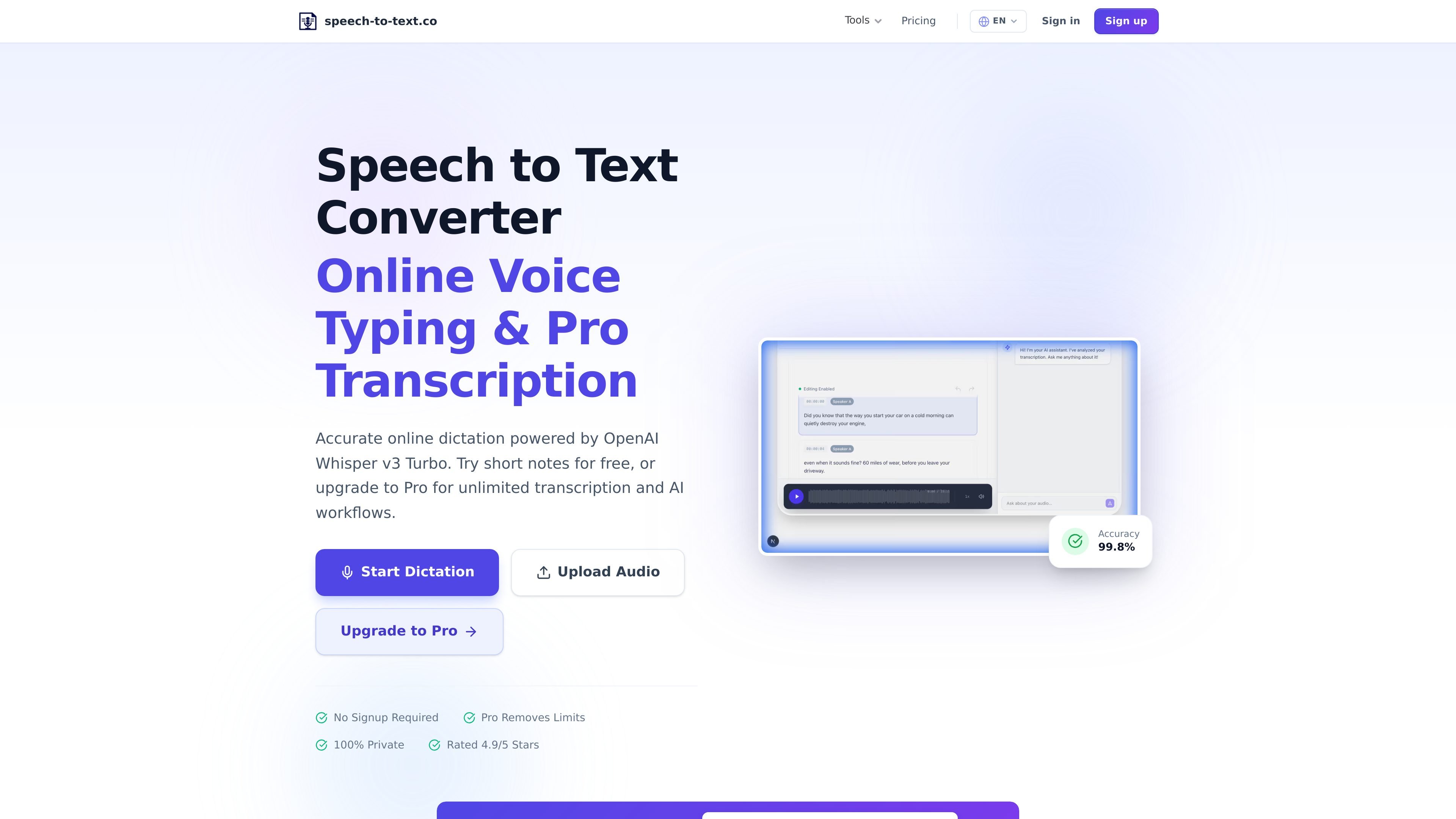
Speech to Text Converter is a browser-based speech transcription tool for live dictation and audio or video file conversion. It uses OpenAI Whisper v3 Turbo to turn spoken words into text, with a free tier for short tasks and a paid Pro plan for larger or recurring transcription work.
The site positions the product around quick note taking, uploaded recordings, and transcript follow-up tasks such as summarizing, translating, exporting subtitles, and identifying speakers. The service also emphasizes privacy-focused processing, with audio handled ephemerally rather than stored on its servers.
Dictate live in the browser or upload audio and video files for transcription. The site says it supports short notes on the free plan and longer recordings on Pro.
Automatic language detection supports 90+ languages on the pricing page and 45+ languages on the main site, with transcription aimed at multilingual speech.
The product adds punctuation and formatting automatically, including smart handling of pauses and sentence boundaries.
Pro includes AI summary, translation, and chat tools for working with transcripts after transcription is complete.
Export transcripts in formats such as TXT, SRT, VTT, DOCX, and PDF, with options that include timestamps, speaker names, and paragraph handling.
Pro adds speaker identification, priority processing, saved transcript history, and API access for recurring workflows.
Turn interviews, podcasts, or lecture recordings into text that can be searched, edited, and shared later.
Use the browser dictation mode for quick notes, drafts, or voice memos when typing is slower than speaking.
Create subtitle files from uploaded audio or video by exporting to SRT or VTT.
Review a transcript with AI to pull out key points, summaries, action items, or language translations.
Use speaker identification and transcript history for recurring professional transcription work.
Yes. The free plan is intended for light usage and short files, with daily transcription minutes and AI calls. The site says Pro removes those daily limits.
The site says it supports major audio and video formats, including MP3, M4A, WAV, OGG, FLAC, AAC, WMA, MP4, MOV, WebM, AVI, and MKV.
The product exports transcripts as TXT on the free plan, and Pro adds SRT, VTT, DOCX, and PDF export options.
The pricing page says Pro includes unlimited transcription, unlimited AI calls, files up to 500 MB, speaker identification, priority processing, saved transcript history, and API access.
The site says audio is processed ephemerally, no recordings are stored on its servers, and transfers use HTTPS or SSL encryption.

SpeakoFlow is a free, open-source desktop voice-to-text app for Windows, macOS, and Linux. Dictate into any app, use Flow, cleanup, translation, and a screen-aware assistant.

QuickQuill is a local-first macOS dictation and transcription app to record meetings, summarize audio, and export notes without the cloud.

Zen Whisper is a local-first dictation and transcription app for Apple Silicon Macs on macOS 14+. Dictate into most Mac text fields and transcribe media or supported public links across 110 languages.

Sanota turns spoken memories and interviews into clear written stories for personal storytelling, family history and shared memories, with guided prompts and subscriptions.

Carbon Voice is an async voice messaging app for teams and individuals, with transcripts, AI catch-up, and cross-device access.

OpenAI API guide for choosing the right speech architecture for live audio, translation, transcription, speech generation, and audio-capable chat.