
Realtime writing checks
Check grammar, spelling, punctuation, style, and readability as you write, with instant feedback and suggestions that you can accept in place.

ProWritingAid is a writing assistant for storytellers with grammar checking, style editing, paraphrasing, and story analysis in popular writing apps.
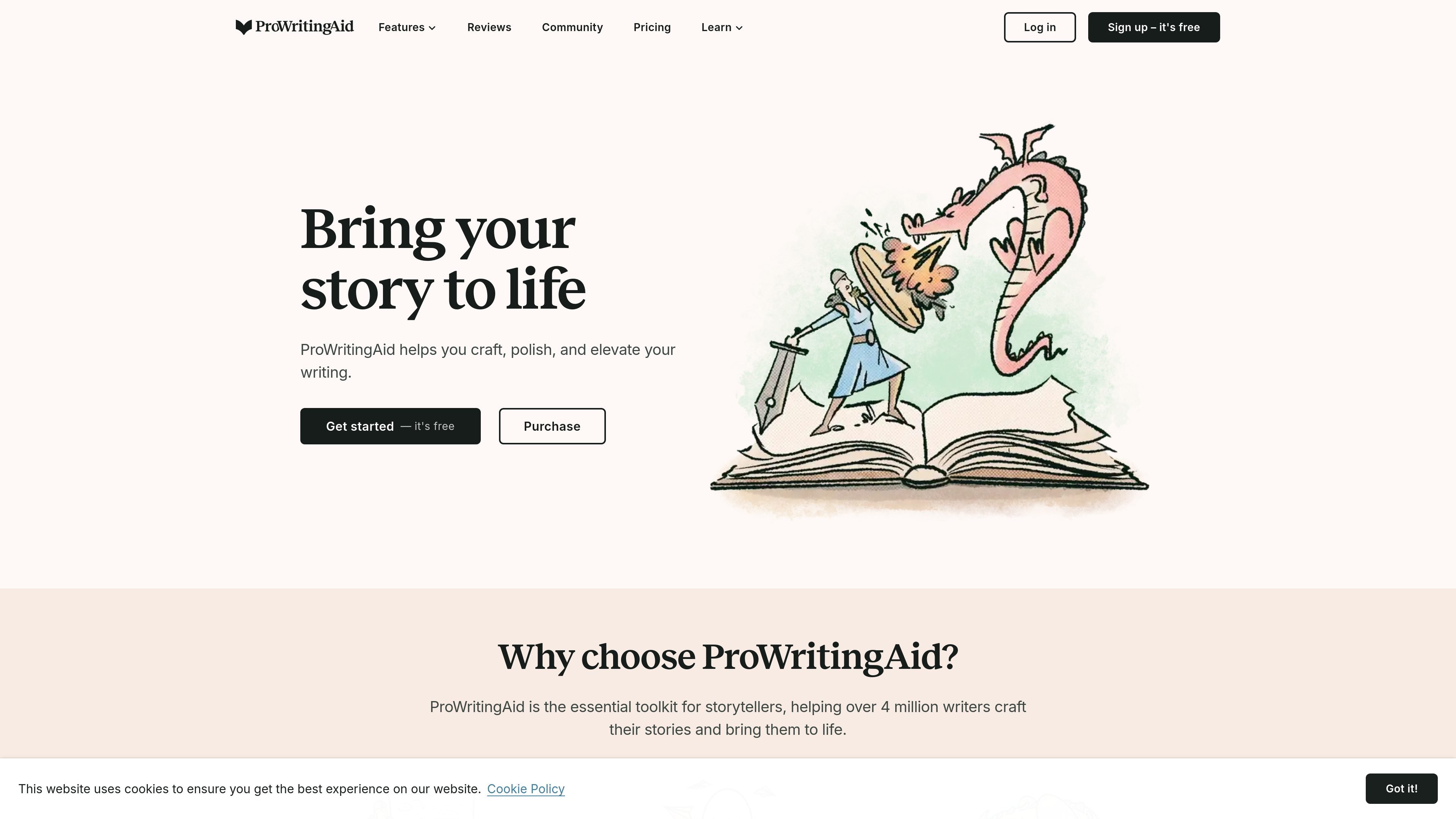
ProWritingAid is a writing assistant for storytellers that combines grammar checking, style editing, paraphrasing, and deeper writing analysis in one tool. The site positions it as a way to craft, polish, and strengthen stories rather than just catch surface-level errors.
The product works inside common writing apps such as Word, Google Docs, and Scrivener, and it also offers a desktop editor. Its reports and story-focused tools are aimed at helping writers revise chapters, full manuscripts, and individual sentences with feedback that is specific enough to guide editing.
Check grammar, spelling, punctuation, style, and readability as you write, with instant feedback and suggestions that you can accept in place.
Use the Rephrase tool and Sparks to rewrite sentences, change tone, adjust length, add sensory details, summarize, or continue a draft.
Review your writing with 25+ reports that cover issues such as overused words, clichés, repeated phrases, sentence variety, transitions, and sensory detail.
Get chapter-level critique, manuscript analysis, and Virtual Beta Reader feedback for longer fiction projects that need story-level review.
Adapt suggestions to your process with custom rules, a custom style guide, terminology management, author comparison, citations, and collaboration features.
Use ProWritingAid inside supported writing environments, including Word, Google Docs, Scrivener, and the Desktop Editor.
Run sentence-level checks while drafting to catch grammar, spelling, punctuation, readability, and style issues without leaving your writing app.
Use the report library to identify overused words, clichés, repetitions, sentence-length issues, and transition problems during a dedicated editing pass.
Apply Chapter Critique, Manuscript Analysis, or Virtual Beta Reader when you want story-level feedback on structure, pacing, characterization, and reader reaction.
Set custom rules, add terminology, and use a style guide when you need house preferences, domain language, or recurring phrasing to stay consistent across documents.
Share a document and collect comments in real time when you are collaborating on a draft or want feedback from other writers.
Yes. ProWritingAid offers a free plan with basic writing suggestions, a 500-word limit, two report runs per day, 10 rephrases per day, and 3 Sparks per day. Paid plans remove or raise those limits and add more advanced features.
ProWritingAid is designed to work inside writing apps such as Word, Google Docs, Scrivener, and its own desktop editor, so you can edit without moving your text into a separate workflow.
The source highlights features for solo writers and for sharing documents with comments in real time. Premium and Premium Pro include collaboration and unlimited document storage, while Premium Pro adds more live workshops and community-oriented features.
ProWritingAid provides grammar, spelling, punctuation, style, rephrasing, and more than 25 writing analysis reports. Some advanced story-analysis tools, such as Chapter Critique, Manuscript Analysis, Plot Analysis, Virtual Beta Reader, and Marketability Analysis, are excluded from the free plan and some are limited by plan.
The site says ProWritingAid does not use your text to train its algorithms and uses bank-level security to protect your work.

Dictro is a private AI dictation app for Mac that turns speech into polished text in any editable app. Runs locally on Apple Silicon Mac by default, with optional Fast Mode.

Rubriq is an AI tool for academic paper editing and translation, with personal subscriptions, institutional plans, and plagiarism-check services.

MagickPen is an AI writing tool for drafts, templates, and polished text from a topic prompt, with customizable roles, languages, tones, and formats across Web, Chrome, Windows, and Mac.

Goldfish is an AI memory app for macOS that helps you reply, write, summarize, and continue with context already on your Mac. It stores memory locally and writes in your tone.

SpeakoFlow is a free, open-source desktop voice-to-text app for Windows, macOS, and Linux. Dictate into any app, use Flow, cleanup, translation, and a screen-aware assistant.

Paperpal is an AI tool for academic writing, offering literature reading, language polishing, citations, plagiarism checks, AI detection, and pre-submission review.