
Post lifecycle management
Create posts for one or many accounts, queue them for later, edit drafts, publish immediately, retry failed channels, duplicate existing posts, and cancel or restore items as needed.

Schedule & Chill is a free LinkedIn social media scheduler with Bluesky, Mastodon, and YouTube support, plus REST API and native MCP server for AI post creation.
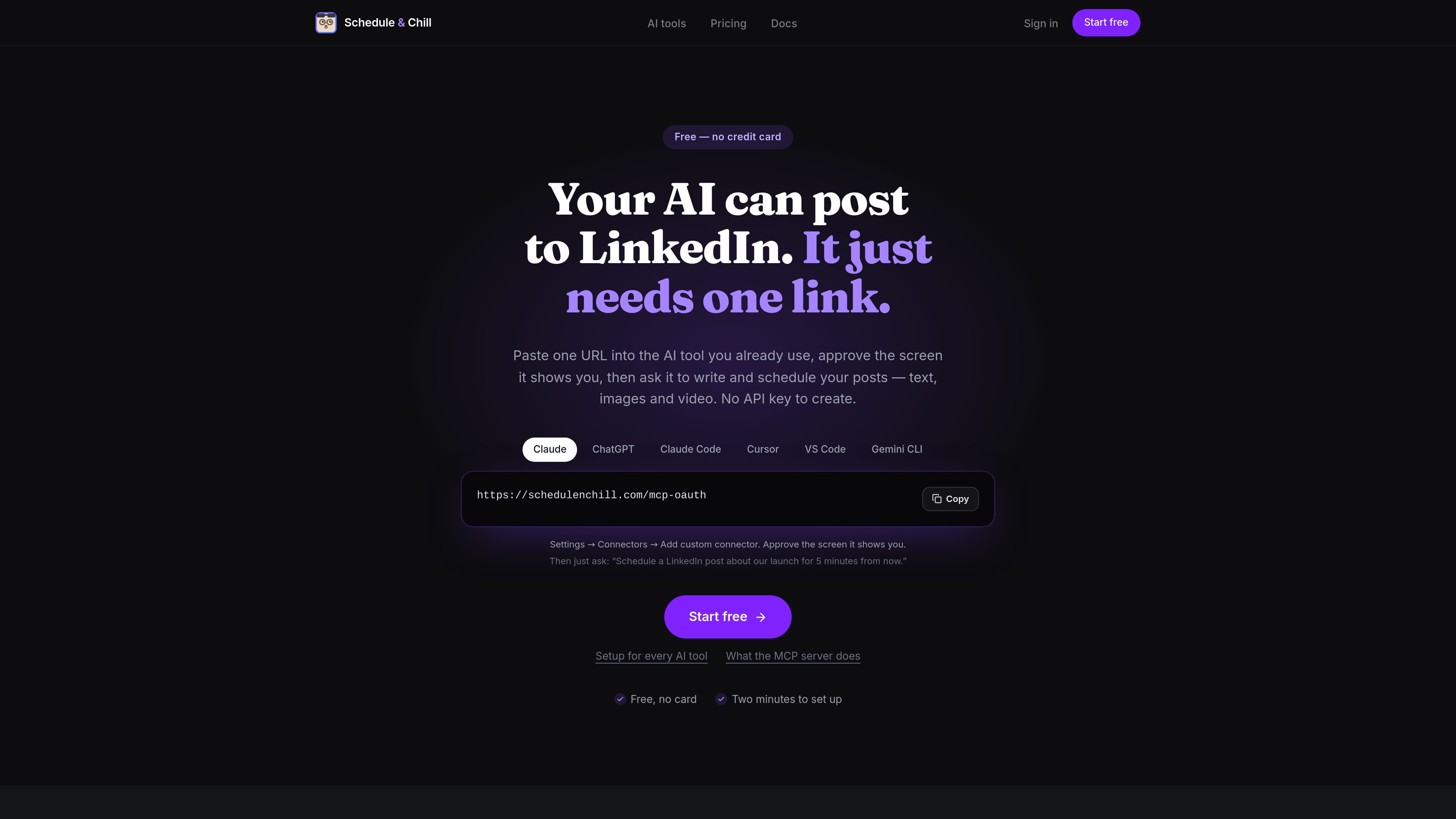
Schedule & Chill is a free social media scheduler centered on LinkedIn, with extra support for Bluesky, Mastodon, and YouTube. It is built for people who want an AI tool to draft and queue posts, while the service handles scheduling, publishing, and post management.
The product combines a dashboard, a REST API, and a native Model Context Protocol server. That lets compatible AI tools such as Claude, ChatGPT, Cursor, and other MCP clients connect with one URL, then create, edit, schedule, inspect, and publish posts without custom middleware or manual copy-paste between tools.
Create posts for one or many accounts, queue them for later, edit drafts, publish immediately, retry failed channels, duplicate existing posts, and cancel or restore items as needed.
Use the same capabilities from the dashboard, the REST API, or the MCP server. The API is described as a full REST surface with endpoints for posts, accounts, media, and analytics.
Upload images and videos once, then search the media library by tag, type, or description and attach assets by media_id instead of re-uploading files.
Connect through MCP with one URL and OAuth, or use an API key for scripts and clients that prefer a static bearer token. The setup is positioned as connector-based rather than custom integration work.
Review real publishing stats and analytics by account and time range. The site also exposes queue slots and per-post delivery status for checking what is scheduled and what happened.
Import posts in bulk from CSV and use schedule templates for repeatable posting workflows.
An AI tool drafts a LinkedIn announcement, then schedules it for a specific time without the user switching into LinkedIn’s composer or pasting text by hand.
A developer or automation user scripts posts, reads queue status, and checks delivery results through the REST API instead of using the web dashboard.
A content team uploads images or video once, then reuses those assets in later posts by searching the media library and attaching the stored file reference.
A user wants to review what is already planned, move a post, or cancel it before it goes live, using the queue and post actions exposed in the product.
A user managing multiple channels wants one setup that can publish to supported platforms from the same interface or API surface rather than maintaining separate tools.
Schedule & Chill is a free LinkedIn post scheduler that also exposes a native MCP server and a REST API. It is designed so AI tools can draft, schedule, publish, edit, and inspect posts without custom glue code.
Yes. The site states there is no credit card, no trial timer, and no separate paid tier hiding the main features. A free account includes 500 posts a month, 2 connected channels, the REST API, and the MCP server.
LinkedIn, Bluesky, Mastodon, and YouTube are live today. The site also says adapters for X, LinkedIn Pages, Facebook, Instagram, Pinterest, and TikTok are built and tested but still waiting in platform review queues.
You can connect through OAuth by pasting the MCP URL into a compatible AI tool, or use an API key with the REST API and MCP header-based setup. The docs mention Claude, ChatGPT, Cursor, VS Code, Gemini CLI, Claude Code, Codex, Windsurf, Zed, Zapier, and n8n as compatible clients or examples.
No. The site says outbound webhooks are not shipped yet. For publish status, you poll GET /api/posts/{id}, which returns per-account state and any platform error message.

Hype is a web tool for finding trending YouTube topics by category, time range, and scoring mode. Spot emerging ideas and review source videos.

Liam is an AI copilot for inbox management, email replies, prioritizing messages, and scheduling meetings. Free for individuals; custom pricing for teams and enterprise.

topple.lol is a public pay-to-rank leaderboard where listings start at $1 and bid balance decays over time and clicks for short-term visibility.

Gemma AI is a phone call reminder app that calls you with scheduled reminders instead of push notifications, with Google Calendar sync and natural voice interaction.

ClawTick is an AI agent automation platform for scheduling jobs from the CLI, dashboard, or REST API. Built for developers and teams using LangChain, CrewAI, webhooks, or custom workflows with monitoring, alerts, and logs.

ClawEase is an AI business operator that captures requests across calls, email, SMS, WhatsApp, LINE, and web forms, then completes booking workflows in existing web systems.