
Daily topic clustering
Hype scans newly uploaded YouTube videos every day and groups related uploads into topic clusters using an AI analysis pipeline. That helps reveal emerging themes instead of requiring you to guess search terms in advance.

Hype is a web tool for finding trending YouTube topics by category, time range, and scoring mode. Spot emerging ideas and review source videos.
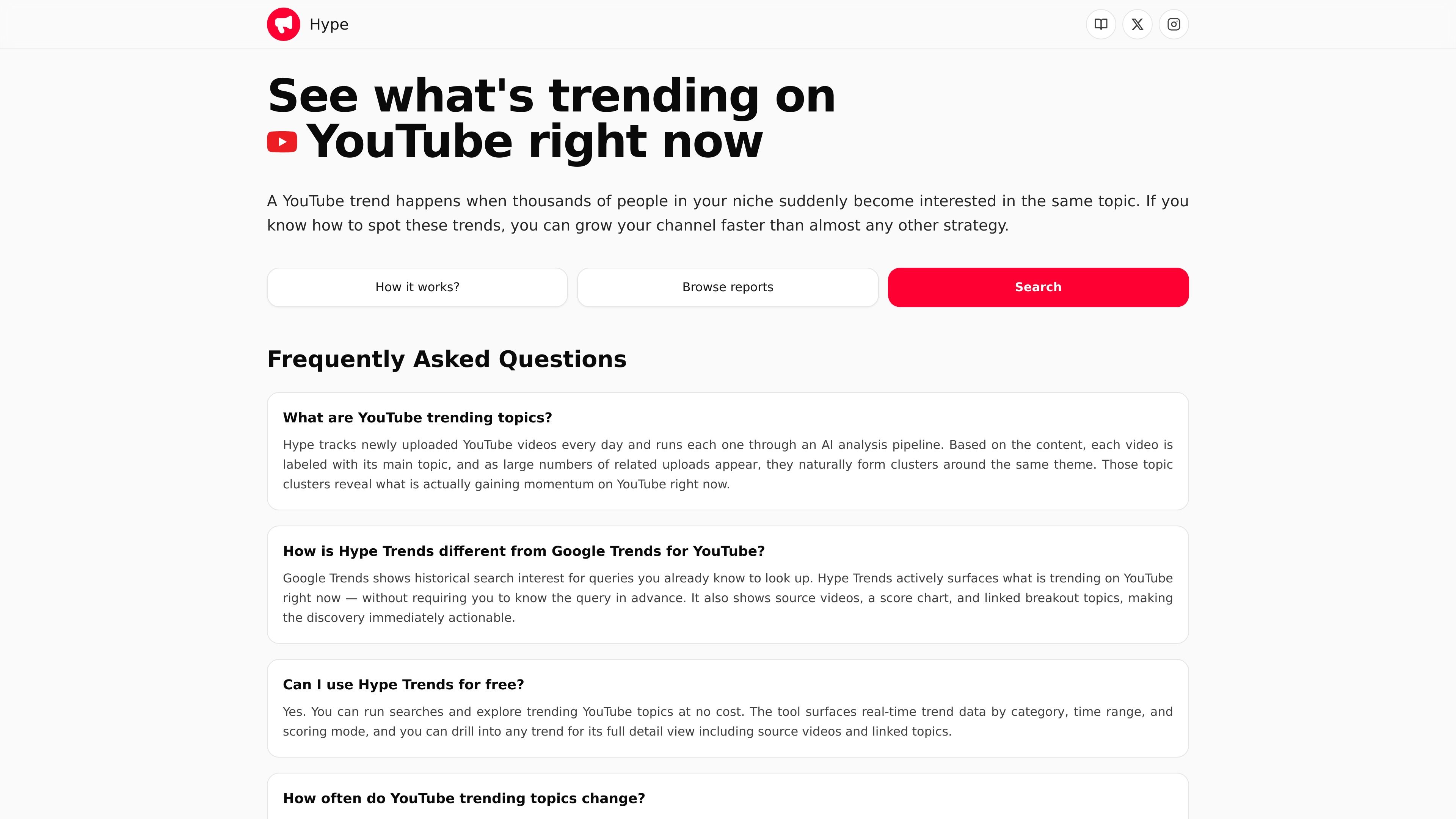
Hype is a YouTube trend discovery tool for creators who want to find emerging topics before they peak. Its main workflow is simple: choose a category, set a time range and scoring mode, then search a live trends view to see what is gaining traction now.
The product positions itself as a faster alternative to broad search research because it surfaces topics directly from YouTube activity rather than requiring you to start with a known keyword. Trend detail pages add source videos, a score chart, and linked topics so you can evaluate whether a trend is worth covering.
Hype scans newly uploaded YouTube videos every day and groups related uploads into topic clusters using an AI analysis pipeline. That helps reveal emerging themes instead of requiring you to guess search terms in advance.
The trends interface lets you filter by YouTube category, time range, and scoring mode before you search. Categories shown on the site include Science & Technology, How To & Style, Education, Entertainment, Gaming, Travel & Events, News & Politics, People & Blogs, and Sports.
Trend results can be ranked by Views, Balanced, or Comments, letting you choose between raw reach, a mixed signal, or discussion-heavy topics. The site describes these as different ways to compare momentum.
Opening a trend reveals a fuller detail view with a summary, a score chart, source videos, and linked trends. That makes each result more actionable than a simple keyword list.
The site points readers to fresh signals with shorter windows such as 2 days, while also offering 7-, 30-, and 60-day views for more sustained momentum. That range supports both rapid publishing and slower research workflows.
A creator can select the category that matches their channel, narrow the time window to the last 2, 7, 30, or 60 days, and identify topics that are moving in the right niche rather than chasing unrelated sitewide noise.
A publisher working under a fast turnaround can use the 2-day filter and choose a ranking mode that emphasizes views or comments to spot breaking topics before the window closes.
A strategist can compare trending topics with evergreen plans by reviewing how long a topic has sustained momentum and deciding whether it belongs in a short-lived video or a longer-term content series.
A content planner can open a trend to see source videos and linked trends, then use those examples to shape title, format, and follow-up ideas without starting from scratch.
Hype tracks newly uploaded YouTube videos, labels them by topic with an AI analysis pipeline, and surfaces clusters of related uploads that are gaining momentum. The trend detail view also shows source videos, a score chart, and linked topics so you can inspect why a topic is moving.
Yes. The product copy says you can run searches and explore trending YouTube topics at no cost. The site does not publish pricing details on the pricing page because that page currently returns a 404.
Hype is built around discovery on the YouTube trends page: choose a category, time range, and scoring mode, then run a search to load trends. You can open any result for a deeper view with supporting videos and related trends.
Hype offers category filters for YouTube niches, time ranges including 2 days, 7 days, 30 days, and 60 days, and ranking modes for Views, Balanced, and Comments. Those controls help you tune results to your publishing speed and the kind of signal you want to inspect.
The site positions trends as one part of a broader strategy. Its own guidance says trending topics work best when paired with evergreen content rather than used alone.

VForms lets you place questionnaires inside YouTube videos, capturing feedback in context with timestamped, embeddable video forms.

Radar is a self-hostable media intelligence and social listening app for monitoring public sources, analyzing mentions, and generating briefs or content outputs with optional Claude AI.

Shengsuanyun offers cloud-based solutions for efficient data management and analytics.

PromptScout tracks how ChatGPT, Gemini, Google AI Overviews, and Perplexity mention your brand or competitors, with source analysis and website audits.

SaveMRR is a Stripe retention tool for SaaS teams to scan churn and MRR leaks, then automate recovery with dunning, cancel-save offers, win-back emails, and onboarding nudges.

Sleek Analytics is a privacy-friendly web analytics tool with real-time visitor tracking, Core Web Vitals, and revenue attribution.