
Host workspace and routing
Organize SSH hosts in a sidebar, group them by environment, and use drag-and-drop host organization for day-to-day navigation.

ShellMate is a desktop SSH workspace for individuals and teams, with host management, secure access controls, terminal workflows, and activity visibility. Available on macOS, Windows, and Linux.
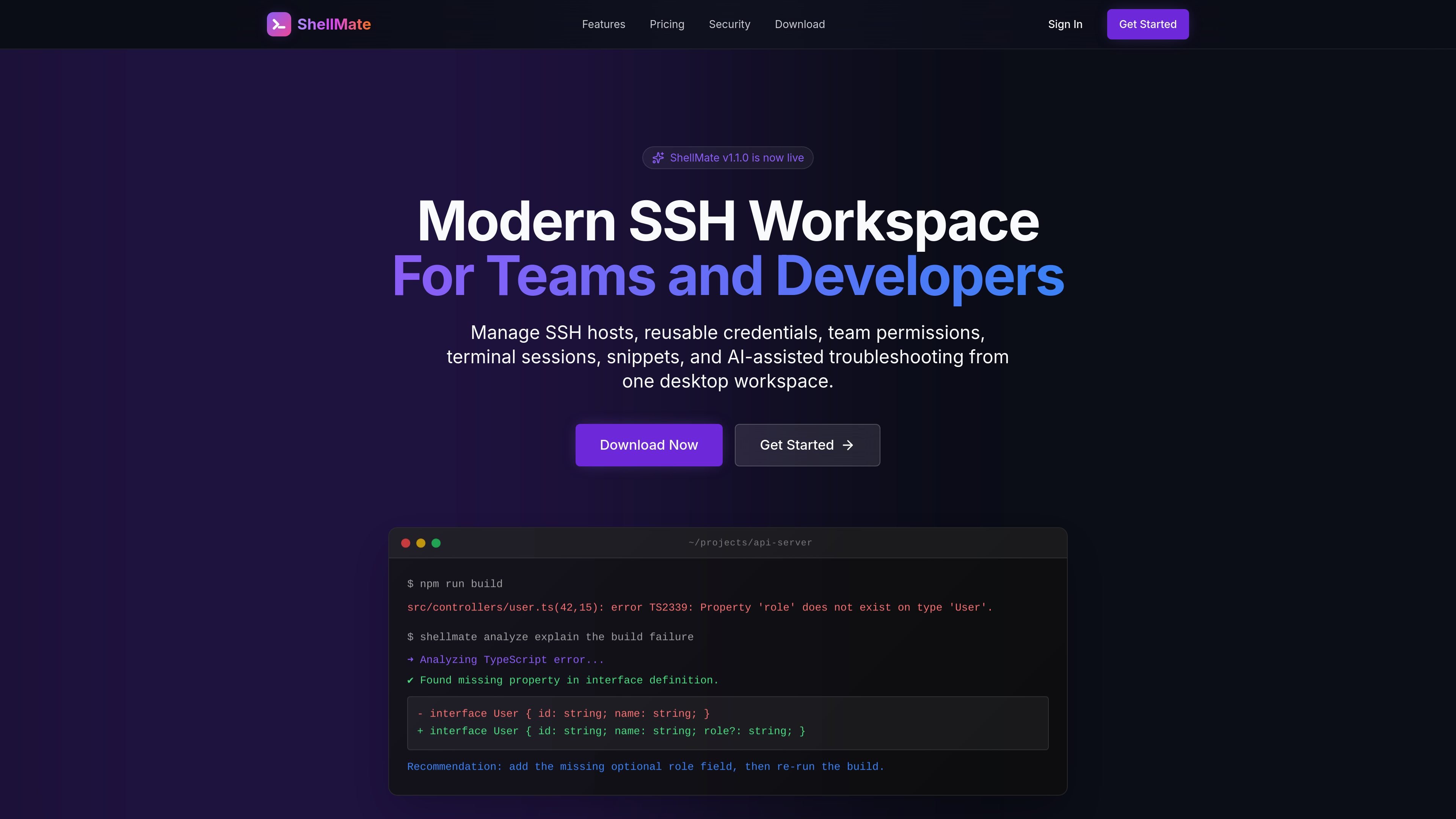
ShellMate is a desktop SSH workspace for individuals and teams that need to manage hosts, credentials, permissions, and terminal sessions from one place. It combines host organization, native SSH connections, reusable credentials, and team access controls in a single terminal app.
The product is positioned around secure infrastructure access and operational workflows. Its documentation highlights permission-aware hosts, server-managed encrypted credentials, short-lived connection grants, split-pane sessions, snippets, and audit visibility, while the security page explains that saved credentials are server-decryptable during authorized connections and access checks depend on trusted-device and permission state.
Organize SSH hosts in a sidebar, group them by environment, and use drag-and-drop host organization for day-to-day navigation.
Launch real SSH sessions in a desktop workspace with tabs, split panes, persisted sessions, pane swapping, and jump-host support.
Use saved credentials, session-bound server grants, or enrolled-host certificates depending on the security model your infrastructure requires.
Review credential grants, auth sessions, failed logins, active sessions, and security events from the dashboard and admin tools.
Use live autocomplete, command filtering, snippets, and context-aware hints to surface commands while you work in the terminal buffer.
Inspect JSON, log, and CSV output with beautifier views and search inside the terminal buffer for faster diagnosis and documentation.
Centralize SSH access for a personal server fleet, keeping hosts and saved credentials organized in one desktop workspace.
Give a team shared host configuration, granular permissions, and activity records for controlled access to production or staging systems.
Work through incidents with split panes, session visibility, health checks, and logs while keeping everything inside the terminal workspace.
Use snippets, autocomplete, and persistent sessions to speed up repetitive shell work across multiple connected systems.
Manage access with short-lived grants or enrolled-host certificates when you need revocable, auditable SSH access rather than long-lived shared keys.
ShellMate is a desktop SSH workspace for managing hosts, reusable credentials, team permissions, terminal sessions, snippets, and troubleshooting workflows from one app.
The documented setup flow covers logging in, adding or importing hosts, opening a host to start a terminal tab, and using saved credentials or enrolled-host certificates for access.
ShellMate supports macOS, Windows 10 and 11, and Linux distributions. The download page offers Apple Silicon and Intel Mac builds, a Windows installer, and Linux DEB, tar.gz, and AppImage packages.
ShellMate offers a free Individual plan for personal use and a paid Company plan for team collaboration. The pricing page also lists an optional AI troubleshooting add-on.
The security documentation says ShellMate uses permission checks, trusted-device state, short-lived grants, encrypted storage, certificate access, and audit records, and it does not currently claim zero-knowledge.

ClawTick is an AI agent automation platform for scheduling jobs from the CLI, dashboard, or REST API. It is aimed at developers and teams running LangChain, CrewAI, webhook, or custom agent workflows that need monitoring, alerts, and logs.

OpenFlags is an open-source, self-hosted feature flag platform for modern JavaScript teams. It supports local evaluation, targeted rollouts, and controlled launches while keeping flag data in your own infrastructure.

Rectify is an all-in-one SaaS operations platform that combines session replay, monitoring, support, code scanning, roadmaps, and changelogs. It is aimed at founders and product teams, especially non-technical SaaS teams working with AI-assisted development.

PromptScout tracks how ChatGPT, Gemini, Google AI Overviews, and Perplexity mention your brand or competitors, then pairs those results with source analysis and website audits. It helps teams decide what to fix in content, positioning, or site readiness next.

Biji is a versatile platform designed to enhance productivity through innovative tools and features.

Sleek Analytics is a privacy-friendly web analytics tool with real-time visitor tracking, Core Web Vitals, and revenue attribution. It helps site owners understand traffic and conversions without cookie banners or a heavy setup.