
Multiple badge endpoint types
Badges are served from simple, documented URL patterns such as /npm/{package}, /github/{owner}/{repo}, /discord/{serverId}, /skills/{owner}/{repo}/{skill}, and /badge/{label}-{message}-{color}.

shieldcn creates shadcn/ui-style badges for README and docs, with direct URLs and PNG, SVG, and JSON outputs for npm, GitHub, Discord, and more.
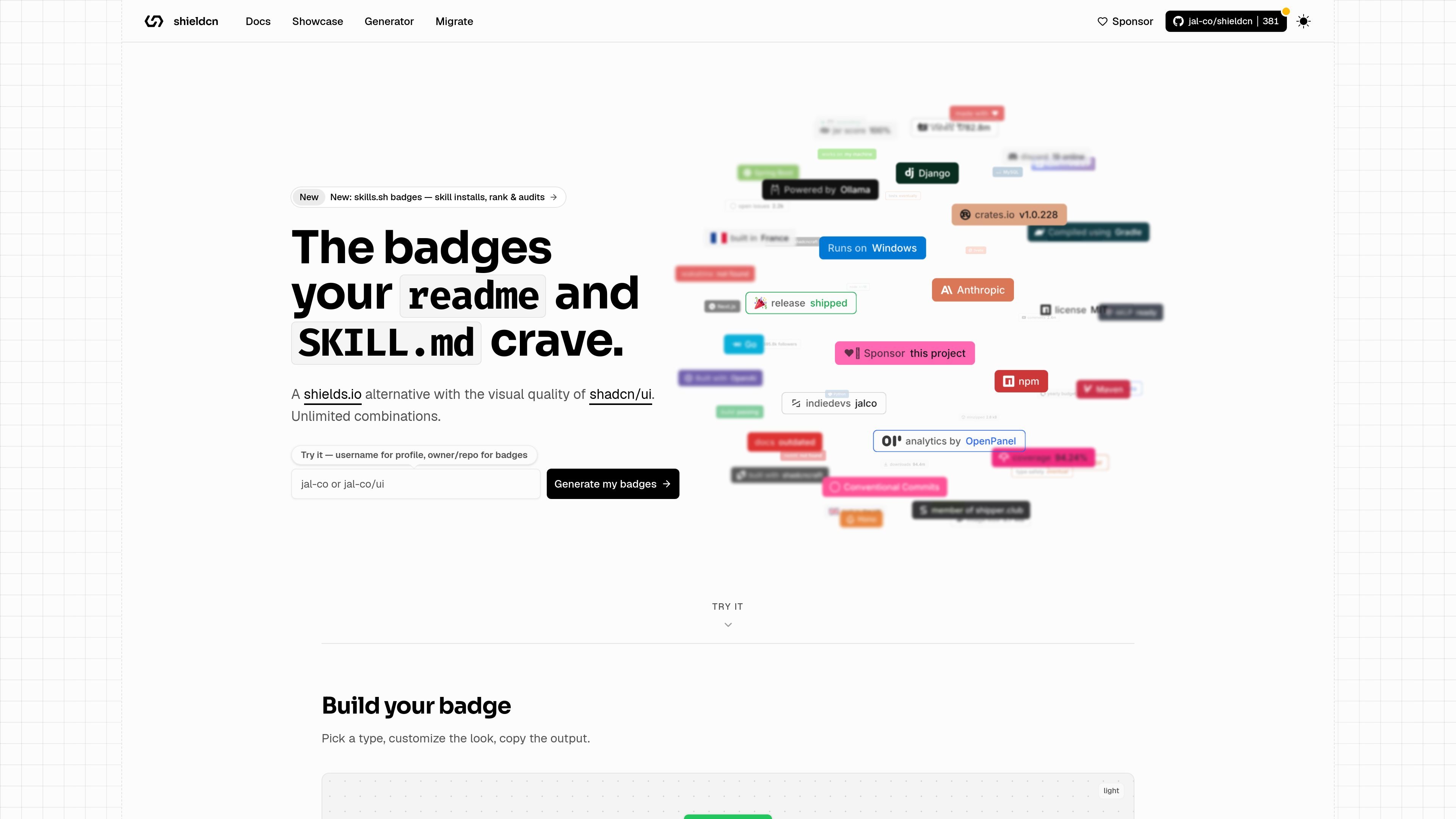
shieldcn is a badge generator and endpoint service for README, docs, and similar places that accept image URLs. It presents badges styled like shadcn/ui buttons and exposes them through predictable paths for npm, GitHub, Discord, Homebrew, Tokscale, skills.sh, static, and dynamic JSON badges.
The product is designed as a drop-in shields.io replacement with no required API key or build step for basic use. It supports .png and .svg output, and the docs also describe .json and /shields.json responses for raw data or shields.io compatibility.
Badges are served from simple, documented URL patterns such as /npm/{package}, /github/{owner}/{repo}, /discord/{serverId}, /skills/{owner}/{repo}/{skill}, and /badge/{label}-{message}-{color}.
Every badge can be rendered as .png or .svg, with .json and /shields.json available for raw or shields.io-compatible data.
Badges support shadcn Button variants, size options, themes, fonts, colors, icon overrides, label and layout controls, and SVG-only animation effects like pulse, glow, and shimmer.
Icons are auto-detected by provider, and the docs also allow explicit Simple Icons slugs, React Icons names, disabling the icon, or passing a custom SVG data URI.
The generator can auto-detect a stack from a GitHub repository URL and export copy-paste badge markup for README use.
Add npm, GitHub, Discord, or similar badges to a project README using a direct image URL. The docs specifically recommend PNG for GitHub READMEs because it renders more consistently across clients.
Generate badges from a GitHub repository URL, let the tool detect the stack, and copy the resulting markdown or image URL into docs or repo pages.
Create buttons and status-style badges for product docs, landing pages, or internal documentation where image tags are accepted.
Use static, dynamic JSON, group, and custom badge endpoints when you need a badge that is not tied to a single package or repository metric.
Swap between PNG and SVG depending on your rendering needs, using PNG for broad compatibility and SVG when you want scalable output or SVG-only animation effects.
Generate skill-install and ranking badges for skills.sh repositories, or profile badges from a username-based flow for personal README pages.
It generates badge images from predictable URL patterns. For example, the docs show npm, GitHub, Discord, X/Twitter, Homebrew, Tokscale, skills.sh, static, dynamic JSON, flag, and grouped badge endpoints.
Yes. The generator page supports GitHub repository URLs or owner/repo input for repo badges, and it also points profile badge generation to a username-based flow for profile READMEs.
Yes. The docs say both .png and .svg are supported, and any endpoint can also be requested as .json or via /shields.json for shields.io compatibility.
The docs say no configuration, API keys, or build step are required for basic badge URLs.

ByteAsk is a terminal-first AI coding agent for C and C++ that edits repos and verifies changes with compilers, debuggers, sanitizers, and tests.

CreateOS Sandbox is an isolated compute environment for running code and agent workloads in Firecracker micro-VMs with private networking and SDK, CLI, or MCP control.

hob is an independent workspace for coding agents, with local control over sessions, terminals, history, routing, and follow-up work.

Ably Chat is a chat API platform for custom realtime chat apps, with rooms, typing indicators, presence, reactions, message updates and usage-based pricing.

Manta AI is an autonomous web app testing tool that maps app behavior, catches regressions, and generates tests from a URL, no scripts or selectors needed.

SonOf connects to your repo and PM tool, audits your codebase, and turns approved work into shipped tickets with senior engineering review.