UStackUStack
Sitepaige icon

Sitepaige

Build a complete website and online presence in minutes with Sitepaige—generate pages, design, images, and AI-written content from prompts.
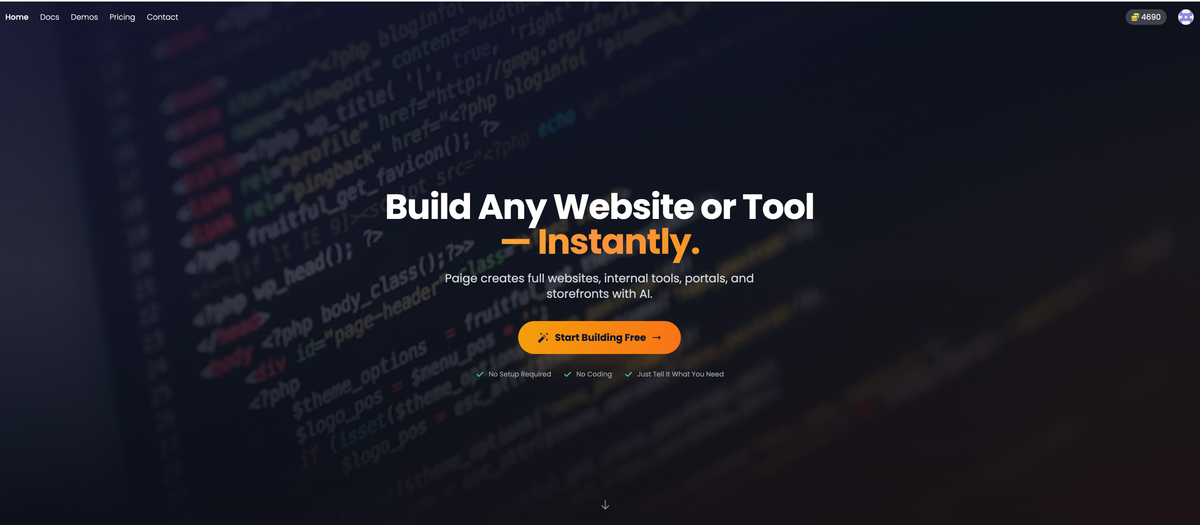
Sitepaige

What is Sitepaige?

Sitepaige is an AI web developer that generates a complete website and online presence from natural-language descriptions. It creates the site structure and pages automatically, including basic branding, layout, and written content, so you can launch without hiring developers or designing from scratch.

The goal is to help individuals and businesses get a professional-looking website built quickly, then updated through an editor that allows changes directly to text and page elements.

Key Features

  • Instant website generation from your description: Tell Sitepaige about your business, and it builds the website in minutes rather than requiring manual page setup.
  • Automatically built, connected pages: Includes pages such as homepage, about, services, and contact, wired together as a complete site.
  • Professional design styling: Produces layouts, colors, and branding intended to look professionally designed.
  • AI-written page content: Generates headlines, descriptions, and calls-to-action for the pages created.
  • Automatic image inclusion: Selects relevant, higher-quality images and places them within the site.
  • Mobile-ready output: Ensures the site looks appropriate on phones, tablets, and desktops.
  • Click-to-edit visual editor: Edit by clicking text, images, or other elements and see changes immediately.
  • AI content updates and re-writes: Request new copy (e.g., headlines, descriptions, page content) without starting over.
  • Undo and version history: Roll back changes with one click, with full version history included.
  • Export and hosting flexibility: Offers export code so you can download your site and host it elsewhere; SSL is included with the hosted option.

How to Use Sitepaige

  1. Start with the free preview (no credit card required) and click Generate My Website.
  2. Describe your business in natural language so the AI can create your website pages, design, written content, and images.
  3. Review the auto-generated site and use the visual editor to click elements you want to change.
  4. If you want new or revised text, use AI content creation to generate additional copy for headlines, descriptions, and page content.
  5. When you’re ready, either host on your own domain using the included hosting/SSL, or export the code to host it anywhere.

Use Cases

  • Launching a new business website quickly: Provide a brief description of the business and receive an initial set of common pages (homepage, about, services, contact) ready to review.
  • Updating website messaging without design skills: Edit text and elements directly in the visual editor, then refine headlines and calls-to-action using AI-generated copy.
  • Refreshing a service page for new offerings: Add or replace content for service-related sections, using the click-to-edit workflow and AI content creation.
  • Creating an online presence for small teams: Use instant generation to reduce time spent on layout and copy drafting, then iterate with undo/version history.
  • Moving away from a hosted site when needed: Export the generated code and host it anywhere if you later want to manage the site externally.

FAQ

  • Do I need coding or design skills to use Sitepaige? No. The website generation is described as requiring no developers, no design skills, and no technical knowledge.

  • What pages are included when the website is generated? The site is described as generating and connecting pages such as homepage, about, services, and contact.

  • Can I edit the generated content after the site is created? Yes. Sitepaige provides a visual editor where you can click text, images, and elements to edit them, with instant updates.

  • What happens if I make a mistake while editing? You can undo changes with one click, and full version history is included.

  • Can I export the website and host it elsewhere? Yes. Sitepaige includes an Export Code option to download the code for hosting anywhere.

Alternatives

  • No-code website builders: Tools in this category focus on building pages visually with templates and manual editing. They typically require more direct layout work compared to AI-generated full-site creation from a description.
  • AI writing assistants for marketing pages: These help generate headlines and copy but usually don’t create the full website structure, images, and page layouts end-to-end.
  • Template-based website platforms with WYSIWYG editors: These generate a starting point but often depend on selecting templates and configuring components manually rather than generating the entire site automatically from a prompt.
  • Web app frameworks with templates: For users who want full control, frameworks can produce custom sites, but they usually require more setup and development effort than an AI-driven site generator.
