
Fast desktop setup
Install SKI with a single DMG on Mac or EXE on Windows, then use the setup wizard to choose your mic, voice, and hotkey.

SKI is a desktop app for Mac and Windows that lets developers talk to AI coding agents and hear replies aloud. Local, offline voice loop with optional meeting transcription.
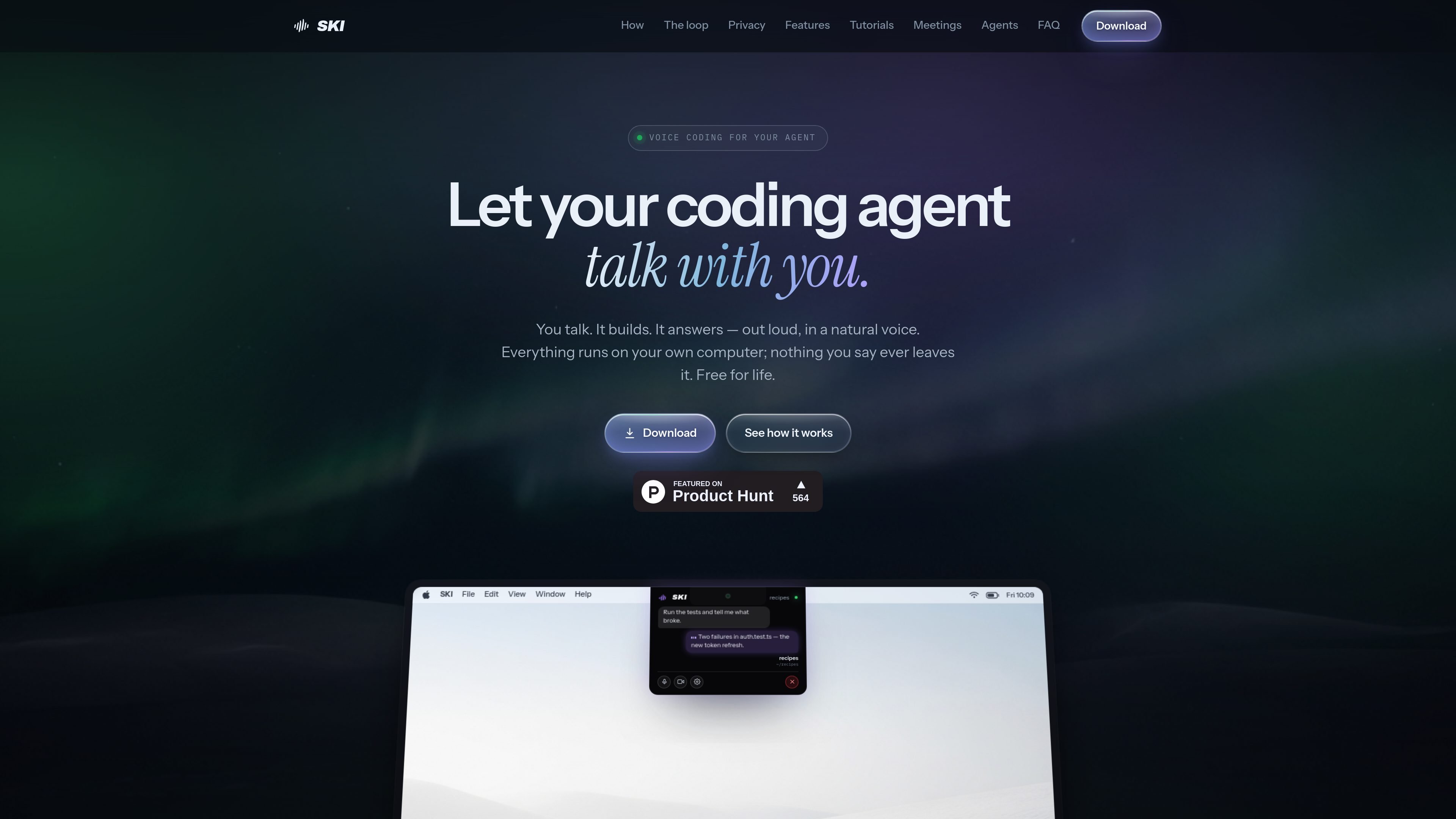
SKI is a desktop app for Mac and Windows that gives AI coding assistants a spoken interface. Instead of stopping at speech-to-text dictation, it closes the loop: you speak, your coding agent responds, and SKI reads the reply back in a natural voice.
The product is built for developers who want a faster back-and-forth with agents such as Claude Code, Cursor, Codex, Gemini CLI, Windsurf, and OpenClaw. Setup is framed as a simple install-and-connect flow, with local speech handling, optional review before sending, and support for offline use.
Install SKI with a single DMG on Mac or EXE on Windows, then use the setup wizard to choose your mic, voice, and hotkey.
SKI connects to supported coding agents such as Claude Code, Cursor, Codex, Gemini CLI, and OpenClaw so you can speak to the agent you already use.
Speech recognition and voice output run locally, so the app can work offline and keep audio on your machine.
Full-duplex barge-in lets you speak over the agent and still be heard, which is useful on open speakers or when you want to interrupt mid-answer.
The app can record meetings locally with mic and system audio, export transcripts, and optionally send your agent into a call as a participant or notetaker.
On Mac, SKI can dock in the notch; on Windows, it floats as a movable pill, with visual status cues for when the agent is listening or answering.
Talk through code changes hands-free when you want to ask for edits, run-throughs, or follow-up questions without switching between typing and listening.
Use the local voice loop for quick back-and-forth while you are debugging, so you can interrupt the agent, clarify the problem, and keep moving.
Record or transcribe meetings on your machine when you want a local transcript of a Zoom, Meet, or Teams call without uploading the audio.
Invite your agent into a meeting when you want it to listen, speak, present, or take notes as part of a live call.
Review a transcript before it is sent when you need a more cautious workflow for prompts, notes, or other text that should be checked first.
SKI is a small floating app for Mac and Windows that lets you talk to an AI coding assistant and hear its reply in a natural voice.
SKI works by turning your speech into text on your machine, sending that text to a connected coding agent, and then speaking the agent's reply back to you.
Yes. SKI can keep listening while the agent speaks, and its full-duplex barge-in support lets you interrupt and be heard again without push-to-talk.
No. The source says listening, understanding, and speaking all happen on your own machine, and your voice is never uploaded.
The home page says SKI is free forever on Mac and Windows, with no credit card required, and that voice features and the meeting transcriber are included. It also says AgentCall for joining video calls is billed per minute with free hours included.

ByteAsk is a terminal-first AI coding agent for C and C++ that edits repos and verifies changes with compilers, debuggers, sanitizers, and tests.

MeetStream is a meeting bot API for Zoom, Google Meet, Microsoft Teams, and Webex. Record, stream, and analyze meetings with usage-based pricing and $5 free credit.

GitBot is a local browser workspace for reusable coding bots powered by Claude Code, Codex, or OpenCode, with persistent threads and configurable permissions.

Grok 4.7 is an xAI model for coding and knowledge work, available via Grok Build, Cursor, the Grok API and more, from $2 per million input tokens.

Ghost is a terminal-based AI assistant for chatting, code generation, and CLI tasks. Includes free models, supports Linux, macOS, Windows, and is open source.

Flunkey is a voice-first productivity layer for Windows that turns speech into text, AI outputs, and remembered context without leaving your app.