
AI email drafting and editing
Slashy writes replies in the user's tone and can draft, polish, rewrite, shorten, and otherwise improve email text from a single prompt or shortcut.

Slashy is an AI email client that drafts replies, manages scheduling, and organizes inboxes for individuals, teams, and enterprises with SSO, SCIM, audit logs, and dedicated support.
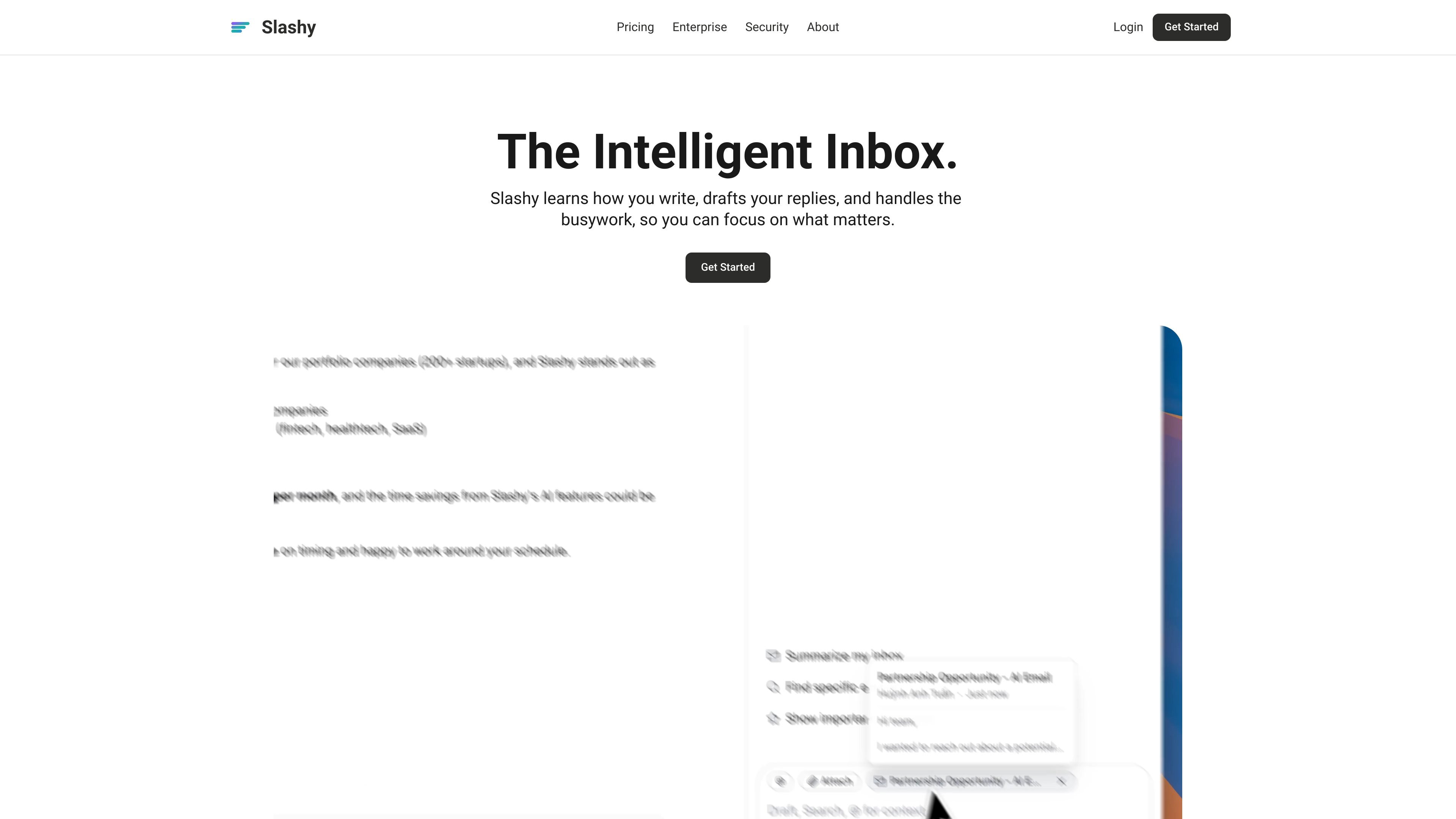
Slashy is an AI-native email client designed to reduce manual inbox work. It drafts replies in the user's voice, helps manage scheduling and follow-ups, and organizes email so people can move through messages faster.
Across the product site, Slashy is positioned for individuals, teams, and larger organizations. It supports inbox triage, calendar-aware actions, team collaboration, and enterprise controls such as SSO, SCIM, audit logs, and dedicated support.
Slashy writes replies in the user's tone and can draft, polish, rewrite, shorten, and otherwise improve email text from a single prompt or shortcut.
The inbox can sort spam, low-priority mail, labels, and important threads automatically, while also supporting a unified inbox and split inbox views.
Slashy schedules meetings and sends availability directly from email, with support for moving, declining, and rescheduling meetings through AI commands.
The product tracks follow-ups, reminds users when threads go quiet, and can turn email into tasks or calendar events with attendees and links pre-filled.
Slashy can learn tone, routines, VIPs, and preferences from the inbox, then use that context for drafts and replies.
The site shows team features such as team scheduling, private comments on threads, shared workspace controls, and enterprise SSO/SCIM.
Use Slashy to draft replies in your own tone, shorten or rewrite messages, and keep a steady response style without starting from scratch each time.
Use the calendar sidebar and availability tools to propose times, insert availability, or reschedule meetings directly from an email thread.
Use the follow-up reminders and task tracking features to keep important conversations from going cold and to turn action items into tracked work.
Use the unified inbox, split inbox, auto-labeling, and spam handling to make a crowded mailbox easier to scan and prioritize.
Use the team scheduling, comments, and enterprise controls when multiple people need to coordinate around shared mail, access, or setup.
Slashy offers a 7-day free trial on the Professional plan. The pricing page says a credit card is required to start the trial.
Yes. The pricing page lists an Enterprise plan with bespoke pricing and says to contact sales.
Slashy presents itself as an AI email product for individuals, teams, and larger organizations. The pricing page highlights deep automation and personalization for Professional, and scale, SSO, SCIM, and dedicated support for Enterprise.
Slashy can draft replies, manage scheduling, organize inboxes, and handle follow-ups. The site also shows team collaboration features such as team scheduling and private team comments.
The site says Slashy works with email providers such as Gmail and Outlook, and the About page says it should work wherever you work: Gmail, Outlook, or right here.

Liam is an AI copilot for managing inboxes, writing replies, prioritizing email, and scheduling meetings. It is offered free for individuals, with custom pricing for teams and enterprise.

Biji is a versatile platform designed to enhance productivity through innovative tools and features.

Gemma AI is a phone call reminder app that calls you with scheduled reminders instead of push notifications, with Google Calendar sync and natural voice interaction.

ClawTick is an AI agent automation platform for scheduling jobs from the CLI, dashboard, or REST API. It is aimed at developers and teams running LangChain, CrewAI, webhook, or custom agent workflows that need monitoring, alerts, and logs.

Dirac is an AI email assistant for Gmail that prepares a morning brief, prioritizes important threads, and drafts replies in your voice.

AgentMail is an email inbox API for AI agents to create, send, receive, and search messages via REST APIs and SDKs. Built for threaded workflows, verification, support, scheduling, and approvals.