
Automatic trip tracking
The app detects when you start driving and records the route automatically in the background, so you do not need to start and stop trips manually.

Smart Miles is a mileage tracker app that automatically logs drives and exports tax-ready mileage reports for business deductions or reimbursement.
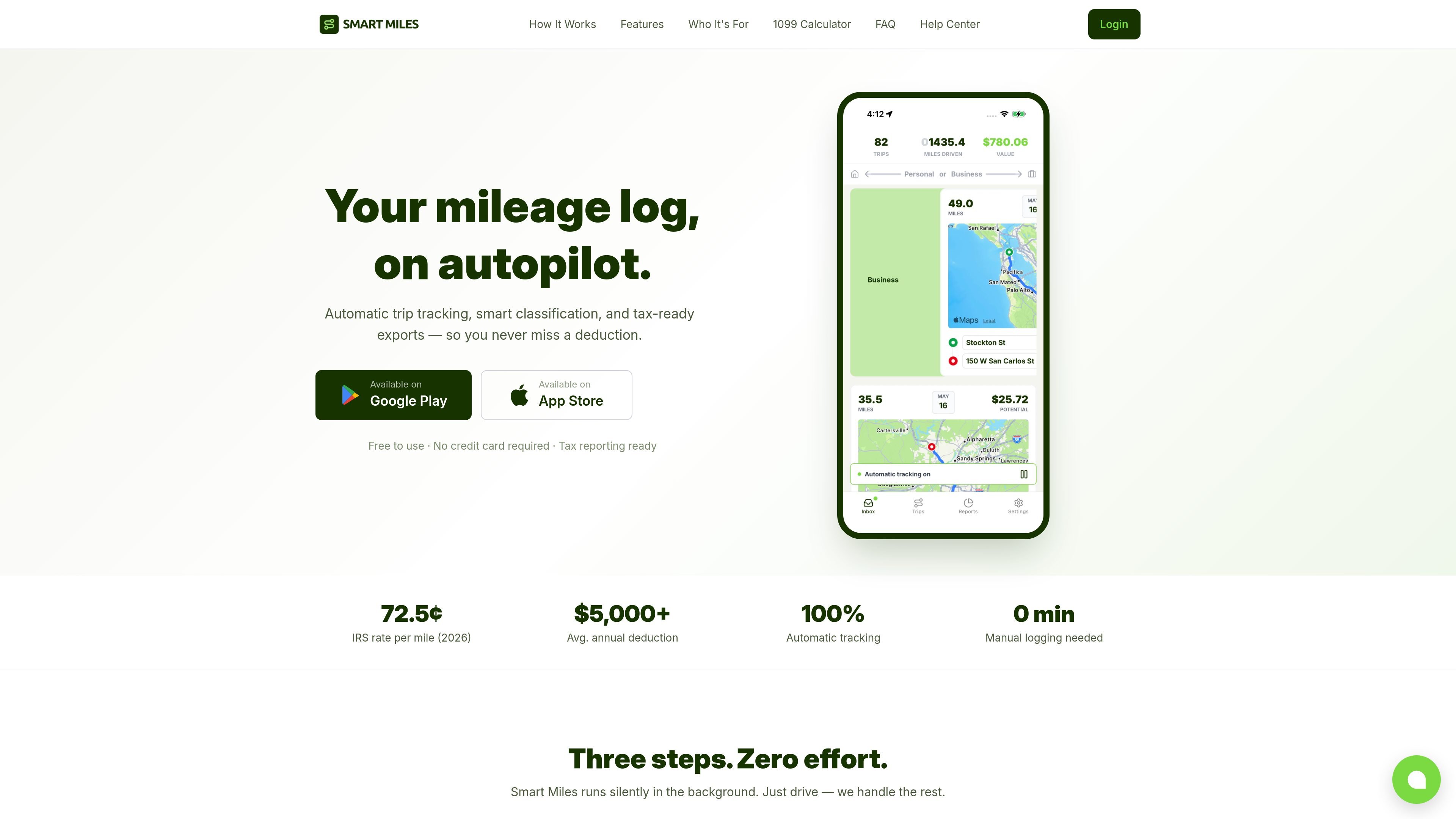
Smart Miles is a mileage tracker app for drivers who need a record of business trips for taxes or reimbursement. It automatically detects drives, records routes in the background, and turns them into a mileage log with the details needed for reporting.
The product is built around a simple workflow: drive, classify trips as business or personal, and export a tax-ready report when needed. It supports manual trip entry, recurring-route classification, and a web dashboard for reviewing and exporting trips from a browser.
The app detects when you start driving and records the route automatically in the background, so you do not need to start and stop trips manually.
Trips are captured as road-level routes with GPS-based start and end addresses rather than straight lines between two points.
Trips can be sorted with swipe gestures, or by using automatic rules based on your work hours and frequent routes.
When a drive is missed, you can add it manually with trip details and let the app calculate the distance.
Export tax-ready CSV files with date, start and end address, purpose, miles, and value for accounting or filing.
The app includes a browser-based dashboard for viewing, editing, filtering, and exporting trips.
Agents who drive between showings, open houses, inspections, and client meetings can keep a mileage log without starting and stopping a timer for each trip.
Outside sales reps can track client visits, territory drives, conferences, and other road time, then export reports for reimbursement or tax records.
Rideshare and delivery drivers can log many short trips automatically and review the results later instead of reconstructing drives from memory.
Contractors, freelancers, and small business owners can record job-site visits, supply runs, and client meetings as they happen.
Users who forget an occasional drive can add it manually and still keep the mileage log complete for the year.
Smart Miles uses your phone’s motion sensors and GPS to detect when you start driving. It records the route in the background, then processes the trip with start and end addresses, distance, and a map.
Yes. The app captures the fields needed for mileage deductions, including date, destination, business purpose, and miles driven, and it can export a CSV with those fields for an accountant or tax software.
Yes. You can tap the plus button to add a trip manually with start and end locations, date, time, and purpose, and the app calculates the driving distance automatically.
Every Smart Miles account includes a web dashboard where you can view, edit, filter, and export trips from a browser.
Smart Miles includes the official IRS standard mileage rates, updated yearly, and also supports custom rates if an employer reimburses at a different amount.

PromptScout tracks how ChatGPT, Gemini, Google AI Overviews, and Perplexity mention your brand or competitors, with source analysis and website audits.

Goldfish is an AI memory app for macOS that helps you reply, write, summarize, and continue with context already on your Mac. It stores memory locally and writes in your tone.

ArtDeck is a visual reference board app for iPhone, iPad, and Mac. Collect mixed references on one canvas and study them with ToolBox lenses. Offline, optional iCloud sync, one-time purchase.

Biji is a versatile platform designed to enhance productivity through innovative tools and features.

Malyatko is a baby tracker for feeding, sleep, growth, teething, and milestones. Use it on iPhone, Apple Watch, and widgets offline, with iCloud sharing.

Sleek Analytics is a privacy-friendly web analytics tool with real-time visitor tracking, Core Web Vitals, and revenue attribution.