
Auto-island detection and bottom-center alignment
Detects the visible bounds of each sprite, trims transparent dead space, and aligns frames to the bottom-center anchor so characters sit consistently in the final sheet.

SpriteFix cleans up sprite sheets for game developers, aligning frames, normalizing layouts, and repacking assets into engine-ready output.
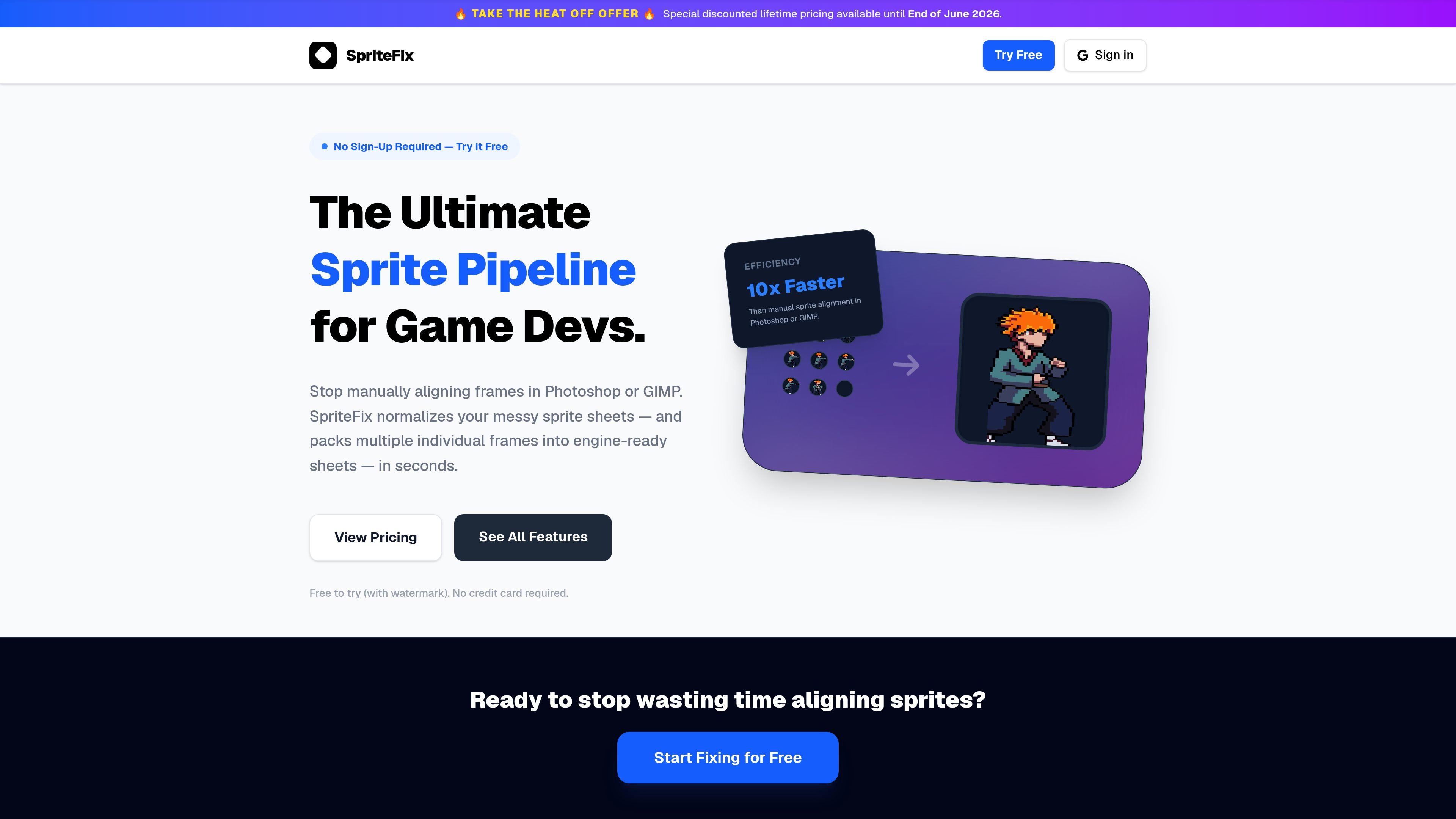
SpriteFix is a web-based sprite sheet fixer for game developers who need to clean up messy animations and turn them into engine-ready output. It standardizes frame sizing, aligns sprites to a bottom-center anchor, and repacks assets into clean strips, grids, or ZIP archives.
The product is built for workflows that start with rough texture atlases, mixed-size frame folders, or uneven sprite sheets. Its workspace supports automatic island detection, strict grid slicing, live previewing, and reprocessing so users can inspect the result before downloading.
Detects the visible bounds of each sprite, trims transparent dead space, and aligns frames to the bottom-center anchor so characters sit consistently in the final sheet.
Takes folders of separate frame images and packs them into a single animation sheet while keeping frame order intact.
Converts between dense grids, horizontal strips, and ZIP archives of individual PNG frames so the same source can be reformatted for different engines.
Lets you preview the processed animation in the browser before downloading, so you can check alignment and frame order without re-uploading.
Supports strict output sizing and frame-count controls such as power-of-two dimensions and fixed frame counts for predictable slicing.
Provides strict grid slicing for sheets that cannot be separated by transparency alone, which is useful when frames touch or overlap.
Convert uneven or messy sprite sheets into clean, uniformly aligned outputs that are ready for engine import.
Upload a folder of individual frames and turn it into a single ordered sprite sheet without manual compositing in Photoshop or GIMP.
Reformat sprite data for a different engine by changing between rows, grids, and ZIP exports as needed.
Preview playback in the browser before export to confirm frame order, alignment, and whether the animation sits correctly on the ground plane.
Slice sheets that contain touching or overlapping frames using strict grid rules when transparent-space detection is not enough.
SpriteFix automatically standardizes sprite sheets by detecting sprite bounds, aligning frames to the bottom-center, normalizing dimensions, and repacking the result into clean rows or grids. It can also export individual frames as ZIP archives on the Pro plan.
SpriteFix accepts PNG, JPEG, and WebP files with RGBA channels. Free and Basic plans allow up to 10 files and 2.5MB total per batch, while Pro allows up to 100 files and 4.5MB total per batch, with each file up to 4096×4096 pixels.
Yes. The free tier allows watermarked exports for testing. A one-time Basic upgrade removes the watermark for clean downloads, and Pro adds larger batching, grid output, strict grid slicing, and ZIP frame exports.
SpriteFix exports standard sprite sheets and, on Pro, ZIPs of individual frames. The site says these outputs are compatible with major engines including Unity, Godot, Unreal Engine, GameMaker, and Cocos2d-x.
For most sheets, yes. The site notes one limitation for extremely dense sequences where the same attack or VFX repeats many times with very little gap: some repetitions may be merged into one frame, and full per-cycle separation is on the roadmap.

GameGrad turns PDF study material into quiz questions that appear inside arcade games, so users can practice active recall while they play. It offers a free tier with one PDF and a Pro plan with more uploads, more questions, and answer explanations.

DailyPlay.ai is a behavioral growth platform using AI site scans and micro-games to boost engagement and conversions across web, mobile, and more.

PixelForge turns a single photo into a game-ready 2D character sprite pack with a 4×4 sheet, transparent frames, direction strips, and looping walk GIFs for Godot, Unity, Phaser, GameMaker, and web games.

Mixels.ai is a browser-based AI pixel art generator for creating 8-bit characters, sprites, avatars, and photo-to-pixel conversions. It is designed for users who want grid-aligned retro artwork without installing software.

Skybox AI by Blockade Labs generates 360° environments, skyboxes, and HDRI assets for creators and teams working in games, XR, visualization, and virtual production. It also offers plugins, SDK access, and custom enterprise project support.

Cascadeur is a standalone 3D keyframe animation tool for humanoid and other character work. AI-assisted posing and physics tools help create, edit, and clean up motion.